 By Sinan Yılmaz
Why Global Teams Need More Than Translated Captions
Translated captions help people follow a call—but they rarely help global teams make decisions, capture commitments, or execute consistently. Here’s the workflow shift: treat translation as one layer in a complete meeting system that turns multilingual conversations into aligned outcomes, owners, and follow-up.
Why Global Teams Need More Than Translated Captions
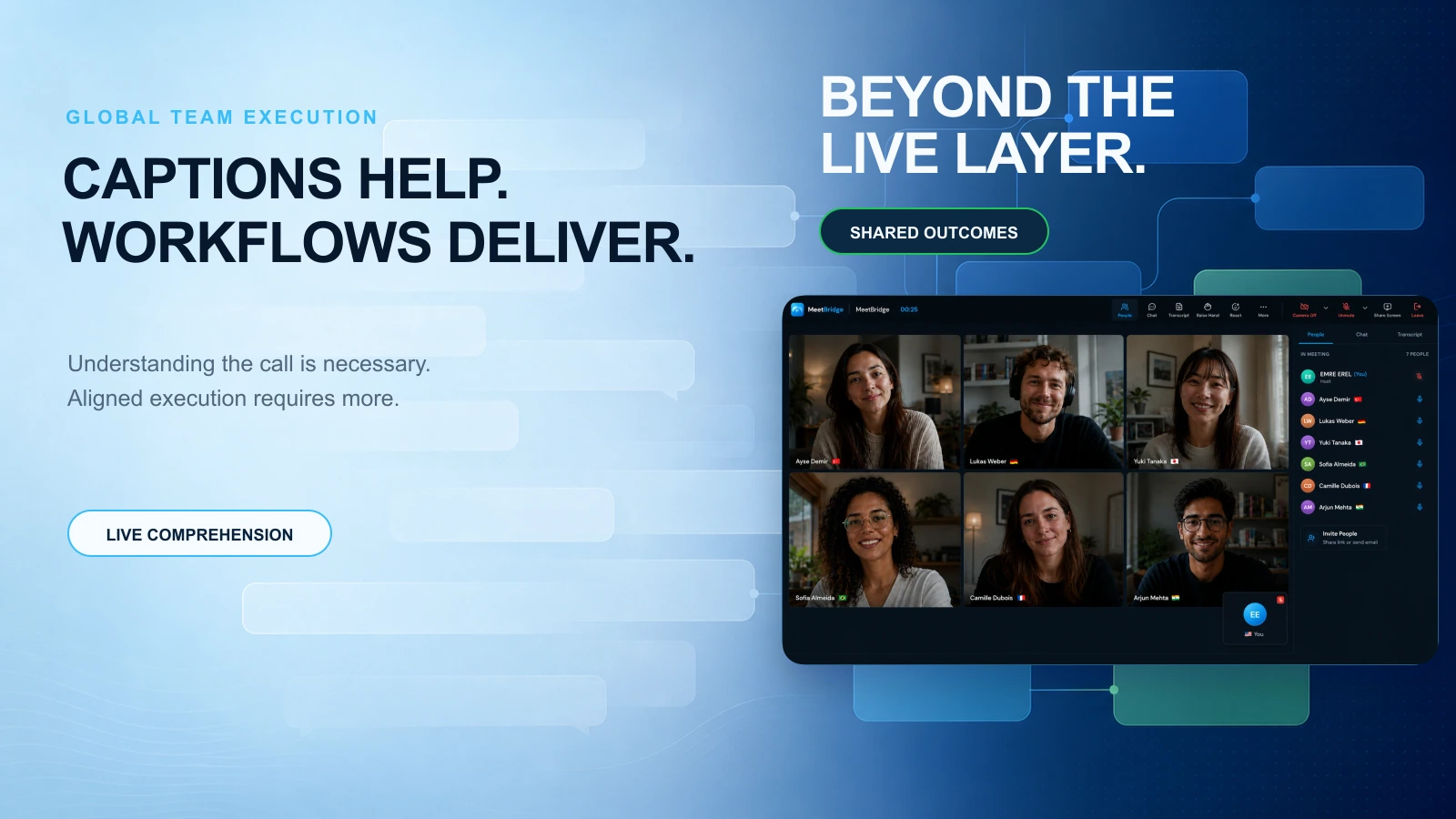
Heads of Operations in global organizations know the pattern: the meeting “went fine,” everyone nodded, and the translated captions seemed to work—yet execution still drifts. Two weeks later, teams in different regions remember different decisions, action items are missing owners, and follow-up happens in scattered chats and emails.
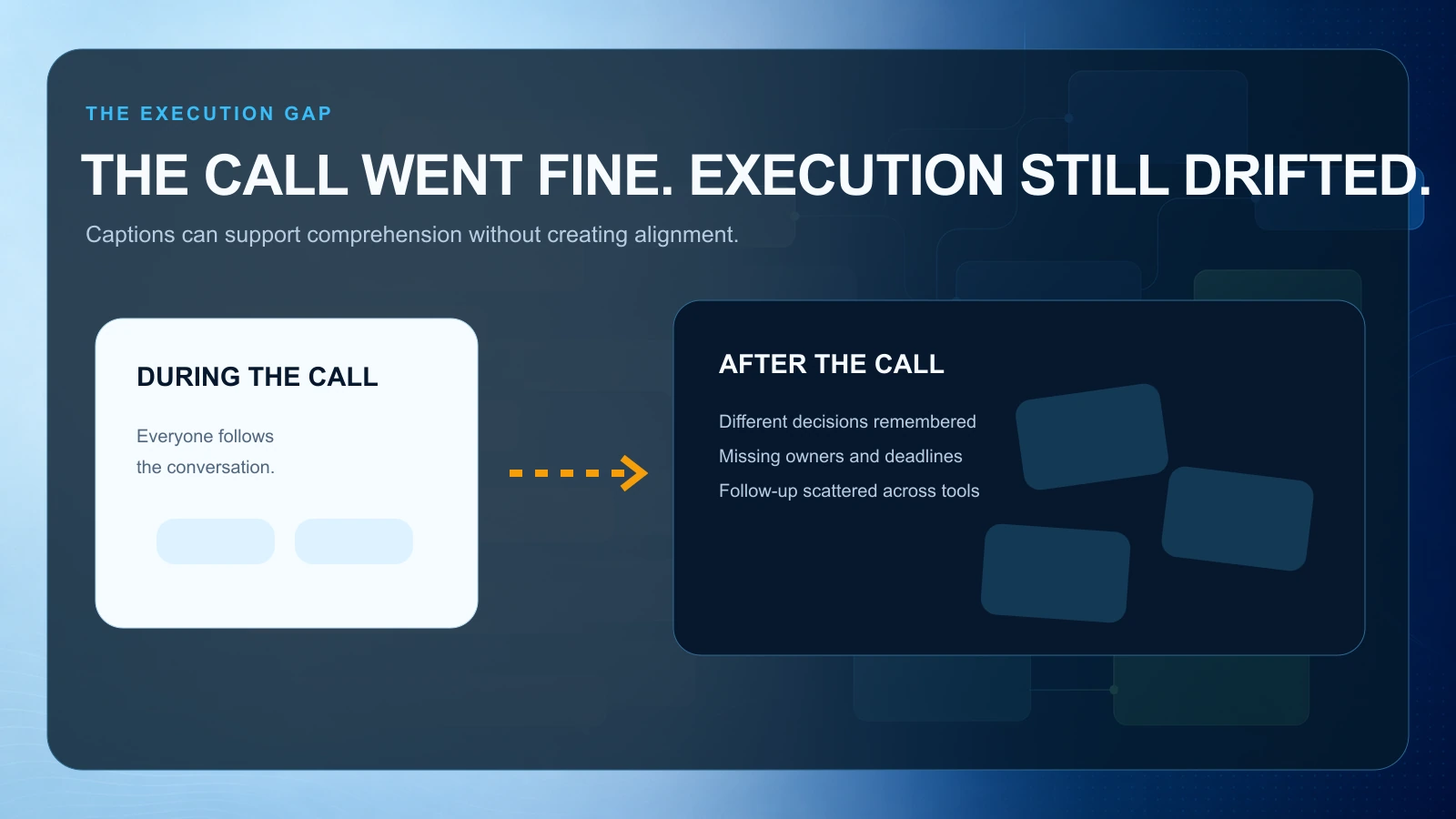
That’s the gap with translated captions for meetings: they improve comprehension in the moment, but they don’t reliably produce shared outcomes. For multilingual teams, translation is necessary—but it’s only one layer of what you need to run meetings that drive execution.
This article breaks down why the problem happens, what workflow shift fixes it, and what better tooling changes for multilingual video meetings—using practical B2B scenarios you’ll recognize.
Why this happens: captions solve understanding, not outcomes
Translated captions (or basic live meeting translation) typically aim at one goal: reduce language friction during the conversation. That’s valuable, but global teams struggle with a broader set of failure points that captions alone don’t address.
1) Captions don’t create a single source of truth
In cross-border meetings, people often leave with different interpretations because:
- The “final decision” was implied, not stated explicitly.
- Nuance gets lost in real-time translation.
- Different functions listen for different signals (Sales hears “timeline,” Legal hears “risk,” Ops hears “dependencies”).
Without a durable artifact—accurate transcript, summary, decisions, and actions—teams default to memory and local notes.
Scenario: A US product lead and a Japan-based engineering manager discuss a launch date. Captions help both follow the discussion, but the product lead hears “we can aim for June,” while engineering hears “June is a stretch; we’ll confirm.” One week later, the roadmap says June, engineering resourcing assumes July, and Ops is stuck arbitrating.
2) Captions don’t capture accountability
Even when action items are spoken, they often aren’t structured:
- “Let’s have someone update the deck.”
- “We should check with procurement.”
- “Can you follow up with the partner?”
In multilingual meetings, indirect phrasing and cultural differences can make ownership even less explicit. Captions display words; they don’t enforce clarity.
Scenario: In an EMEA–LATAM revenue call, the team agrees to “tighten the qualification process.” Captions translate the phrase, but nobody assigns a process owner, a deadline, or a definition of “tighten.” The next pipeline review looks identical.
3) Captions don’t reduce meeting load
Global teams already operate across time zones and calendars. If the only improvement is better comprehension, you still get:
- Repeated meetings to confirm what was decided
- Longer meetings because people re-explain context
- More follow-up calls to align stakeholders who missed the original meeting
A better system reduces the number and length of meetings by making outcomes reusable.
4) Captions don’t handle the “after” (where execution lives)
Most operational risk appears after the call:
- Decisions aren’t written down
- Next steps aren’t tracked
- Stakeholders aren’t looped in consistently
- Customer or vendor follow-up is delayed
Translated captions for meetings are a live layer. Execution requires a post-meeting layer.
The better workflow: treat translation as one layer of a meeting system
If your teams are multilingual, the goal isn’t “everyone understood the call.” The goal is:
1) Everyone can participate in the moment (translation) 2) Everyone can reference what happened later (transcript) 3) Everyone agrees on outcomes (summary + decisions) 4) Everyone knows who does what by when (actions + owners) 5) Everyone can move the process forward without extra coordination (follow-up + booking)
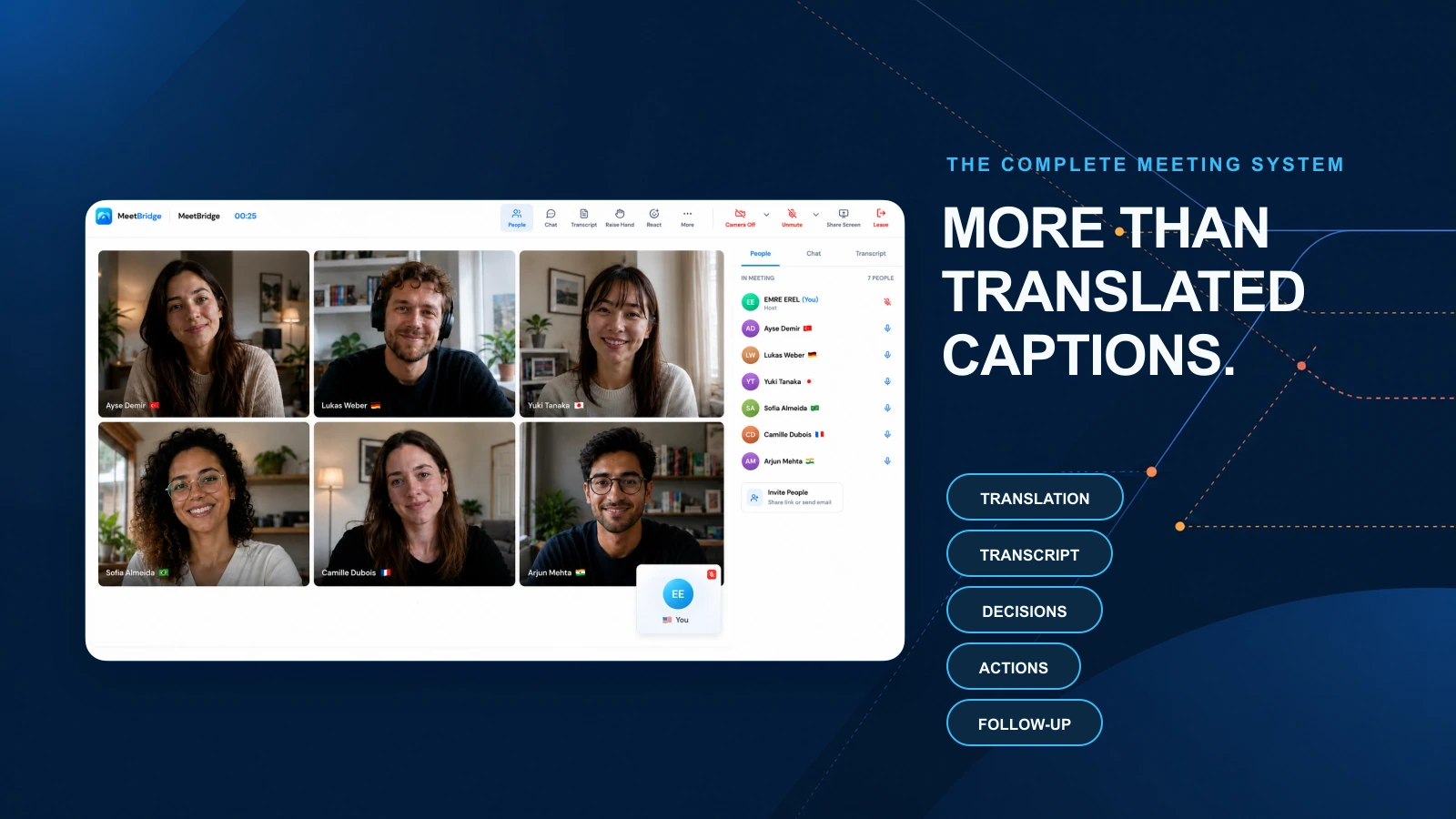
That’s the workflow shift: from translation as a feature to meetings as an operational system.
What changes when you adopt a system mindset
Instead of asking, “Do we have translated captions?” ask:
- Can we capture key decisions in a consistent format?
- Can we assign action items during the meeting (not days later)?
- Can we share outcomes with people who couldn’t attend—in their language?
- Can we standardize follow-up so it doesn’t depend on one coordinator?
When you solve those, multilingual video meetings stop being a coordination tax and start being a scalable operating rhythm.
Prepare well: reduce translation friction before the call
Global meetings go off the rails when participants spend the first 15 minutes aligning on context—and then rush decisions at the end. Preparation is how you protect decision time.
A practical pre-meeting checklist for multilingual teams
Use this checklist for recurring cross-region meetings (weekly ops review, QBR prep, customer escalation, vendor governance).
1) Define the meeting outcome in one sentence
Examples:
- “Decide the launch date and confirm owners for the last three dependencies.”
- “Align on escalation plan and customer communication timeline.”
- “Approve pricing exception and document the rationale.”
If you can’t state the outcome, you’re hosting a status call.
2) Send a one-page pre-read with shared vocabulary
Translated captions for meetings struggle with:
- Product names, internal acronyms, customer-specific terms
- Regional phrasing differences (e.g., “resourcing,” “staffing,” “capacity”)
Add a small glossary to the pre-read:
- Key acronyms (e.g., “SLA,” “MSA,” “PO”) spelled out
- Product/module names
- Customer names and project codes
This reduces real-time confusion and improves the quality of any transcript and summary.
3) Timebox by decision blocks, not agenda topics
Instead of:
- “Pipeline update (15 min)”
Use:
- “Decide which 3 deals get exec support this week (15 min)”
Decision blocks force clarity and reduce “translation drift” where people interpret the same discussion differently.
4) Assign roles explicitly
For multilingual meetings, roles reduce ambiguity:
- Facilitator: keeps to outcomes and timeboxes
- Decision owner: makes the call (or confirms approval path)
- Scribe: ensures actions/decisions are captured in real time
Modern tooling can automate most of the scribe work, but the role clarity still matters.
Capture outcomes: turn multilingual conversation into decisions and actions
This is where translated captions for meetings reach their limit. You need a way to reliably convert the conversation into operational artifacts.
The “DAC” method: Decisions, Actions, Context
For global teams, a lightweight structure works best:
1) Decisions
- What was decided?
- Who approved it?
- Effective date?
2) Actions
- Who owns the next step?
- Due date?
- Dependency/blocked by?
3) Context
- What tradeoffs were considered?
- What risks were accepted?
- What metrics define success?
Translated captions help people follow the discussion; DAC ensures everyone leaves with the same reality.
Concrete B2B scenarios (and what to capture)
Scenario A: Cross-border product launch readiness
Meeting: US Product + India Engineering + Germany Support
- Decision: Launch moves from June 10 to June 24 due to performance testing.
- Actions:
- Engineering: finalize load test by June 14
- Support: update macros and training by June 18
- Product: customer comms draft by June 12
- Context: Risk accepted: limited feature set for first release; success metric: <2% crash rate.
Captions help the call. Outcomes help the launch.
Scenario B: Vendor governance and contract renewal
Meeting: Procurement (UK) + Legal (US) + Vendor (France)
- Decision: Renew for 12 months with revised uptime SLA.
- Actions:
- Legal: redline SLA section by Friday
- Vendor: confirm service credits structure by Tuesday
- Procurement: update PO request once redlines approved
- Context: Renewal contingent on Q3 security audit completion.
Here, “live meeting translation” matters, but the bigger value is preventing renewal delays from unclear next steps.
Scenario C: Customer escalation across regions
Meeting: APAC CS + US Engineering + LATAM Implementation
- Decision: Ship hotfix within 48 hours; interim workaround approved.
- Actions:
- Engineering: hotfix plan + ETA today EOD
- CS: customer update cadence every 12 hours
- Implementation: validate workaround steps in customer environment
- Context: Known limitation documented; risk accepted for 1 week.
In escalations, the cost of ambiguity is high. Captions reduce friction; structured outcomes reduce risk.
Scale the process: standardize follow-up so it doesn’t depend on heroes
Most global teams don’t fail because they can’t translate. They fail because the follow-up system is inconsistent.
A repeatable post-meeting workflow (copy/paste)
Use this after any multilingual video meeting that includes decisions or commitments.
1) Within 30 minutes: publish the meeting outcome pack
- Summary (5–10 bullets)
- Decisions (explicit)
- Actions (owner + due date)
- Open questions / risks
2) Within 2 hours: notify stakeholders who didn’t attend
- Send the summary in the stakeholder’s preferred language if possible
- Highlight what changed (decision impact) and what’s needed from them
3) Within 24 hours: confirm action acceptance
- Owners acknowledge they own the task
- Deadlines are realistic and dependencies are named
4) Before the next meeting: auto-generate a roll-forward agenda
- Start with last meeting’s actions and decisions
- Only add new topics if they require a new decision
This workflow is what makes multilingual meetings scalable: it reduces rework, prevents “shadow decisions,” and creates continuity across time zones.
What better tooling changes (beyond translated captions)
To run this workflow consistently, you need tooling that supports:
- High-quality live translation during the meeting
- Accurate transcripts for auditability and reference
- meeting summaries that separate signal from noise
- Decision and action capture that’s easy to review and share
- Follow-up actions that connect to your operating rhythm
- Booking flows so next steps don’t turn into email ping-pong
When these are fragmented across multiple tools, Ops teams end up doing manual stitching—copying notes, chasing owners, and reformatting summaries for different regions.
How MeetBridge Fits (without changing how your teams talk)
MeetBridge is designed for multilingual teams who need more than translated captions for meetings. The core idea is simple: keep the conversation natural, while the system captures outcomes and drives follow-through.
During the meeting: participation without language drag
MeetBridge supports live meeting translation so participants can follow and contribute in real time. That reduces the “quiet room” problem where non-native speakers hold back because they can’t jump in fast enough.
After the meeting: outcomes that are easy to act on
Instead of leaving you with only a recording and captions, MeetBridge brings the rest of the system into the same flow:
- Transcripts you can reference when nuance matters
- meeting summaries that highlight what changed, what was decided, and what’s next
- Decisions and action items captured so accountability is clear
- Follow-up actions so Ops doesn’t have to chase everything manually
- Booking links/flows to schedule the next step immediately (customer follow-up, vendor review, internal alignment) without back-and-forth
The practical benefit for a Head of Operations: fewer “alignment meetings,” faster handoffs across regions, and less risk that execution depends on one person’s notes.
If you’re already using multilingual video meetings daily, MeetBridge helps you turn them into a repeatable operating mechanism—translation plus transcripts, summaries, decisions, actions, and follow-up in one place.
A quick self-audit: are captions masking an execution problem?
If you have translated captions today, run this 5-minute audit on your last 10 cross-region meetings:
1) Can you find the decision in under 60 seconds? 2) Is every action item assigned to a single owner? 3) Do action items include a due date (not “ASAP”)? 4) Did stakeholders who missed the call receive a usable summary? 5) Did the next meeting start with a review of prior actions?
If you answered “no” to 2+ questions, the issue isn’t translation—it’s the lack of a meeting-to-execution workflow.
FAQ
Are translated captions for meetings enough for global teams?
Translated captions are a strong starting point for comprehension, but they rarely ensure alignment on decisions, owners, and deadlines. Global teams typically need translation plus transcripts, structured summaries, and a consistent follow-up process to prevent drift across regions.
What’s the difference between translated captions and live meeting translation?
Translated captions usually refer to on-screen text translation during a call. “Live meeting translation” often implies broader support for multilingual participation (and sometimes better handling of speaker changes and context). In practice, both are still “in-meeting” solutions; teams also need post-meeting artifacts like transcripts, summaries, and actions.
How do we reduce misalignment when multiple languages are involved?
Use a decision-first agenda, define outcomes upfront, and capture decisions/actions in a structured format (owner + due date + dependency). Then publish a short outcome pack quickly after the meeting—ideally in the recipient’s preferred language when possible.
How can we make multilingual video meetings shorter?
Shorten meetings by protecting decision time: send a pre-read with shared vocabulary, timebox by decisions (not topics), and reuse a consistent summary/action format so people don’t need repeat calls to confirm what happened.
See MeetBridge in action
If your teams rely on translated captions today but still struggle with follow-through, it may be time to treat translation as one layer of a complete meeting system. See MeetBridge in action to understand how live translation, transcripts, meeting summaries, decisions, actions, booking flows, and follow-up can work together for multilingual teams.
FAQ
How does MeetBridge help multilingual meetings?
MeetBridge combines live translation, transcripts, and meeting summaries so teams can understand each other in real time and still keep a structured meeting record.
Can teams use MeetBridge before and after the meeting as well?
Yes. Teams can collect context with booking links and custom questions before the call, then review transcript and action outputs after the call.
Is MeetBridge only for one department?
No. Sales, HR, customer success, consulting, and global operations teams can all use the same workflow for multilingual communication and follow-up.