

Live Translation vs Translated Captions: What Is the Difference?
Translated captions and translated speech are both live translation. Compare reading and listening, guest access and saved meeting outputs to choose a format for sales calls, renewals and global meetings.
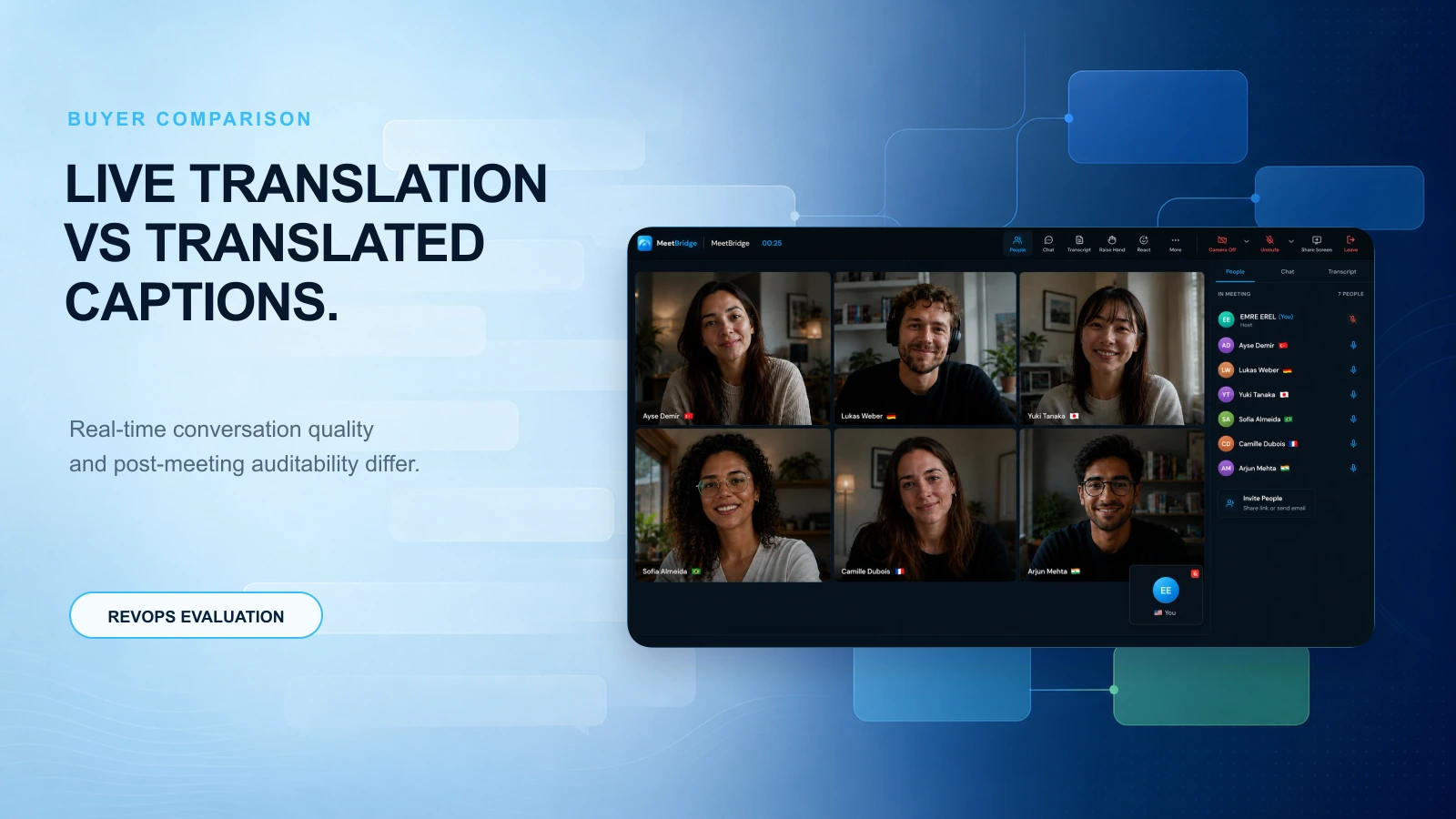
Live Translation vs Translated Captions: What Is the Difference?
Translated text and translated speech are both live translation
Translated captions display translated speech as text while people are talking. Speech-to-speech translation delivers translated audio. Both can support an interactive meeting. The output format alone does not establish which product is faster, more accurate or better at preserving intent. Evaluate the actual language pair, terminology, audio conditions and participants' needs.
When translated captions may fit
Choose readable text when participants want to see terms, revisit a phrase during the conversation or use the accessibility features of their meeting platform. Captions can support questions and negotiations as well as presentations. Check language availability, licensing and whether the caption text can actually be retained.
When translated speech may fit
Choose translated audio when participants prefer listening or need to watch a demo instead of reading a caption stream. Test turn-taking, overlapping speech and the audio route with your real guests. Audio output is not, by itself, evidence of higher translation accuracy or lower latency.
Compare delay, meaning and participation in a real pilot
Both formats can introduce delay or mistranslate a key term. Use the same short conversation to check when the translation arrives, whether qualifications survive and whether participants can interrupt or clarify comfortably. Confirm numbers, commitments and next steps explicitly. Neither format replaces appropriate human review when an error would have serious consequences.
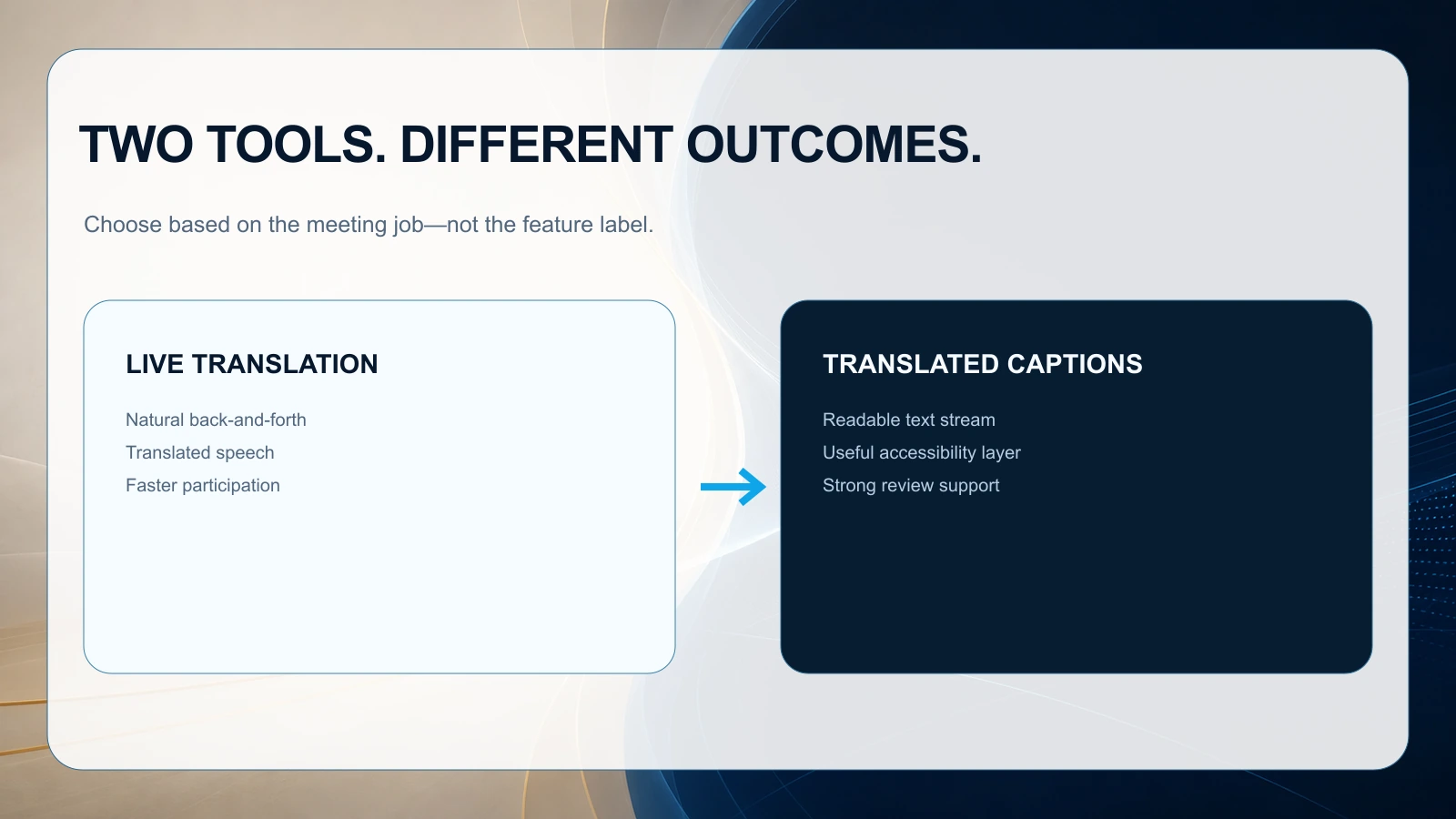
Record and follow-up differences: what you can do after the meeting
A live translation output and a saved meeting record are different capabilities. Either a caption-based or an audio-based product may offer a transcript or summary, depending on its features and plan. Verify retention, speaker labels and export separately. Suggested action items need human review; they do not establish automatic ownership, task execution or message delivery.
Most buying teams underestimate this part. The real cost of multilingual meetings often shows up after the call: handoffs, follow-ups, and internal alignment.
1) Transcript quality and auditability
- Captions may not equal a full, structured transcript. Even when they do, you may lack speaker attribution or clean formatting.
- A meeting platform that pairs live translation with transcription gives you a durable record—critical for regulated industries, complex deals, or long implementation cycles.
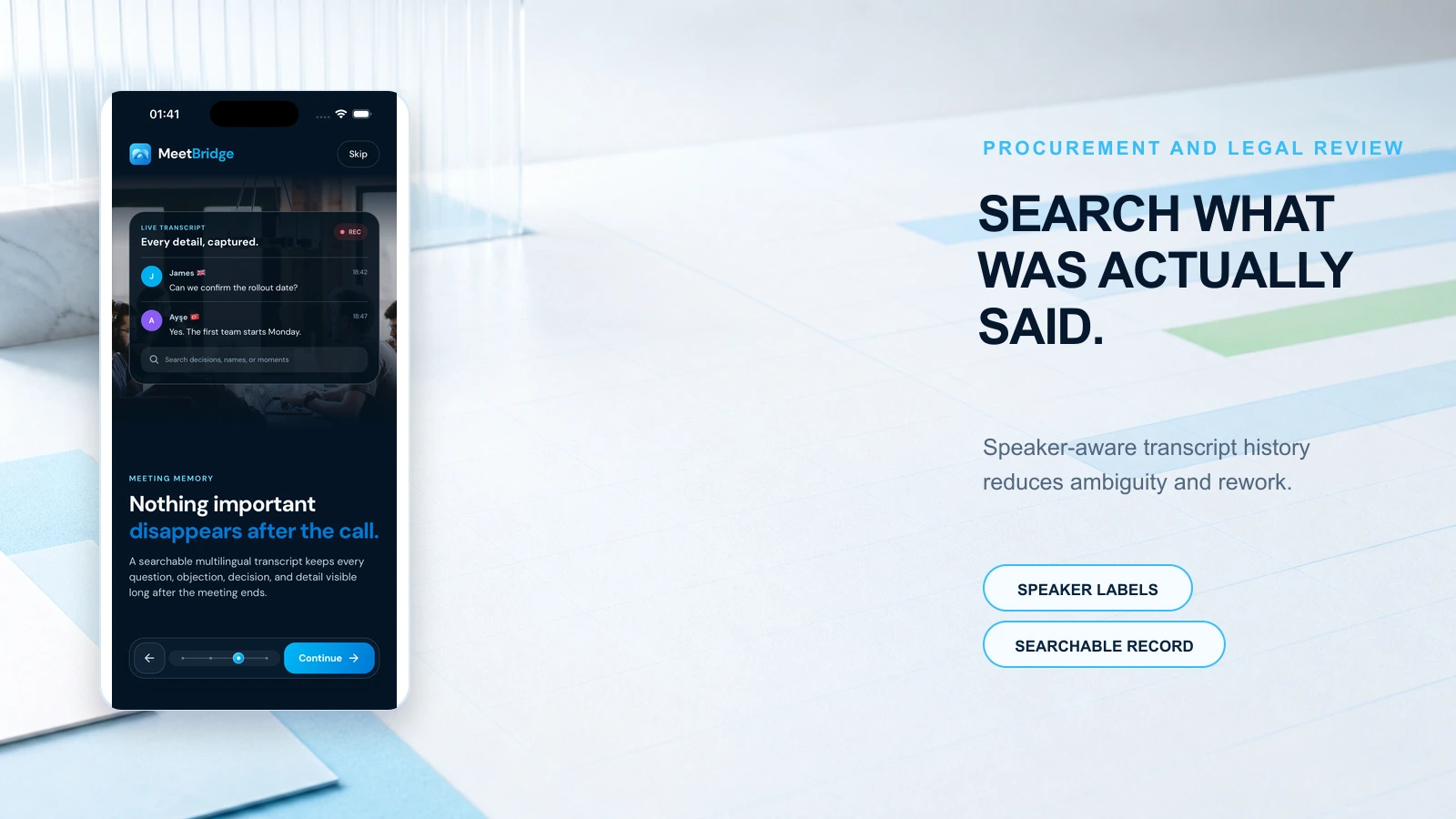
B2B scenario: procurement and legal review After a multilingual negotiation, procurement asks, “Did the vendor commit to SOC 2 Type II by end of quarter?” A searchable transcript with clear speaker labels reduces back-and-forth and protects your team.
2) Summaries that reflect decisions, not just topics
A translated caption stream can help someone follow along, but it doesn’t automatically produce:
- decision logs
- risk lists
- action items by owner
- follow-up emails in the right language
For RevOps, this is where cycle time is won or lost.
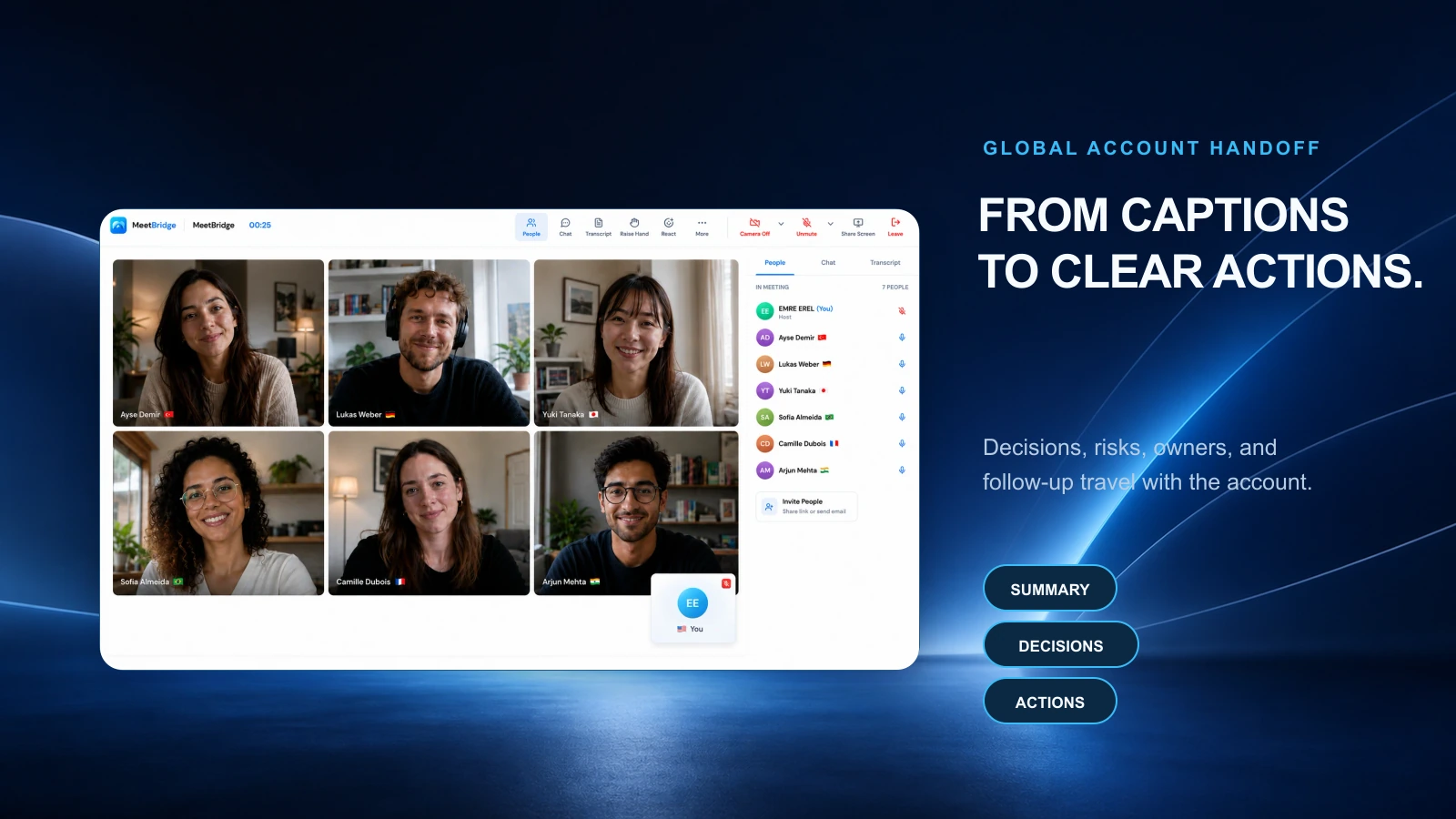
B2B scenario: global account handoff An EMEA AE closes a deal; an APAC CS team inherits onboarding. If the follow-up is a loosely translated recap, CS starts from scratch. If the system produces a structured summary (goals, scope, stakeholders, deadlines) and actions, onboarding starts immediately.
3) Multilingual follow-up depth
A strong follow-up often includes:
- recap in the customer’s language
- next steps with dates
- links to booking and resources
- confirmation of requirements
Captions don’t solve that workflow. You still need someone to translate and compose.
4) Knowledge sharing across regions
If your org sells globally, you want insights to travel:
- objections that appear in LATAM
- feature requests from DACH
- pricing sensitivities in APAC
A system that combines translation with transcripts and summaries makes this reusable without relying on bilingual “heroes.”
Trade-offs: reading, listening, access and retained outputs
Compare the effort of reading with the convenience of listening, the guests' device and license requirements, and the outputs your team can keep. Either format can be suitable for dialogue or a presentation. A separate transcript, reviewed summary and follow-up process may be needed in both cases. This guide does not contain a comparative accuracy or latency benchmark.
What to ask vendors during evaluation
The requirements below are a vendor evaluation checklist, not a list of features guaranteed by MeetBridge. Check the selected meeting format, plan and enabled features. Search across all meetings, automatic task assignment, reminders, CRM updates and message delivery require separate verification; where unavailable, keep those steps in your team's manual workflow.
Use these questions to pressure-test real-world performance:
- Latency: How quickly does translation appear during rapid back-and-forth?
- Speaker attribution: Can we reliably see who said what in transcript and recap?
- Terminology: Can the system handle product names, acronyms, and industry terms?
- Follow-up outputs: Do we get action items, owners, and deadlines automatically?
- Multilingual artifacts: Can we generate summaries and follow-ups in multiple languages?
- Workflow integration: How does it fit into booking, CRM updates, and handoffs?
Practical business scenarios
For a webinar or all-hands, test whether participants can comfortably read captions or prefer listening to translated audio. For a discovery call or renewal negotiation, test questions, interruptions, numbers and caveats in the actual language pair; either output can support dialogue. For an implementation kickoff, confirm scope, owners and dates aloud, then review the retained record. In every scenario, verify transcript and summary availability separately from live translation.
Practical workflow: a buyer’s checklist for multilingual meeting success
Use this as a repeatable workflow to evaluate tools and standardize how your teams run multilingual meetings.
Step 1: Classify the meeting (2 minutes)
- Is it interactive (negotiation, discovery, workshop) or broadcast (webinar, training)?
- Is there financial or legal risk if something is misunderstood?
- Will there be multiple stakeholders who need to review later?
If interactive + high stakes + multiple stakeholders: default to live translation + transcript + summary.
Step 2: Define your “minimum viable artifacts” (before the call)
For customer-facing meetings, require:
- A transcript with speaker attribution
- A summary that includes decisions and open questions
- Action items with owners and due dates
- A follow-up message template (ideally generated) in the customer’s language
Step 3: Run the meeting with language parity
- Encourage each participant to speak in their strongest language
- Confirm key commitments aloud (dates, quantities, responsibilities)
- Reserve 3 minutes at the end for “decision + next steps” recap
Step 4: Produce follow-up within 30 minutes
Your operational standard should be:
- Send recap + next steps same day
- Include booking links for the next meeting(s)
- Attach or link to the transcript and summary for internal stakeholders
Step 5: Feed systems of record (RevOps hygiene)
- Update CRM fields based on the decision recap
- Log stakeholders and risks mentioned
- Attach summary to the opportunity/account for future handoffs
MeetBridge: choose the meeting format before expecting a saved record
A full MeetBridge meeting brings video and live translation into one room. Saved transcripts, summaries and action-item suggestions depend on the host plan and enabled meeting features. Find the meeting in its history, then search text inside that opened meeting; this is not a promise of global semantic search across every conversation. Review the summary, confirm owners and deadlines, and manage tasks or customer messages in your own workflow. Do not assume automatic task assignment, CRM updates or email delivery.
MeetBridge Voice is a separate audio room alongside Zoom, Teams or Google Meet video. The host creates the room on Mac or Windows, and every speaker joins the same Voice invitation through the desktop app or a supported browser. Disable the original platform's microphone and incoming audio. Voice's live transcript view does not guarantee a saved full-meeting record, summary or recording in the video platform. MeetBridge is available on the web and iPhone/iPad; Android is coming soon.
FAQ
What is the difference between translated captions and translated speech?
Translated captions display translated speech as text while people are talking. Speech-to-speech translation delivers translated audio. Both can support an interactive meeting. The output format alone does not establish which product is faster, more accurate or better at preserving intent. Evaluate the actual language pair, terminology, audio conditions and participants' needs.
Can translated captions suit sales calls and negotiations?
Translated captions can be suitable for sales calls and negotiations when participants can read the output comfortably and the language pair performs well. Translated audio may suit other participants better. Test your own call, confirm important terms, and decide separately which transcript, summary and human review the follow-up requires.
How should RevOps evaluate multilingual meeting tools beyond accuracy?
Evaluate:
- latency in interactive dialogue
- terminology handling (product names, acronyms)
- transcript quality and speaker attribution
- ability to produce decision-focused summaries
- action tracking and follow-up generation
- how it fits booking flows and handoffs
MeetBridge is built around this broader workflow, not just the in-meeting translation layer.
Do we still need human translators?
For formal legal documents or high-risk communications, human review can still be necessary. But for day-to-day multilingual meetings, many teams use live translation plus transcripts and summaries to reduce reliance on manual interpretation and speed up execution.
Best next step
The best choice depends on your language pair, guest setup, preferred text or audio output and need for a saved record. MeetBridge can fit teams choosing a full meeting with available record features, or a companion Voice room beside an existing video call. This is a use-case recommendation, not evidence that MeetBridge outperforms every alternative.
FAQ
How does MeetBridge help multilingual meetings?
A full MeetBridge meeting brings video and live translation into one room. Saved transcripts, summaries and action-item suggestions depend on the host plan and enabled meeting features. Find the meeting in its history, then search text inside that opened meeting; this is not a promise of global semantic search across every conversation. Review the summary, confirm owners and deadlines, and manage tasks or customer messages in your own workflow. Do not assume automatic task assignment, CRM updates or email delivery.
Can teams use MeetBridge before and after the meeting as well?
Yes. Teams can collect context with booking links and custom questions before the call, then review transcript and action outputs after the call.
Is MeetBridge only for one department?
No. Sales, HR, customer success, consulting, and global operations teams can all use the same workflow for multilingual communication and follow-up.