
The coordination conversation
01 / Begin with the person
Give the patient room to ask the question they came with.
An international patient may know the appointment date but still have practical questions: Who will meet them? Can a companion join the first discussion? Which team should receive their administrative documents? A short answer in an unfamiliar language can leave the actual concern unexplained. A coordinator needs to hear the question before deciding which department should answer it.
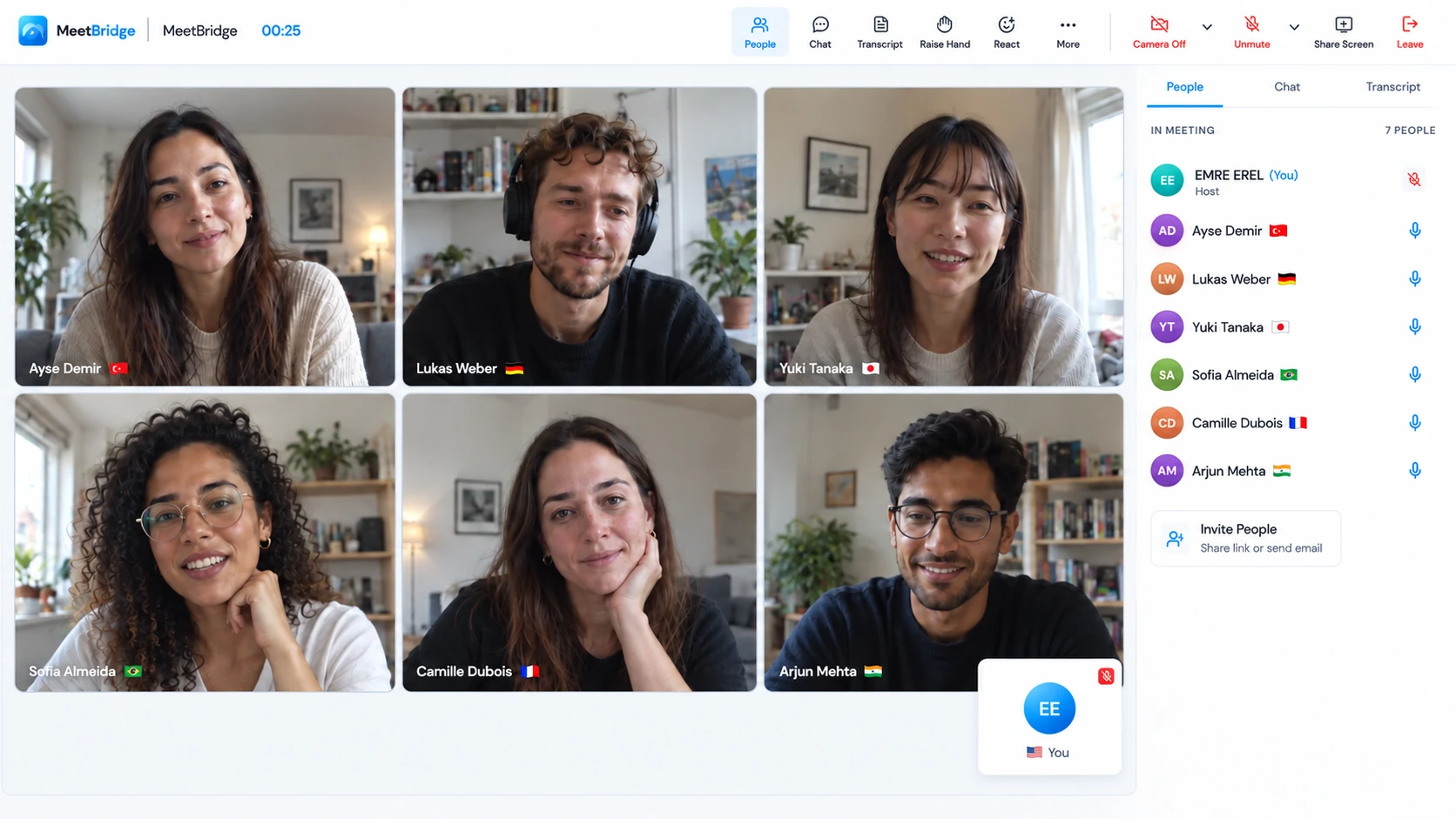
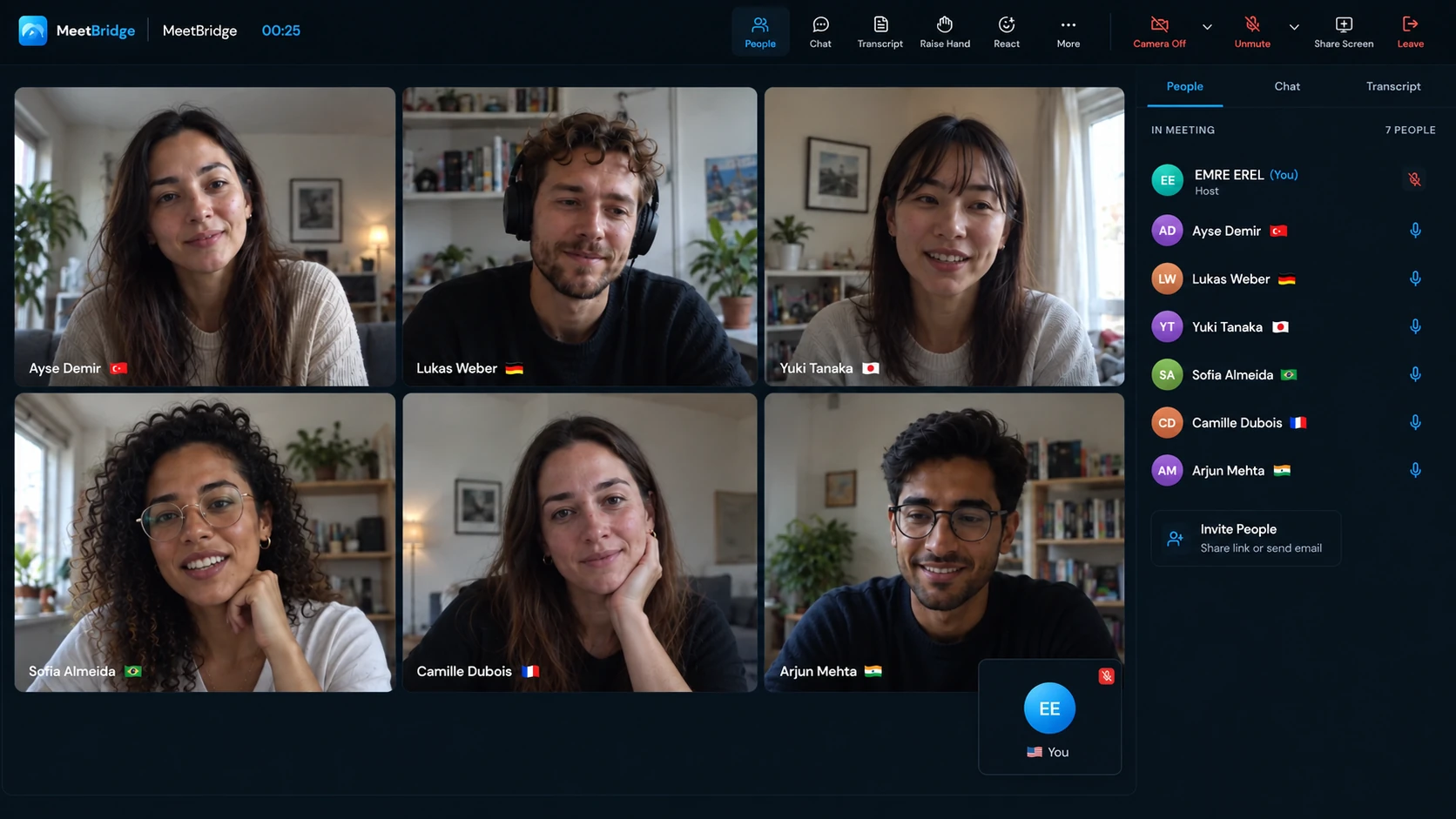
Live translation for health tourism supports that two-way coordination conversation. Each participant selects the language they will speak and hear. MeetBridge delivers translated speech when another person uses a different language; people using the same language hear each other directly. A patient, companion and coordinator can participate without assigning one of them the job of translating every exchange.
Make the purpose of the call specific: arrange an appointment, clarify an arrival plan or identify the next contact. The useful result is a practical next step that the patient can explain back. Clinical assessment, treatment decisions, consent and care instructions require the responsible clinical team and its appropriate qualified language support.
“Which part of the appointment or travel arrangement would you like us to explain?” Let the patient finish. Confirm names, locations and dates in writing when arranging the next step.
02 / Across the patient journey
Follow one administrative question from preparation to handoff.
Consider an illustrative coordination journey: a patient is preparing to travel for an already arranged clinic appointment, and a companion wants to join the arrival discussion. This is a workflow example, not a patient case or a claim about treatment outcomes. The coordinator’s job is to establish the practical arrangement and make unresolved questions visible.
Check what is confirmed and what is still provisional.
Open the current appointment schedule and ask which date, place or contact needs explanation. The patient mentions a changed flight arrival; the coordinator checks whether the arrival contact needs a revised time. Confirm the local time zone and write the exact meeting location. Keep an appointment request separate from an accepted appointment: a useful conversation does not reserve a treatment slot.
End this contact with a small list: the confirmed appointment, the arrival detail awaiting confirmation and the person who will respond. If the patient asks whether a particular travel plan is medically suitable, arrange the appropriate clinical response rather than answering from the administrative schedule.
Include the companion without losing the patient’s own question.
Check that the patient agrees to the companion’s attendance and follow your organization’s participation process. Invite both people to the same conversation; each chooses their language. Ask the patient first whether the written location and contact details are clear. The companion can then ask where to wait or who to contact if the arrival time changes.
Read back the practical arrangement, identify the channel used for updates and send the reviewed details through that channel. A hotel name alone may be insufficient: include the specific entrance or meeting point when your team has confirmed it.
Make the handover useful to the receiving coordinator.
At the next appointment-planning call, start from the confirmed note rather than asking the patient to retell every arrangement. A second coordinator should see which contact was agreed, which question remains open and who owns it. Confirm any change explicitly; do not turn a tentative option mentioned earlier into a promise.
Keep the patient informed about who is taking over. “Our appointment coordinator will answer the scheduling question through the agreed channel” is more helpful than “someone will contact you.”
The CDC’s medical tourism information highlights communication challenges and planning how to communicate with the destination facility. Here, that planning becomes an explicit language choice, joining process and named contact for administrative conversations.
03 / Choose the joining experience
Match the room and language support to the appointment’s purpose.
If you choose the meeting platform, a full MeetBridge meeting keeps video and live voice translation together. Available saved transcripts, summaries and actions can support an administrative recap, depending on your plan and enabled meeting features. This is useful when one meeting invitation and a reviewed follow-up record suit your team’s process.
A full MeetBridge meeting
Bring the participants into one room for video and translated conversation.
Explore MeetBridge meetingsIf the clinic or partner has already sent a Teams, Google Meet or Zoom invitation, use MeetBridge Voice alongside it. Keep video in that platform and move the spoken conversation into a separate shared Voice room. The host creates that room in the desktop app; guests can continue from its public invitation in a supported browser.
MeetBridge Voice alongside your video call
Every speaker joins the same Voice room. Turn off the video platform’s microphone and incoming meeting audio, then speak and listen through Voice.
Get the Voice desktop app| Option | What it provides | What to arrange |
|---|---|---|
| Full MeetBridge meeting | Video and live translated speech in one meeting; record features depend on plan and settings. | One joining process, participant language choices and a reviewed administrative recap. |
| Companion MeetBridge Voice | Translated speech in a separate shared room alongside your existing video invitation. | Both links, all speakers in Voice, original video-platform microphone and incoming audio off. |
| Translated captions in your video platform | Readable translated text where that platform, account and language combination support it. | Check current availability and whether the patient is comfortable following text. Captions alone do not provide spoken translated replies. |
| Qualified clinical language support | The appropriate support arranged by your organization for clinical discussions. | The responsible clinician, approved interpreting process and clinical documentation. |
Voice admission and video-meeting admission are separate. Selecting a platform in Voice labels the room; it does not connect a clinic calendar or import participants. A person who remains only in the video call’s audio is outside the translated Voice conversation.
04 / Make preparation practical
Ask about language before asking someone to join.
Confirm the patient’s preferred language, time zone and expected participants before sending the invitation. State the purpose and approximate agenda: appointment scheduling, arrival arrangements or a practical follow-up. Avoid a broad invitation called “consultation” when only the coordination team will attend. Clear naming helps the patient know which questions can be answered in this contact.
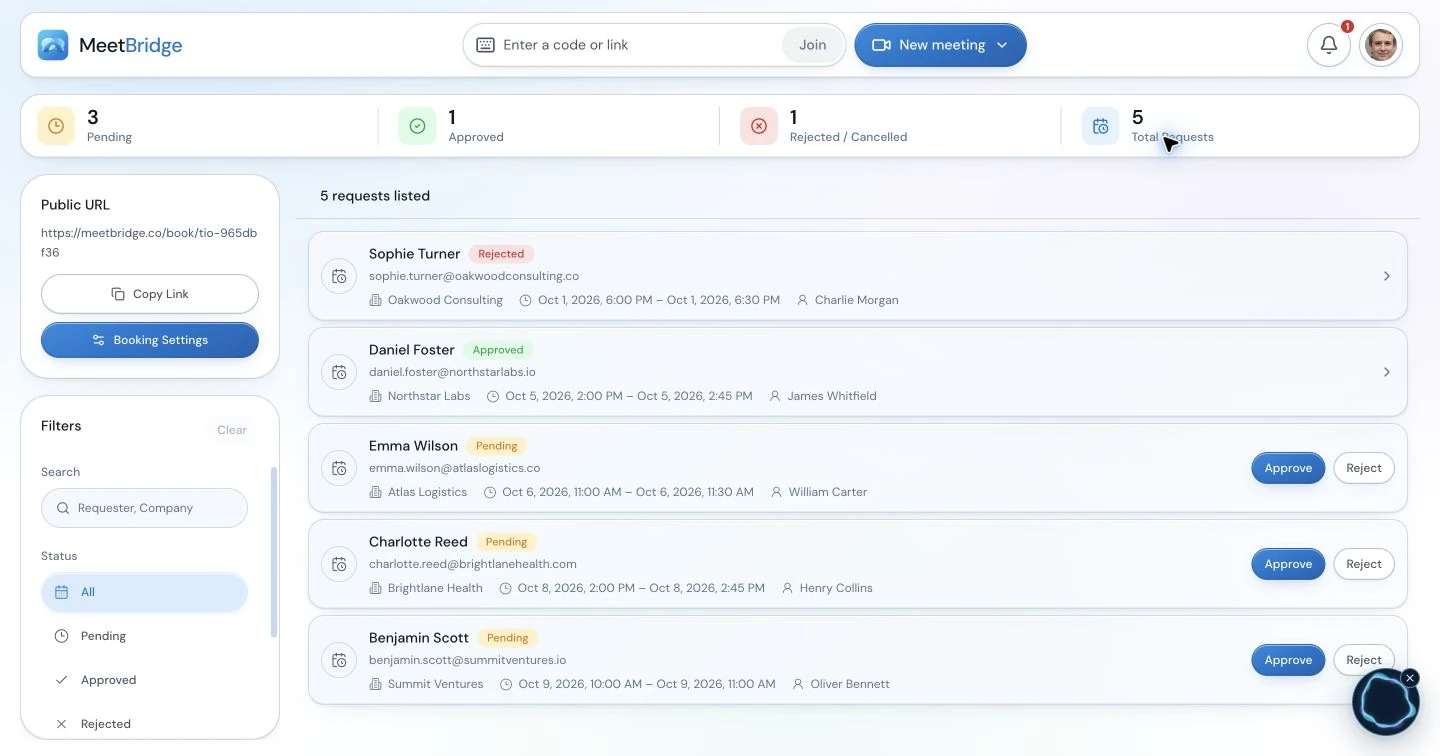
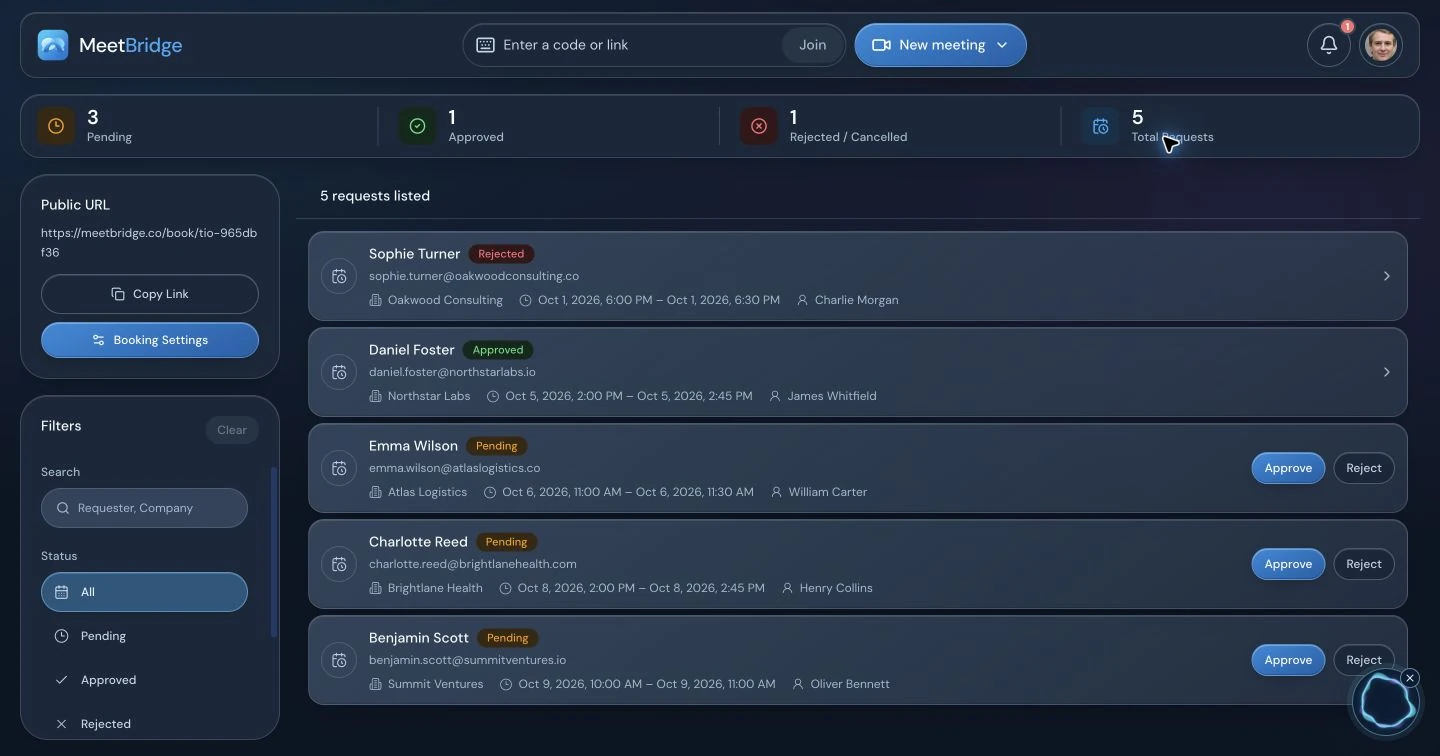
If you use MeetBridge booking links, choose appropriate pre-meeting questions for this context and your organization’s data requirements. A language choice, time zone and administrative question may give the coordinator sufficient preparation without collecting additional medical detail in the joining flow.
“We will review your appointment time, arrival contact and companion’s attendance on [date] at [time and time zone]. Please open [video link] for the camera and [Voice link] for our conversation. You can continue in your browser, choose your language and request admission in Voice. Turn off the video platform’s microphone and meeting sound; leave MeetBridge sound on. Please join a few minutes early. [Coordinator name] will help you with the setup and send the confirmed arrangements through [approved channel].”
Replace every placeholder and translate or explain the invitation through your approved communication process when needed. Send it to the invited companion as well as the patient. An invitation that says only “click here” leaves the second audio link and language choice unexplained.
05 / Two links, one speaking path
Set up the patient coordination call in six steps.
These steps apply when you keep an existing video meeting and add MeetBridge Voice. Complete a short practice call internally first, then use the same joining explanation with guests.
Open the video call and turn off its microphone.
Join the clinic’s Teams, Google Meet or Zoom call for cameras and any shared schedule. Mute that application’s microphone. Keep the video link open; the Voice microphone will carry the conversation.
Disable incoming sound from the video platform.
Turn off its meeting audio as well as its microphone. Use the platform-specific setup guide above for the appropriate control. In a browser, silence the video site rather than the whole browser or computer, so the browser Voice room can still play sound.
Create the shared room in the Voice desktop app.
The coordinator hosting the room signs in with MeetBridge, chooses “Create voice room”, selects the video platform and gives the room a recognizable name. Keep unnecessary patient information out of the room title. Room usage comes from the host’s plan; review plans and included usage for repeated appointments.
Select the language, microphone and speaker.
Choose the language you will actually speak and hear. Pick the input and output devices Voice should use and, if desired, a translated voice. “Join with microphone off” lets you enter quietly while preparing. Check the current device if a remembered headset is no longer connected.
Invite every speaker and approve the guest requests.
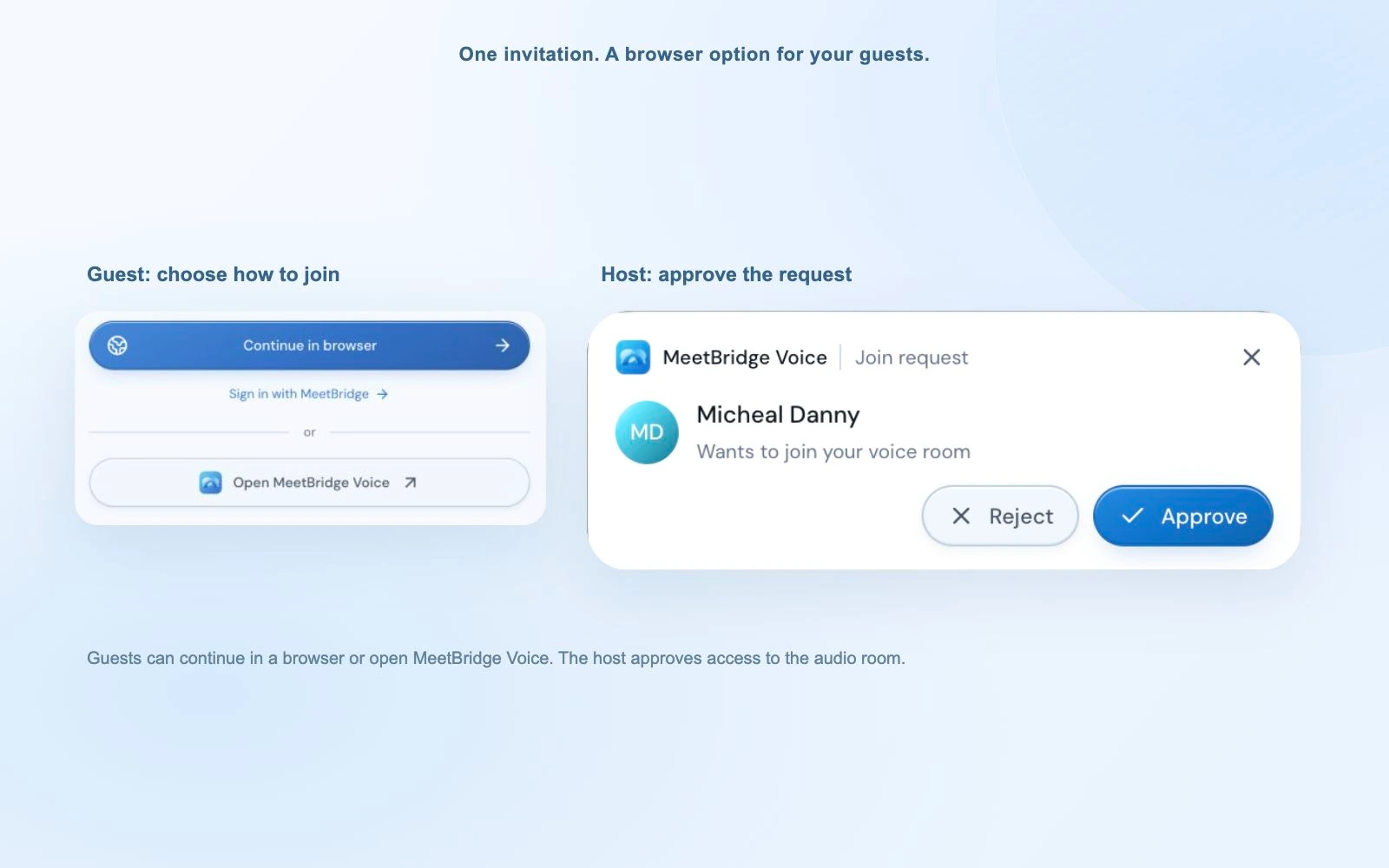
Share the Voice link with the patient, invited companion and participating coordinators. Browser guests allow microphone access for MeetBridge, enter their name and request admission. The host approves them; a signed-in web user can continue with their account. Approval in the separate video call does not approve Voice entry.
Enable playback and try a short exchange.
Wait for “Voice room live”. If the browser asks to enable room audio, select that control. Turn on the Voice microphone and ask a simple question in your selected language. Let each guest reply before beginning the appointment agenda. Keep the Voice tab open while using the video call.
A useful opening check is “Can you hear me, and which language have you selected?” Verify both directions. A visible camera image confirms the video connection, not the Voice microphone, admission or playback.
06 / Keep ownership visible
The coordinator hosts the room; each participant controls their own audio.
Assign one coordinator to joining support so the person explaining arrangements can concentrate on the patient’s question. In a small call these may be the same person, but the responsibilities should still be explicit. A late-arriving companion needs the same language and audio check before contributing.
| Host coordinator | Patient, companion and other guests |
|---|---|
| Create the room, send both links and approve the expected people. | Open both links, request Voice admission and select their own language. |
| Check both participant lists and explain the speaking order. | Allow Voice microphone access and disable the video platform’s microphone and incoming audio. |
| Keep the arrangement visible, name open questions and review the recap. | Ask for clarification and confirm practical details against the written version. |
| End the Voice room for everyone when finished; close the video meeting separately. | Leave both connections and restore any changed video-site sound setting for later calls. |
The host’s plan supplies Voice usage. Guests can request admission without buying their own subscription. That does not remove the need for a host to check available room usage and meeting features before a series of appointments.
07 / Make space for clarification
Use the translated conversation to resolve one practical detail at a time.
Start by naming the participants and the call’s purpose. Ask one question, allow the patient to answer and leave room for translated speech to finish. If two people start talking, ask them to take turns rather than trying to infer which answer belongs to which question. Return to the patient after a companion contributes.
Keep the current schedule or arrangement visible. Say the full date and time zone rather than “next Monday”, and show the confirmed address instead of relying on its pronunciation. For a contact name or booking reference, ask for written confirmation. The live text can help revisit a phrase, but generated speech and text can contain errors.
Personal listening levels help when one participant is louder than another. When translation is ready, Voice plays the original speaker at 10% of your listening level by default. Turn off “Hear original voice at 10%” in Audio settings if you prefer translated speech alone. This affects your listening mix; original speech remains normally audible while translation is preparing or unavailable, and same-language participants are heard directly.
08 / Match support to the discussion
Give coordinators a practical route for clinical questions.
An arrival conversation can move into a question about treatment, suitability or care. The coordinator should acknowledge the question, identify the responsible clinical contact and arrange the appropriate discussion. Keep the original question intact rather than rewriting it as an administrative answer.
The AHRQ guidance on telehealth consent recommends qualified interpreting throughout the consent discussion and checking understanding. Use your organization’s approved clinical language support for consent, assessment and care instructions. A companion’s attendance and a fluent AI translation do not establish that a clinical explanation has been understood.
Review what data belongs in the coordination call and how cloud speech processing fits your organization’s requirements before rollout. Read MeetBridge security information and meeting voice processing with the responsible team. This workflow does not provide a healthcare compliance certification, clinical record system or clinical translation accuracy guarantee.
09 / Resolve the joining problem
Check admission, devices and audio paths before repeating the question.
If a patient cannot hear, pause the agenda and explain the setup one step at a time through your available coordination channel. A second coordinator can help the guest while the host keeps the room open. Use these observations to identify which part of the connection needs attention.
| What you notice | What to check | Next action |
|---|---|---|
| The guest is visible but absent from Voice. | They may have opened only the video link or be waiting for approval. | Resend the Voice invitation and approve the expected request. |
| The guest hears nothing. | Voice playback permission, selected output and the room’s live status. | Enable room audio and select the connected speaker; keep the Voice site sound allowed. |
| Other people cannot hear the guest. | Voice microphone permission, device selection and mute state. | Allow microphone access for MeetBridge and turn on its microphone. |
| Speech is doubled or echoes. | The video platform may still be sending or playing sound. | Turn off both its microphone and incoming audio on every participant’s device. |
| An answer is in an unexpected language or interrupted. | The participant’s language choice and the connection-quality panel. | Confirm the spoken language, check connectivity and retry a short exchange. |
If the setup remains unclear, agree on another appropriate contact method and reschedule the coordination discussion. Do not treat an unanswered audio check as confirmation that the patient heard an appointment change.
10 / Preserve practical context
Prepare a reviewed handoff that separates confirmed and open items.
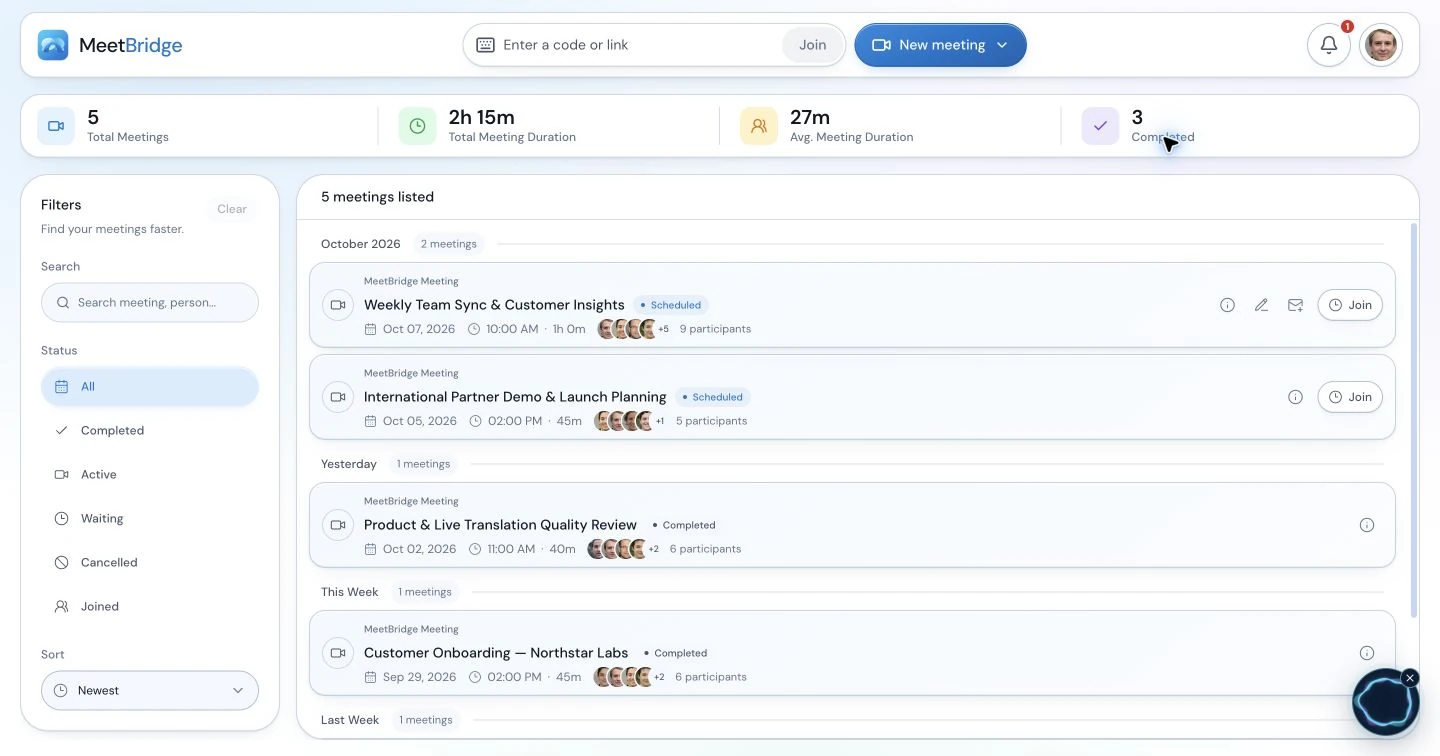
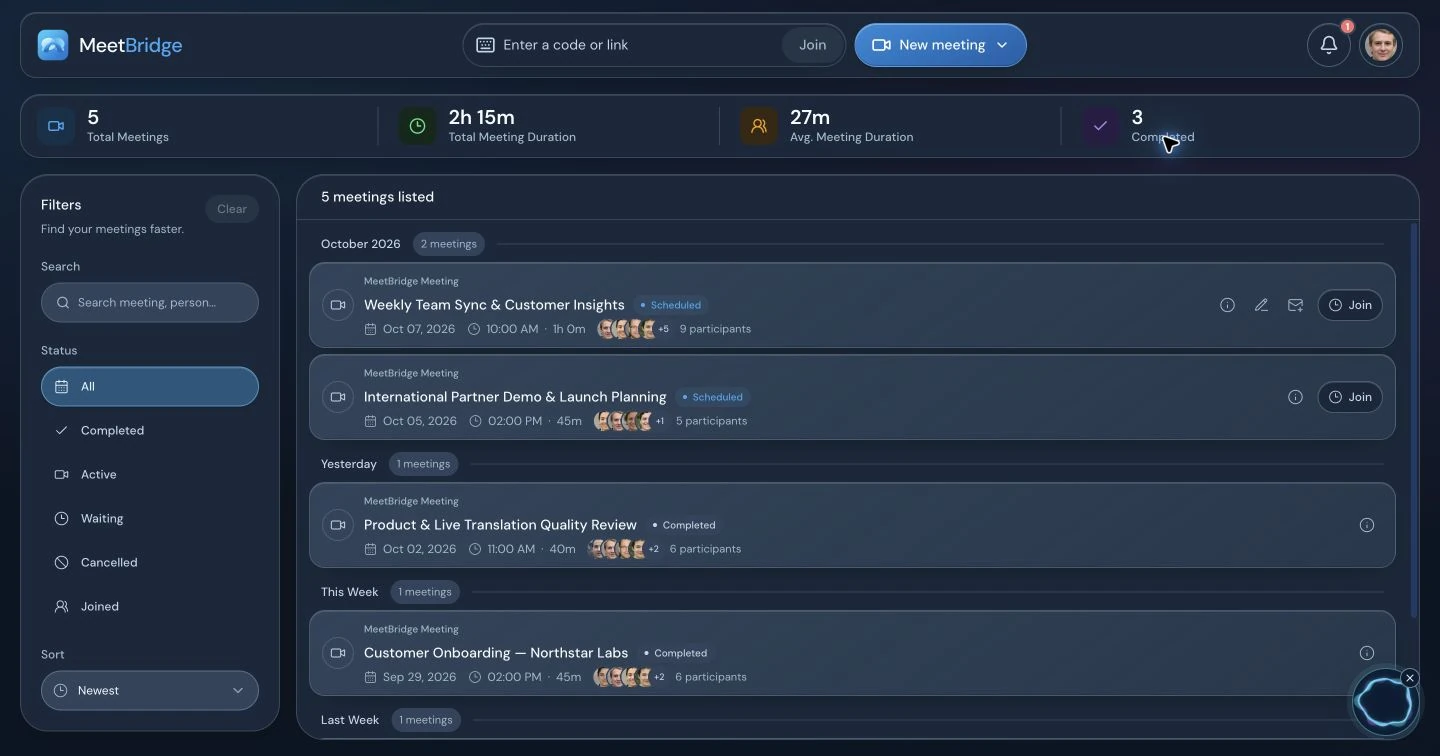
In a full MeetBridge meeting, return to the transcript, summary and actions available for your plan before preparing the administrative handoff. Check names, times, locations and commitments against the conversation and written confirmations. The next coordinator needs the current arrangement, not every line of the exchange.
An illustrative administrative handoff
- Purpose: arrival and appointment coordination; patient and invited companion attended.
- Confirmed: the appointment date, local time zone, specific meeting point and named arrival contact, as written in the reviewed arrangement.
- Still open: whether the revised arrival time changes the planned coordination contact.
- Owner: the arrival coordinator will confirm the practical update through the agreed channel by the stated response time.
- Clinical routing: the patient’s clinical question has been forwarded to the responsible team for an appropriately supported discussion.
- Next contact: who will attend and which scheduling detail must be confirmed first.
This example is a format to adapt, not a patient record. Replace general labels with the actual reviewed administrative detail. Share the patient-facing arrangement through your approved channel and distinguish a requested change from a confirmed change. Keep clinical documentation in the organization’s clinical system.
For a Voice companion call, the live transcript supplies current-session context. Do not assume a saved full-meeting record or that a separate Teams, Zoom or Google Meet recording contains the Voice discussion. Choose the full meeting workflow when its available record features are important to follow-up.
Explore summaries and meeting actions11 / Make the service repeatable
Pilot a familiar administrative appointment before wider use.
Start with an internal arrival-coordination scenario using the languages, devices and invitation channels your team expects to use. Practice a guest who joins late, a companion with a different language and an appointment question that must be routed to another owner. Then choose a suitable nonclinical coordination call under your organization’s process.
Agree on observable pilot criteria: the guest knows which links to open; every speaker reaches the same Voice room; both directions of speech work; the host can distinguish a connection problem from an unanswered question; and the written recap identifies a confirmed arrangement, an open item and its owner. Ask the guest whether they knew how to request clarification and where to find the follow-up.
Record joining difficulties and unclear invitation wording, then improve the reusable note. If your team measures joining time or completion of the recap, use its own baseline and observations; this guide does not predict a service improvement. Keep a route for guests who cannot use the chosen browser or audio setup.
Assign ownership for invitations, room hosting, clinical routing and the reviewed handoff. Consistent instructions help the next coordinator offer the same clear process.
Discuss your international patient coordination workflow12 / Your questions, answered
Health tourism live translation FAQ
What can live translation do for a health tourism coordinator?
It can help a coordinator and an international patient discuss practical matters such as appointments, travel arrangements, accommodation, meeting participants and who to contact next. Each person selects their own language and hears translated speech when the other person uses a different language. Confirm important details in writing and route medical questions to the appropriate clinical team.
Is MeetBridge a replacement for a qualified medical interpreter?
No. This workflow is designed around administrative coordination. Clinical assessment, treatment explanations, informed consent, medication and discharge instructions need the clinical team’s appropriate qualified language support and approved processes. AI translation can make mistakes; a fluent-sounding translation is not proof that a patient understood a medical decision.
Can a patient join without downloading the desktop app?
For a Voice room, the host creates the room in the desktop app and shares its invitation. The guest can continue in a supported browser, enter their name and request admission. The host approves entry. Everyone participating in the conversation must join the same Voice room; a separate video invitation does not automatically join them to Voice.
Can our clinic keep Teams, Zoom or Google Meet for video?
Yes. Use that platform for video and any presentation, and use the shared MeetBridge Voice room for sound. Everyone turns off the original platform’s microphone and incoming meeting audio. MeetBridge does not automatically capture a patient who remains only in that platform’s audio call. Send both links and explain the audio setup before the appointment.
Can a coordinator, patient and companion choose different languages?
Each participant can choose their own language from the available options. Translation is delivered for the listener’s selected language, while people using the same language hear one another directly. Confirm who is invited and permitted to take part, let one person speak at a time and keep the patient’s own questions central.
Who pays for a patient or companion joining a Voice room?
Room usage comes from the host’s MeetBridge plan. A guest does not need to buy a subscription to request admission. Check current plans, included usage and available features before arranging recurring international coordination meetings.
Are the meeting notes a medical record or an approved patient instruction?
No. Full MeetBridge meetings may provide saved transcripts, summaries and actions depending on the plan and enabled features. Review administrative details before using them in a handoff. Voice supplies live session context and does not guarantee a saved full-meeting record. Use your organization’s clinical record and approved communication processes for care documentation and patient instructions.
Does this page establish healthcare privacy or regulatory compliance?
No. Speech is processed in the cloud, and organizations need to review their own requirements and MeetBridge’s processing information before deciding what conversations and data belong in this workflow. This guide makes no healthcare compliance certification or clinical translation accuracy claim.