MeetBridge gives you two ways to run a multilingual call: a complete video meeting with live translation in MeetBridge, or a shared MeetBridge Voice room alongside Teams, Zoom and Google Meet. Compare those workflows with DeepL Voice, Wordly and Transync AI. Start with where the video meeting will happen, who needs to speak and how you want guests to join.
Compare MeetBridge and Wordly for live meeting translation. Explore full video meetings, Voice alongside Teams, Zoom and Meet, browser guests and follow-up workflows.
Start with this questionWhich joining path suits an interactive group or a listening audience?
Compare MeetBridge and Transync AI for live meeting translation: shared Voice rooms, virtual microphone output, browser guests, booking and meeting follow-up.
Start with this questionDo you need computer-audio capture or an invited speaking room?
Compare MeetBridge and JotMe Voice for meeting translation, guest setup, notes and follow-up. Choose a full meeting or translation beside your video call.
The practical decisionBring the meeting into MeetBridge, or add JotMe to the call you already use?
Compare MeetBridge and Maestra for multilingual meetings: full video meetings, live translated speech, browser guests, transcripts, summaries and follow-up.
The practical decisionDo you need a complete meeting workspace or a separate live translation session?
A translated presentation, a one-to-one interview and an interactive team review have different requirements. Start with the people, then decide how the audio should work.
Let the guest join the conversation.
For an interview, demo or customer review, focus on the guest’s experience: receiving the invitation, choosing a language, joining quietly and answering a question. MeetBridge Voice lets a guest request admission in a supported browser while the host covers room usage.
A meeting workflow for people who need to answer each other.
A client wants to explain a concern. A candidate needs a follow-up question. A supplier wants to clarify a specification. These conversations work when everyone can take part, rather than leaving one person to relay the discussion for the group.
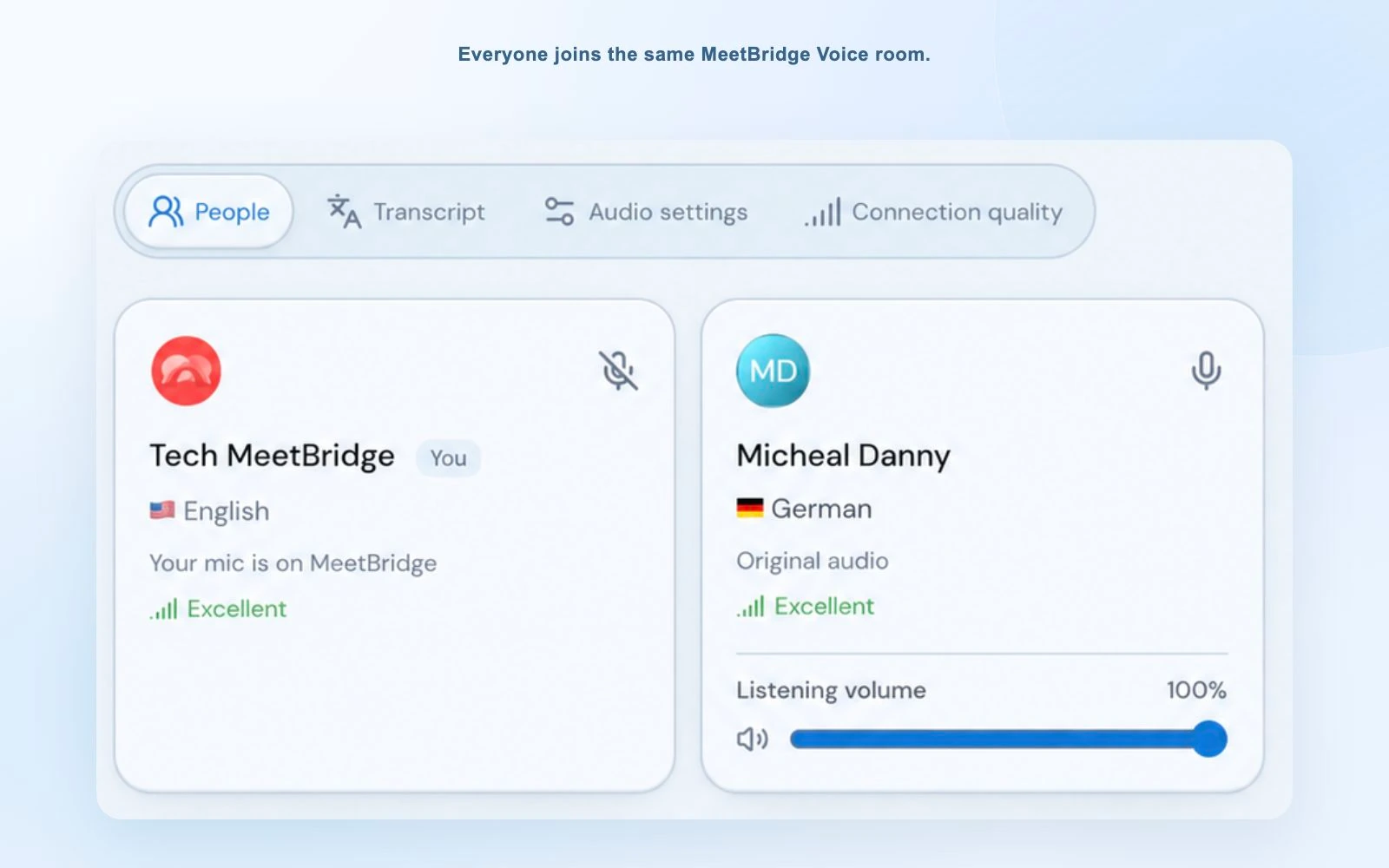
MeetBridge gives each participant their own language choice. In Voice, guests can request admission through a supported browser and speak in the shared room, with usage covered by the host’s plan. The host manages participants and keeps microphone, translation and connection controls nearby.
An actual Voice interface capture: each participant selects their language in the shared room. This is a product view, not a competitor benchmark.
MeetBridge: host the complete video meeting.
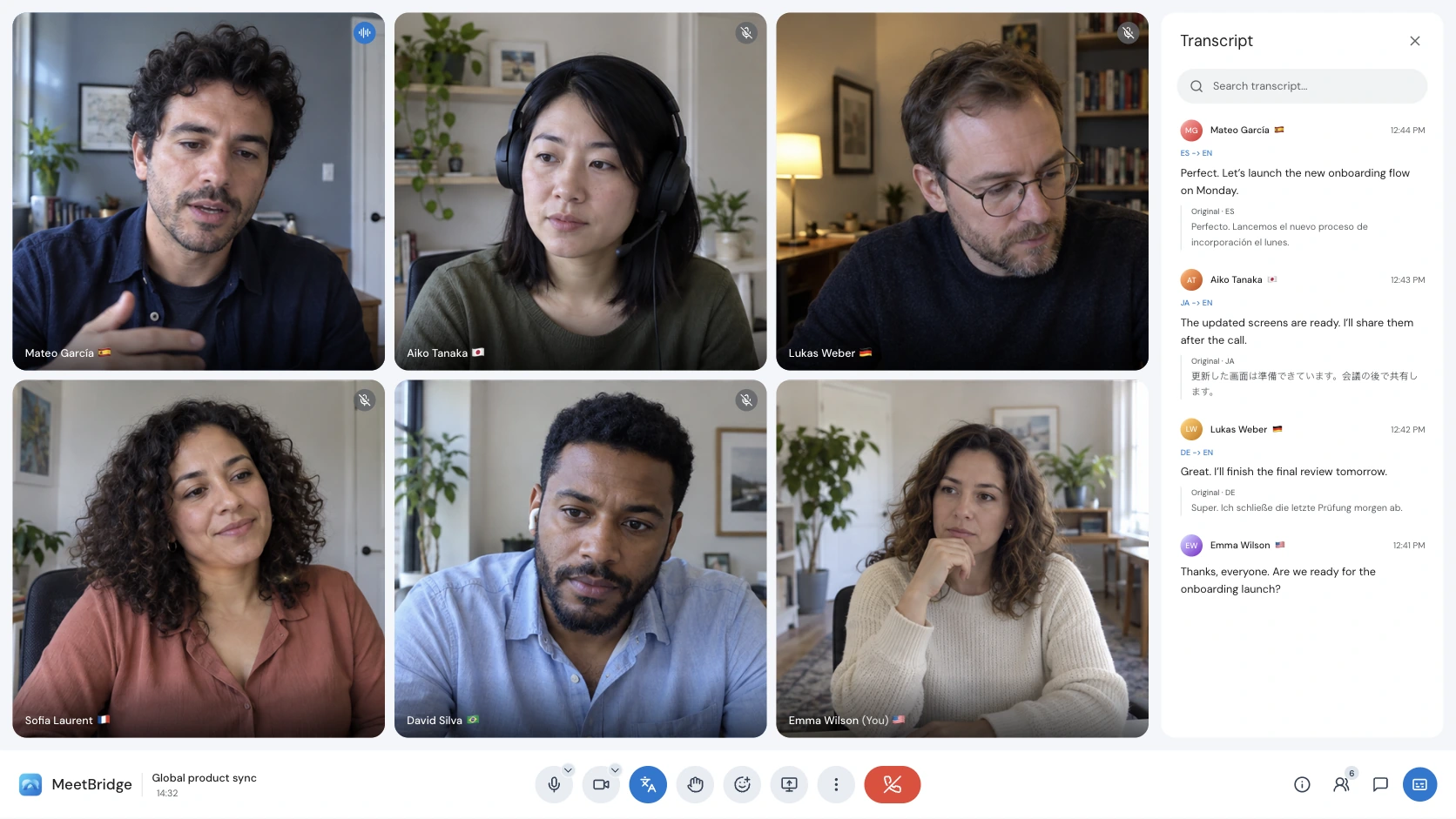
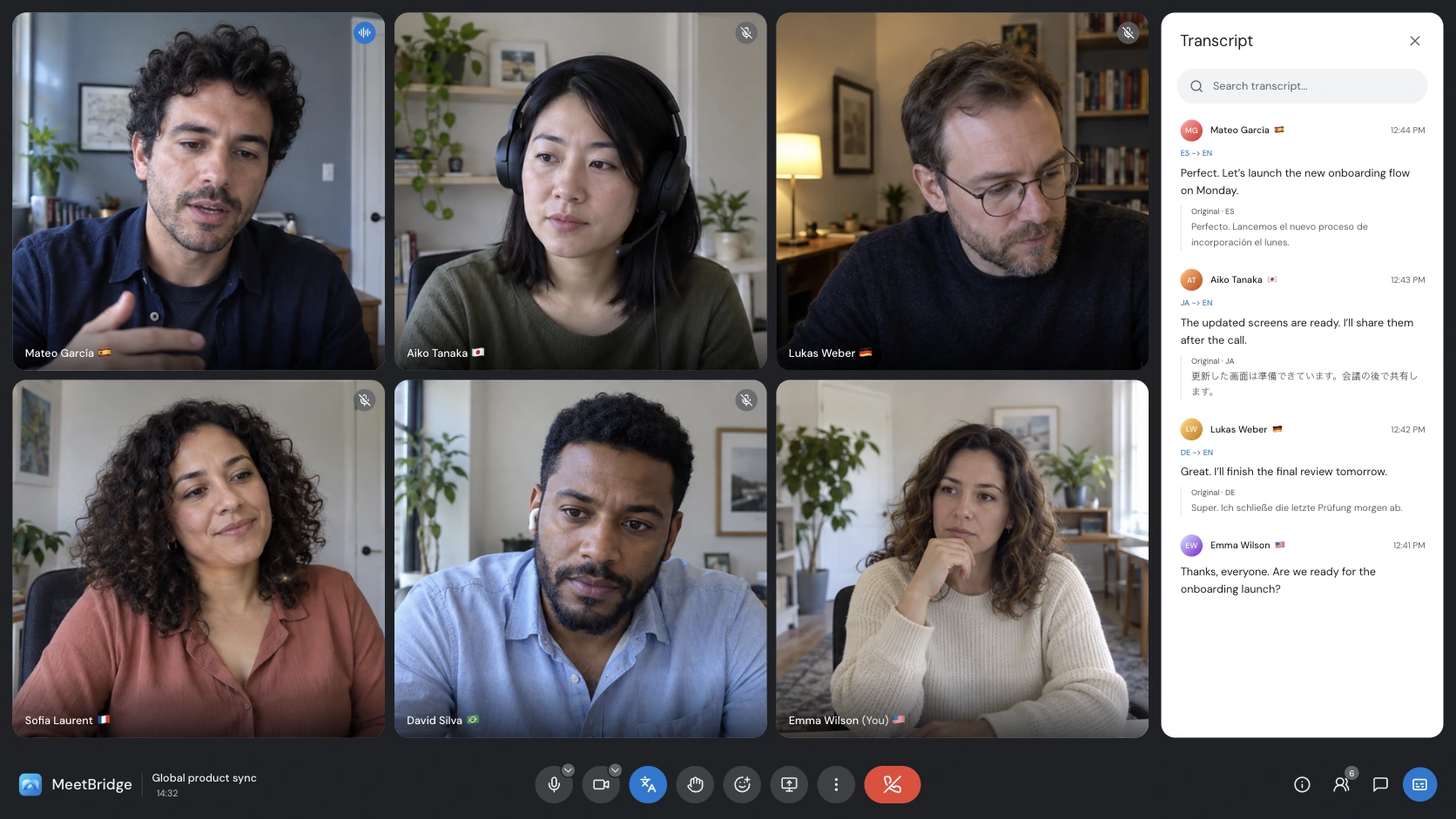
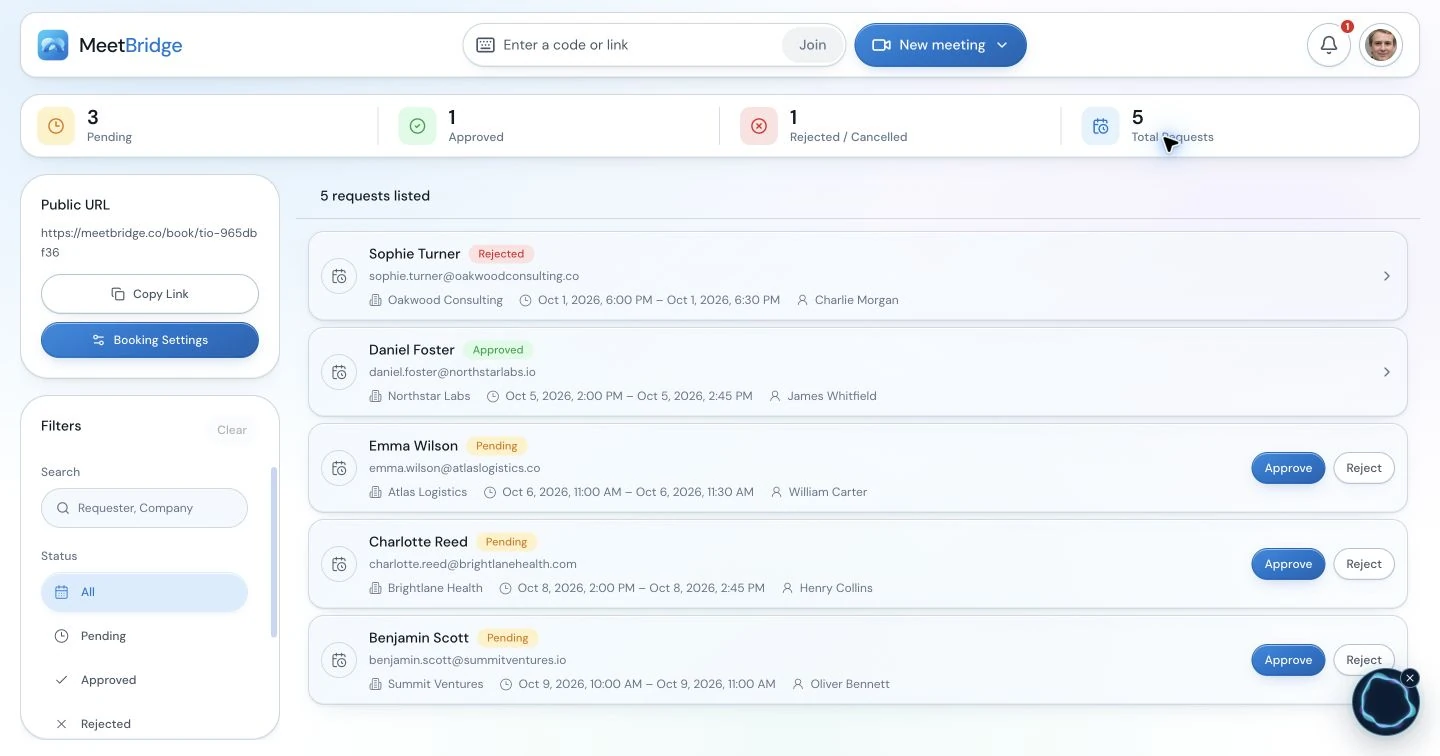
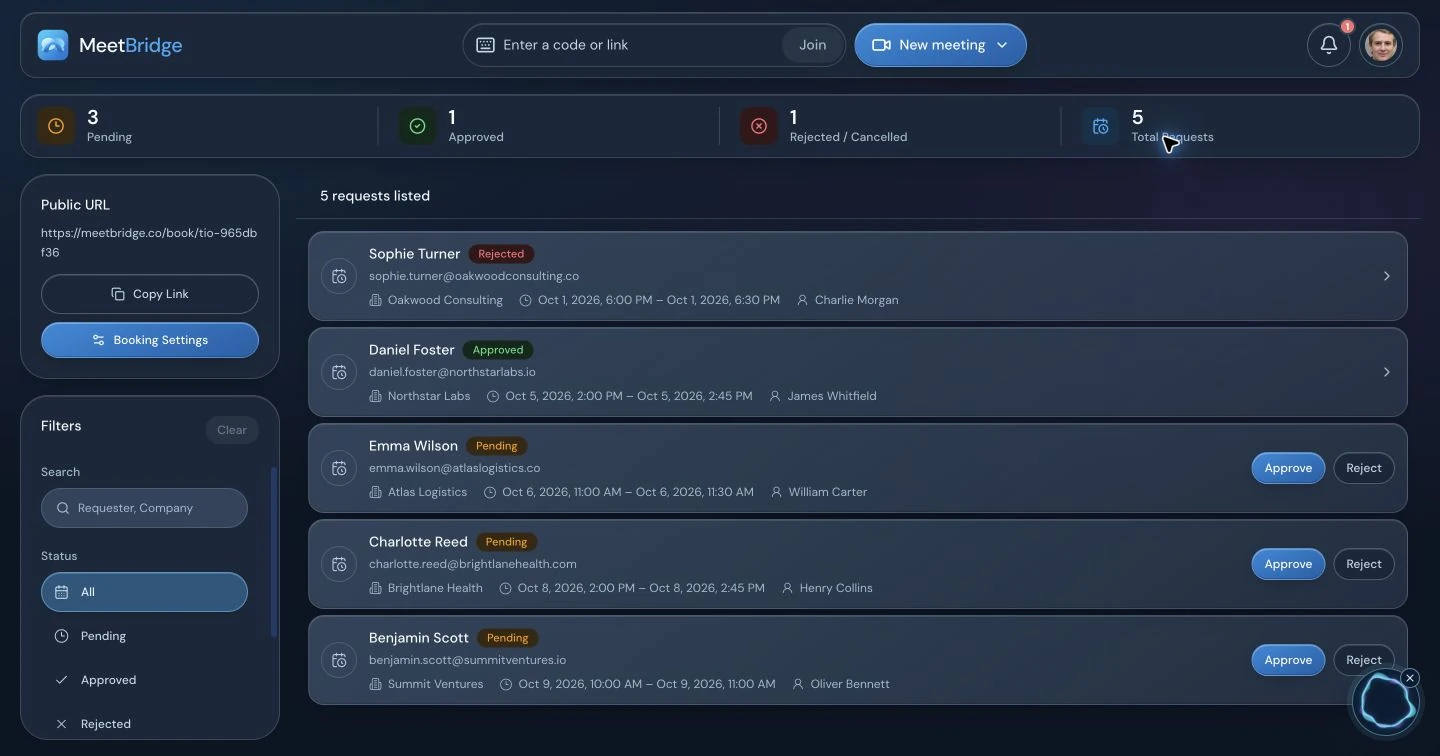
When your team chooses the invitation, create a MeetBridge video meeting and bring everyone into that room. Cameras, screen sharing and live translation work together there; you do not need a second video platform. Booking tools support preparation, and the available transcript, summary and action features help carry the conversation into follow-up. This suits client appointments, interviews and recurring reviews that your team hosts.
Booking tools support meeting preparation. Use a full MeetBridge meeting when you want video, translation and the available follow-up features in one workflow.
MeetBridge Voice: translate the conversation beside their video call.
If a customer already invited you to Teams, Google Meet or Zoom, keep that call open for cameras, screen sharing and chat. Open MeetBridge Voice too, and invite every speaker into its shared audio room. Turn off the original platform’s microphone and incoming audio, then speak and listen through Voice. Both stay open together, with the video in the customer’s platform and the translated conversation in MeetBridge Voice.
The Voice host creates the room in the desktop app; invited guests can use the desktop app or request admission in a supported browser. Selecting Teams, Meet or Zoom in Voice identifies the video platform you are using. It does not automatically capture that platform’s audio or bring its participants into Voice.
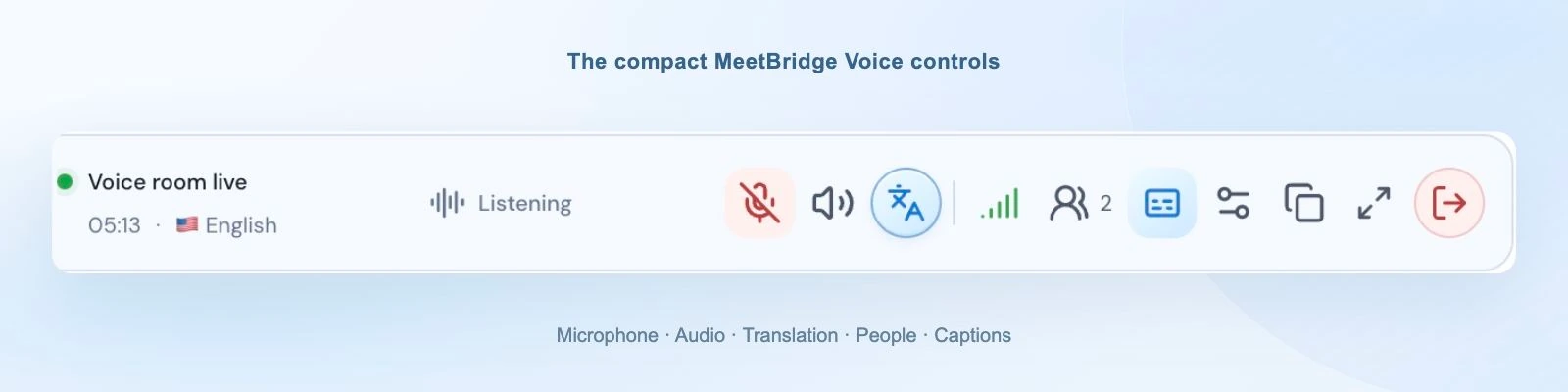
The desktop bar keeps Voice controls nearby while another platform handles video or screen sharing. Browser guests stay in the expanded room.
This setup has a trade-off: the participants must accept a shared Voice invitation. If you cannot ask the other speakers to join another room, start with the alternatives’ documented existing-meeting or computer-audio workflows. The detailed guides explain those differences without treating every meeting as the same problem.
02 / Compare the experience
Ask the questions that change the joining instructions.
Use the same meeting requirements when comparing every product.
Evaluate
Ask before choosing
MeetBridge workflow
Audio entry
Does the tool capture a meeting, capture a computer or host the spoken conversation?
Full meetings host video and audio. Companion Voice hosts separate shared audio.
Guest speech
Can the invited guest hear translated speech and respond? What account or app is needed?
Voice guests can join a supported browser after host approval. Room usage comes from the host’s plan.
Languages
Are your spoken and listening languages available in the mode you need?
Each participant chooses from the room’s available languages. Try your actual combination before rollout.
After the meeting
Which records are saved, where are they kept and who can access them?
Full-meeting transcripts, summaries and actions depend on your plan and enabled features. Voice live text is not a promised saved record.
Cost and rollout
Who needs a paid plan, how is usage counted and what will your team manage?
Check current host usage and features, and include the time needed to prepare the shared-room setup.
Use one familiar discussion as the trial: an interview question, a short product walkthrough or a review of a shared document. Invite the people and devices you expect in the real meeting. Check that each person can join, understand a question and answer in their chosen language.
A helpful comparison includes the second meeting as well as the first. Ask whether another colleague could host the same customer tomorrow, send understandable instructions and explain where the conversation will happen. That handover reveals whether the setup fits a repeatable team process or depends on one person managing it.
If your shortlist includes a separate live translation session, use MeetBridge vs Maestra to compare guest access, translated speech and the meeting record you need afterward.
Compare current plans on the same basis: meeting frequency, duration, hosts, listeners and required features. A low headline price or a long language list does not answer those questions. Start with MeetBridge plans and usage, then confirm the alternatives’ current licensing or quote.
03 / How these guides are written
Documented workflows, with the evidence in view.
MeetBridge authors these comparisons. Each guide names the official competitor documentation reviewed and lists the review date. Product screenshots show the actual MeetBridge interface. The recommendations are our assessment of workflow fit; they are not independent accuracy or latency rankings.
We distinguish broadly documented features from betas, plan requirements and platform-specific setup. Confirm current availability with the vendor before purchasing. Review security information and meeting voice processing as part of your organization’s requirements.
04 / Your questions, answered
Meeting translation comparison FAQ
What is the most important difference between meeting translation tools?
Start with how audio enters the translation service and how people receive the result. A meeting bot, computer-audio capture, a listening link and a shared speaking room create different joining experiences. Then compare your actual language combinations, guest access and follow-up requirements.
When is MeetBridge a better fit?
MeetBridge is a strong fit when you host recurring interactive conversations and want participants to speak and listen in their own languages. Choose full MeetBridge meetings for video and available meeting records in one workflow, or a shared Voice room alongside Teams, Google Meet or Zoom. Every speaker must join Voice for that companion setup.
Can guests hear MeetBridge Voice translation without a paid account?
Yes. The host creates the Voice room in the desktop app, and guests can continue in a supported browser, enter their name and request admission. The host approves entry, and room usage comes from the host’s plan. This does not automatically admit the guest to a separate video meeting.
Does MeetBridge translate an existing call if nobody else joins Voice?
No. Voice is a separate shared audio room, and all speakers must join it. Turn off both the video platform’s microphone and incoming meeting audio, then speak and listen through Voice. If your requirement is translation from existing computer audio with no shared-room invitation, compare the alternatives’ current capture workflows.
Are these independent translation-quality rankings?
No. MeetBridge authors these workflow comparisons using its implemented product and dated official competitor documentation. They do not claim a controlled accuracy, latency or audio-quality benchmark. Try your languages, terminology and guest devices before choosing.
How should I compare the price?
Use your expected meeting frequency, duration, paid host or listener requirements and the features you need. Compare current plans and any vendor quote on the same basis. These guides do not assume that MeetBridge is always cheaper or that companion Voice sessions include every full-meeting record feature.
Already considering built-in translation?
Compare the platform options, too.
Separate guides cover MeetBridge and the native Zoom and Microsoft Teams translation workflows.
Your next multilingual meeting
Bring the people. Keep the conversation moving.
Try the workflow your team will use, with the languages and guests who need it.