
Use this overview to shortlist the meeting format: native Zoom translated speech, a separate MeetBridge Voice audio room alongside Zoom, or a full MeetBridge meeting. Compare participant eligibility, where the audio runs and the record you need afterward. The linked blog guide expands on guest setup, record review and a practical rollout pilot.
A full MeetBridge meeting connects video, translated audio and available transcript and summary records. MeetBridge Voice is a separate shared audio room alongside Zoom, Teams or Google Meet: video stays on that platform. Every speaker joins Voice; turn off the video call microphone and incoming audio. Voice is not a native plug-in or automatic capture of the original call.
Choose the native option when the meeting must stay on the platform
If the meeting must stay on its platform, compare native translation with the separate MeetBridge Voice audio room. Check languages, participant eligibility, devices and administrator settings for each workflow. Zoom Voice Translator
Synthetic translated speech; long continuous speech is played after a pause. Check supported language pairs. [1]
Zoom lists a Live Translation add-on or ZoomMate, an enabled feature, and Windows/macOS desktop app 7.0.0 or later as requirements. [1]
Workflow comparison at a glance
| Decision criterion | MeetBridge | Zoom Voice Translator |
|---|---|---|
| Where the conversation happens | Full meeting: a MeetBridge video room. Voice: a shared MeetBridge audio room alongside the original video call. | Inside a Zoom meeting with the native Voice Translator feature. [1] |
| How participants follow speech | Full meetings combine translated audio and live transcript context. Voice carries the conversation through its separate audio room. | Synthetic translated speech; long continuous speech is played after a pause. Check supported language pairs. [1] |
| Access and setup | Voice host uses the desktop app; browser guests enter their name and request approval. Every speaker joins the room; host usage covers guests. Check current plans. Pricing | Zoom lists a Live Translation add-on or ZoomMate, an enabled feature, and Windows/macOS desktop app 7.0.0 or later as requirements. [1] |
| After-meeting workflow | Saved transcripts and summaries depend on the full meeting workflow and plan. Do not assume Voice saves an equivalent meeting record. Review important details before sharing. | Evaluate recording, transcript, and follow-up requirements separately. Do not treat the voice feature alone as an end-to-end meeting-record solution. [2] |
A sales demo does not end when everyone leaves the call
Consider an illustrative product demo with a seller, a customer, and a technical colleague who do not all share the same strongest language. During the call, hearing the explanation is only one part of the task. Someone also needs to retain the customer’s concern, distinguish a proposed price from an agreed amount, and remember who promised the next document. This is a workflow example, not a measured customer success story.
A useful evaluation therefore follows the conversation beyond the audio. Can the team revisit the transcript, review a summary, confirm a decision, and hand the next step to its owner? MeetBridge connects these stages in its own workspace. A Zoom-based team should evaluate the relevant Zoom recording and notes workflow separately rather than assume that enabling Voice Translator alone solves every follow-up requirement.
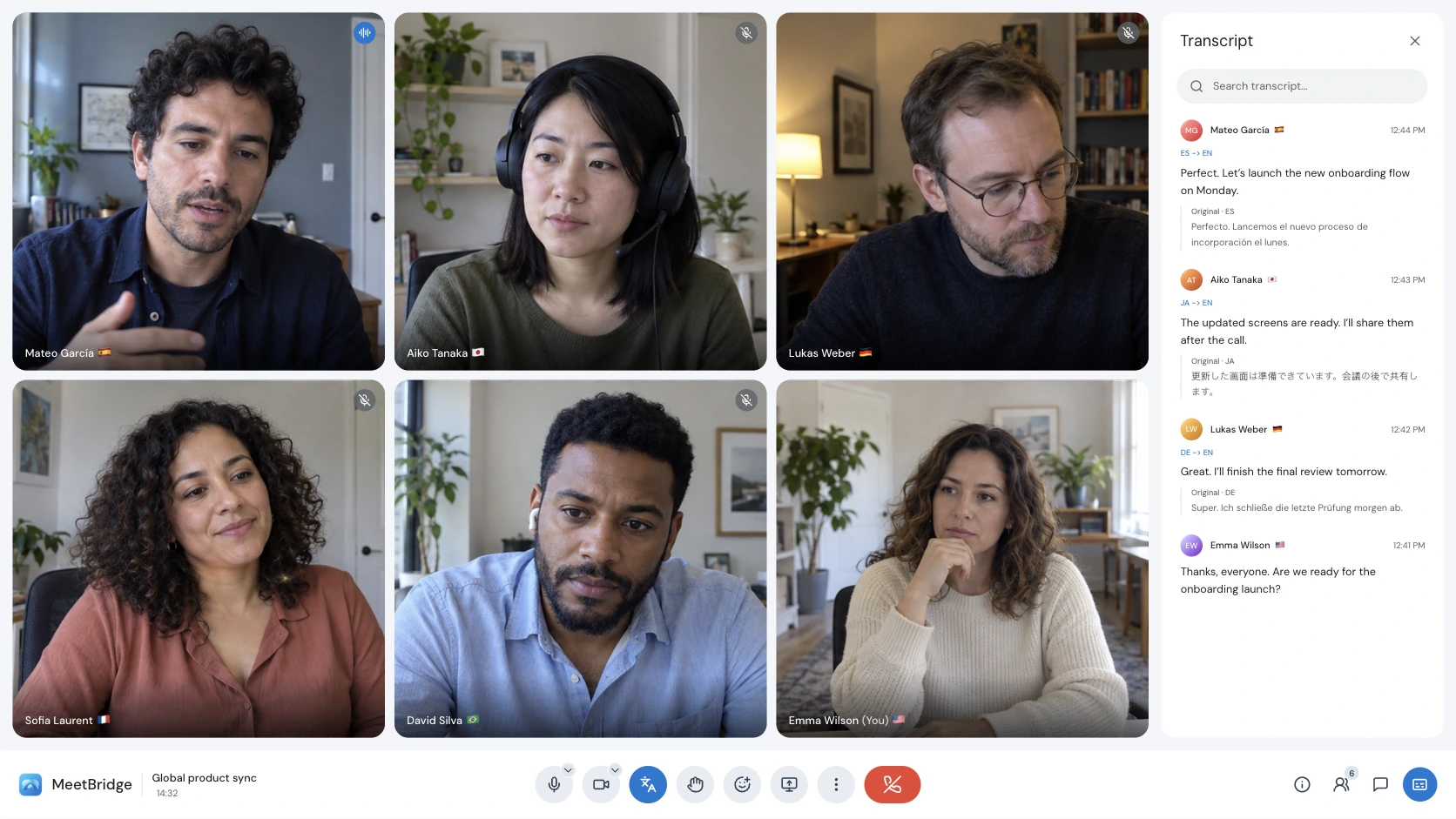
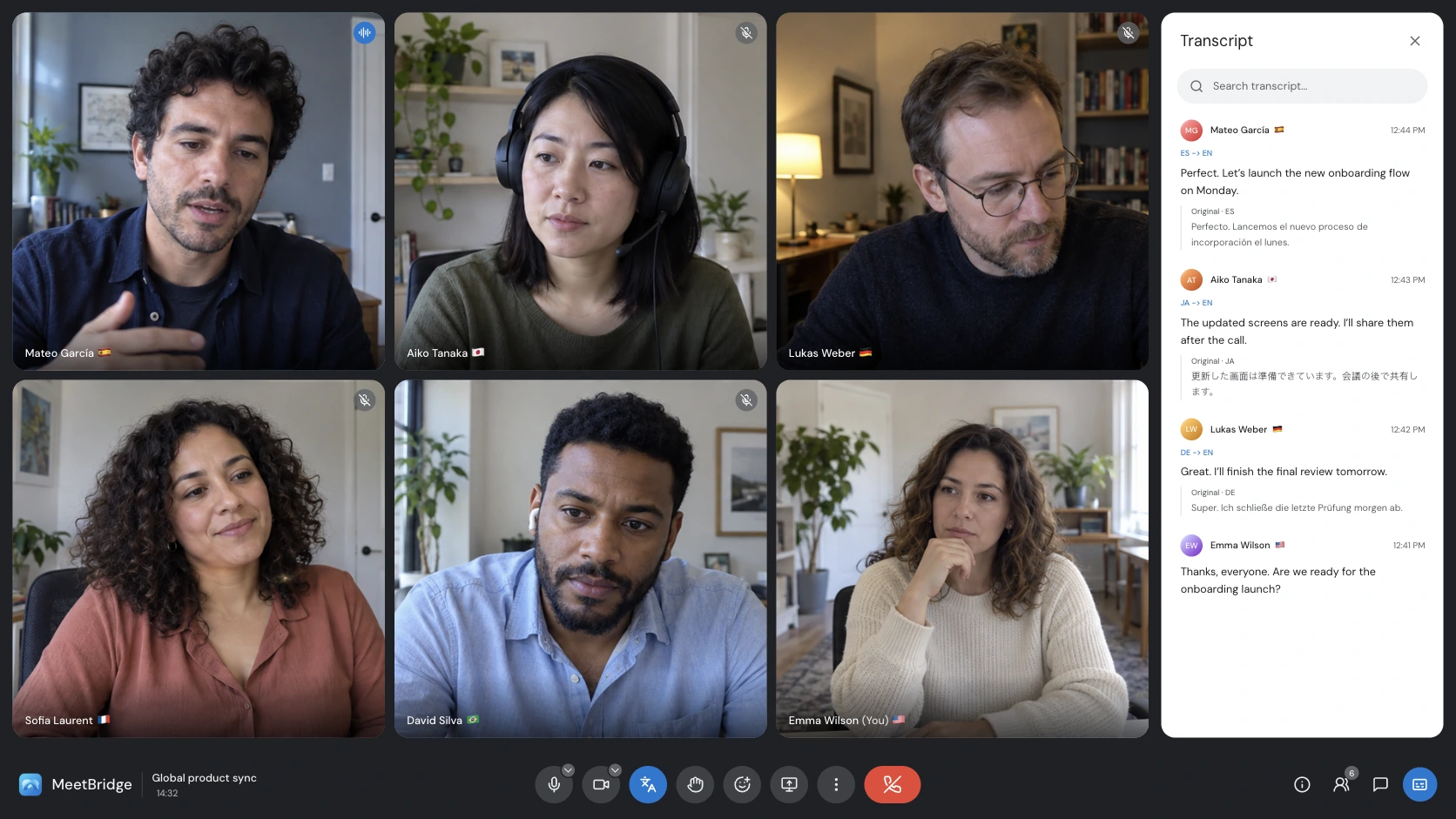
Evaluate the whole conversation, including the follow-up
Hearing translated speech and retaining a useful meeting record are different requirements. A sales team may need the objection, agreed amount, owner, and next step together after the call. An HR team may need to revisit an answer without relying on memory. Evaluate live audio, transcript access, summaries, and sharing as separate stages; do not assume that one translation feature automatically provides all of them. Transcripts and meeting memory
A full MeetBridge meeting connects video, translated audio and available transcript and summary records. MeetBridge Voice is a separate shared audio room alongside Zoom, Teams or Google Meet: video stays on that platform. Every speaker joins Voice; turn off the video call microphone and incoming audio. Voice is not a native plug-in or automatic capture of the original call. Meeting summaries and actions
Test real language pairs and business terminology
Use a short representative meeting rather than a polished demo alone. Include names, dates, numbers, specialist vocabulary, and a moment when speakers interrupt each other. Listen to translated audio and review the transcript independently. We have not published a controlled head-to-head accuracy or latency benchmark, so this comparison does not claim that MeetBridge is faster or more accurate than either native feature. Live translation
Before you choose: a practical evaluation checklist
- Choose native translation, a shared Voice audio room, or a full MeetBridge meeting.
- Verify the exact spoken and listening languages, not the website locale count.
- Check participant identity, licenses, devices, and administrator settings.
- Run a realistic audio test with your business terminology.
- Review the transcript and follow-up outputs, then check consent and access policies.
Put this into practice with the guide:
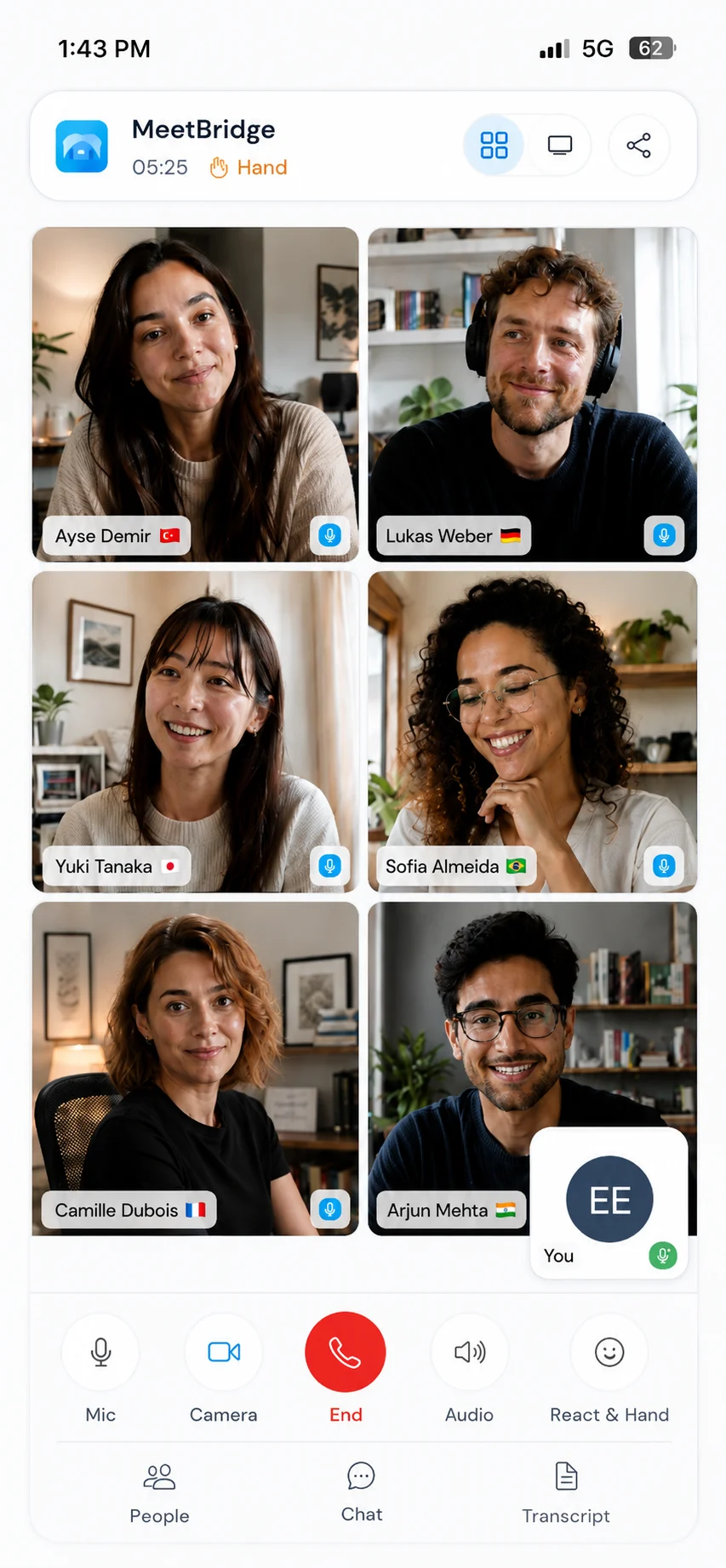
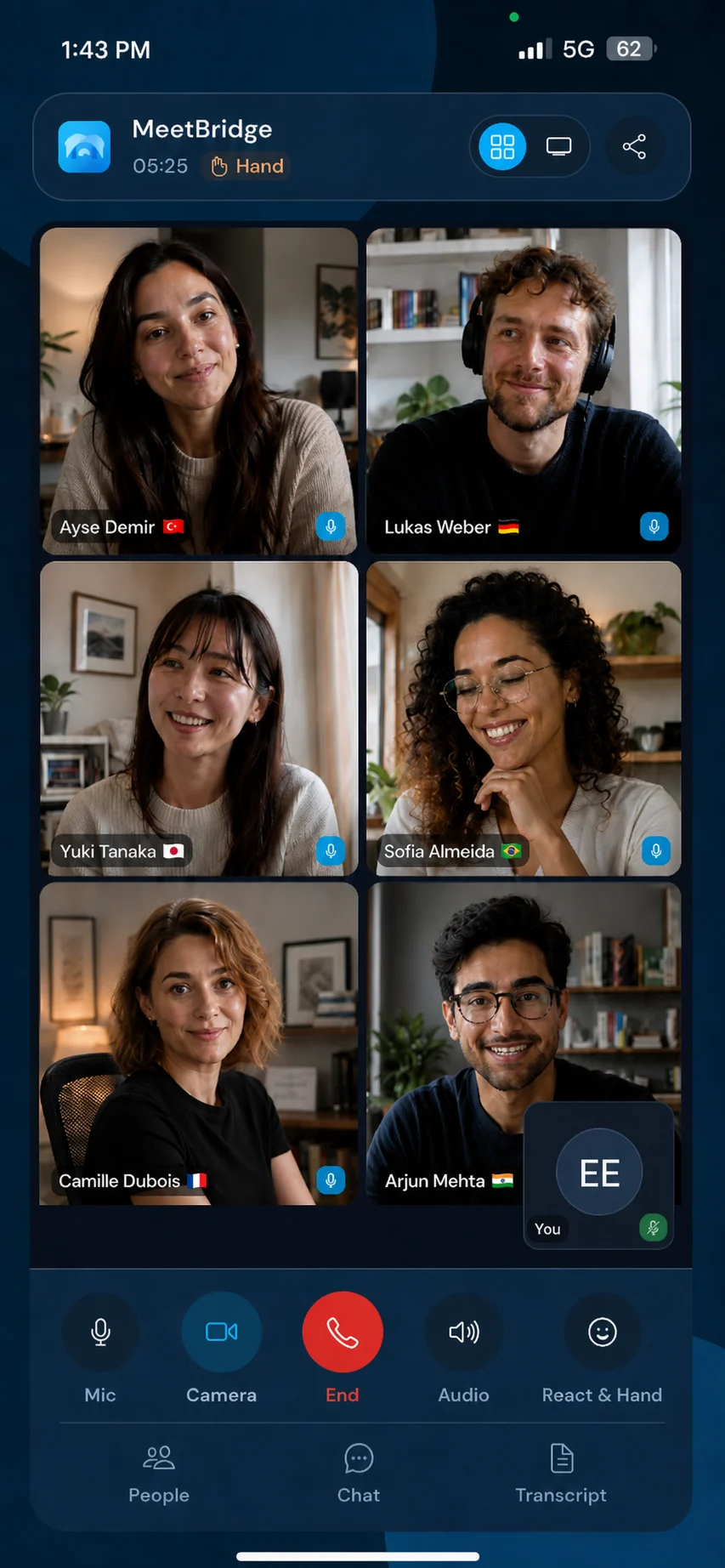
Make consent and review part of the workflow
Tell participants about transcription and generated speech before starting. Check organizational policies, access permissions, and retention requirements for the selected product. Translation and summaries can contain errors; confirm contractual amounts, interview judgments, and sensitive decisions with the people involved. A healthcare, legal, or regulated discussion may require qualified human interpretation rather than relying on automated translation alone. Meeting voice processing
The choice is about the meeting you want to run
Choose the mode before sending the invitation. For native translation, check platform eligibility. If video must remain on Zoom, Teams or Google Meet, Voice can carry audio in a separate shared room with every speaker connected and the original call audio disabled. If retained transcripts and summaries matter, evaluate a full MeetBridge meeting and the applicable plan.
Do not decide from an attractive screenshot or a long feature list alone. Send a test invitation, let the actual participants join, use a real business topic, and inspect what remains afterward. The strongest choice is the one your team can use clearly and responsibly from invitation to follow-up—not the one with the loudest accuracy claim.
Questions before switching
Does MeetBridge translate an existing platform call in place?
MeetBridge Voice works alongside the video call through a separate shared audio room. Each speaker joins it; disable the video call microphone and incoming audio. It is not native integration, a bot, automatic call capture or a virtual microphone. A full MeetBridge meeting uses its own video room.
Are the 12 website languages the supported speech-language list?
No. Website localization and speech-language availability are different. Verify your actual speaking and listening language pair in the product before the meeting.
Which workflow should we pilot first?
Pilot a low-risk meeting with representative participants, devices, and terminology. Check translated audio, transcript context, and follow-up review before using the workflow for consequential decisions.