
For many organizations, Teams is not simply a video-call app. It is part of an existing identity, collaboration, and administration environment. That changes the translation decision. Before asking which product sounds more natural, ask whether the meeting must remain inside that environment and whether the people who need interpretation can actually use its native feature.
A full MeetBridge meeting connects video, translated audio and available transcript and summary records. MeetBridge Voice is a separate shared audio room alongside Zoom, Teams or Google Meet: video stays on that platform. Every speaker joins Voice; turn off the video call microphone and incoming audio. Voice is not a native plug-in or automatic capture of the original call.
The candidate interview reveals a different set of requirements
Imagine an illustrative interview between a recruiter, a hiring manager, and a candidate who is more comfortable in another language. The invitation may look simple, but the evaluation should consider participant access, joining instructions, and what the hiring team will review later. A feature that works for licensed colleagues should not automatically be assumed to work identically for every external participant.
After the interview, the team may need the candidate’s exact answer, a summary for the hiring manager, and agreed next steps. These are distinct from live interpretation. Check the native feature’s transcript and recording boundaries, then compare the actual review workflow in MeetBridge. This example does not claim better hiring results or justify treating generated summaries as objective candidate assessments.
Evaluate the whole conversation, including the follow-up
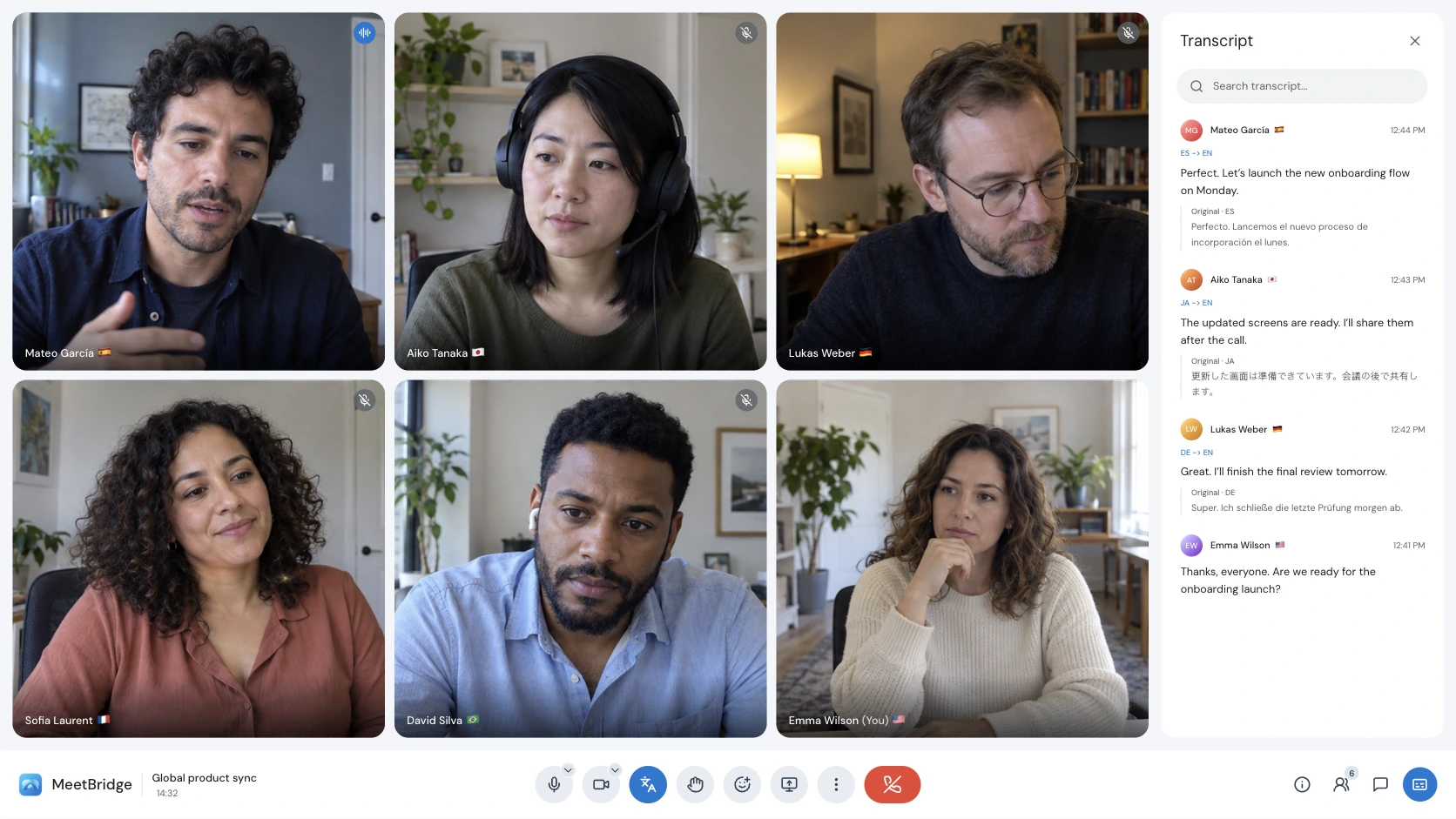
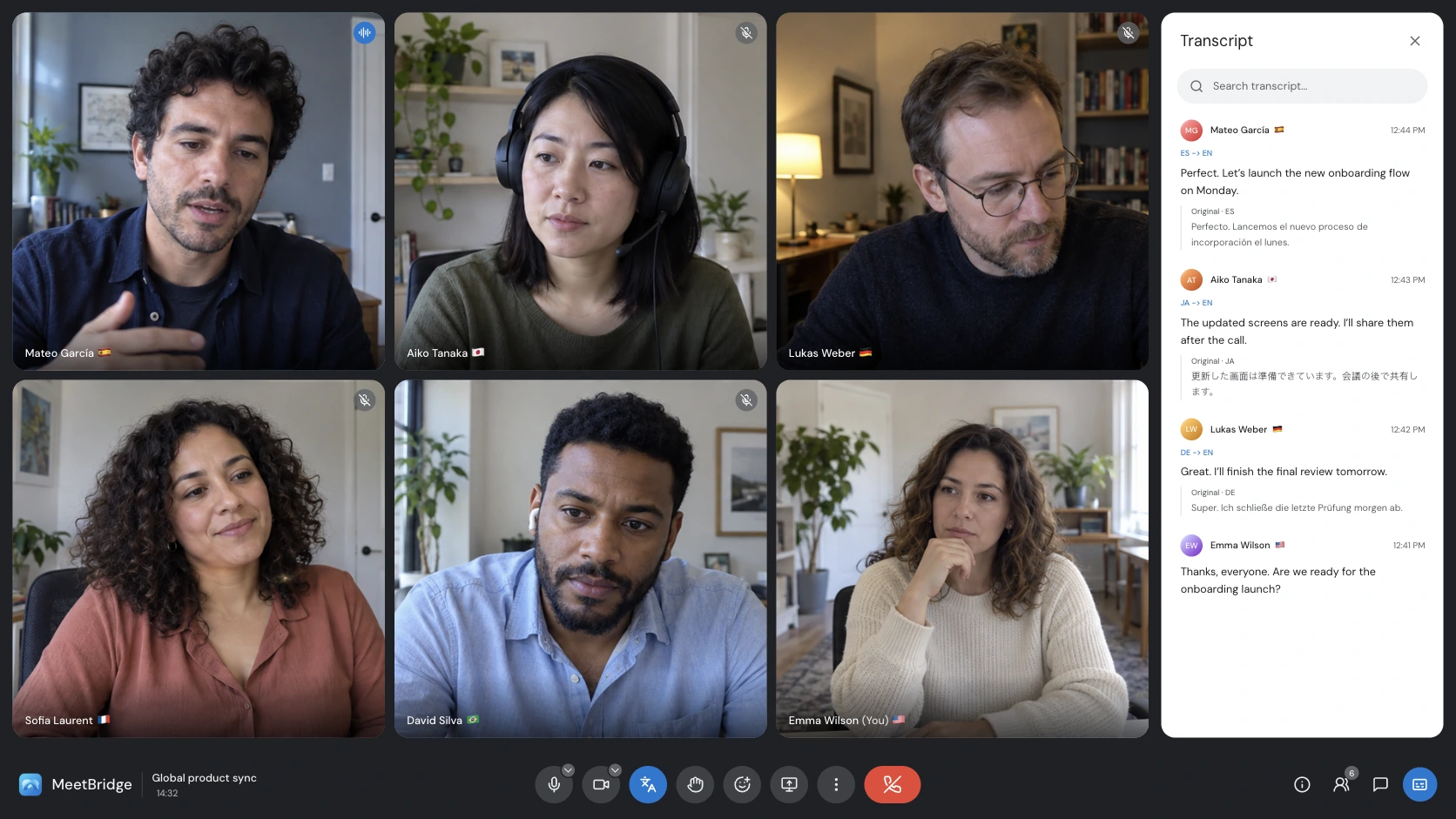
Hearing translated speech and retaining a useful meeting record are different requirements. A sales team may need the objection, agreed amount, owner, and next step together after the call. An HR team may need to revisit an answer without relying on memory. Evaluate live audio, transcript access, summaries, and sharing as separate stages; do not assume that one translation feature automatically provides all of them. Transcripts and meeting memory
A full MeetBridge meeting connects video, translated audio and available transcript and summary records. MeetBridge Voice is a separate shared audio room alongside Zoom, Teams or Google Meet: video stays on that platform. Every speaker joins Voice; turn off the video call microphone and incoming audio. Voice is not a native plug-in or automatic capture of the original call. Meeting summaries and actions
Workflow comparison at a glance
| Decision criterion | MeetBridge | Microsoft Teams Interpreter |
|---|---|---|
| Where the conversation happens | Full meeting: a MeetBridge video room. Voice: a shared MeetBridge audio room alongside the original video call. | Inside supported Teams meetings with the native Interpreter agent. [1] |
| How participants follow speech | Full meetings combine translated audio and live transcript context. Voice carries the conversation through its separate audio room. | Speech-to-speech interpretation with automated or simulated voice options, subject to administrator policy. [1] |
| Access and setup | Voice host uses the desktop app; browser guests enter their name and request approval. Every speaker joins the room; host usage covers guests. Check current plans. Pricing | Microsoft documents eligible Microsoft 365 and Teams licenses plus Microsoft Copilot. Confirm participant eligibility and organization settings with your administrator. [1] |
| After-meeting workflow | Saved transcripts and summaries depend on the full meeting workflow and plan. Do not assume Voice saves an equivalent meeting record. Review important details before sharing. | Microsoft notes that recordings capture original audio, not interpreted audio; translated transcripts are live-only, with the original spoken language retained afterward. [2] |
Choose the native option when the meeting must stay on the platform
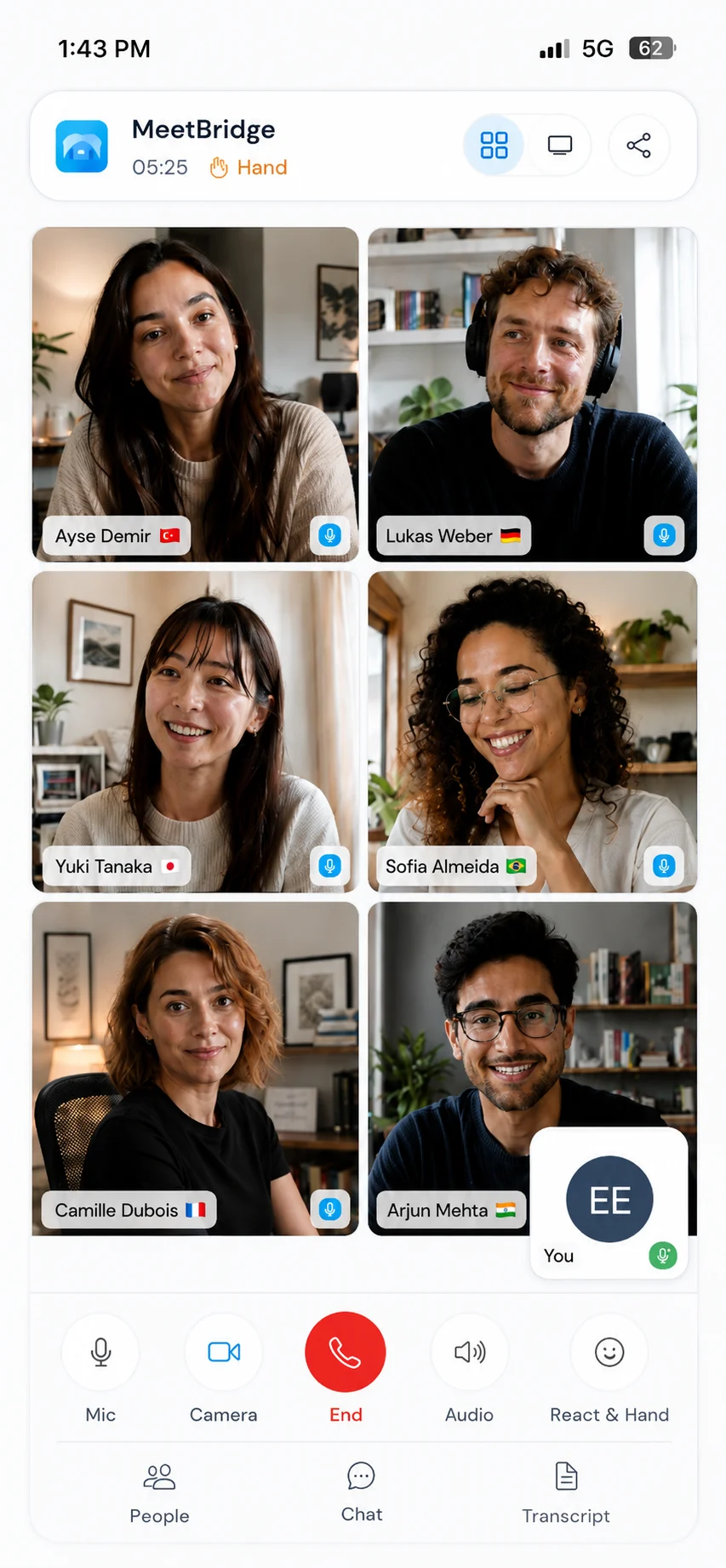
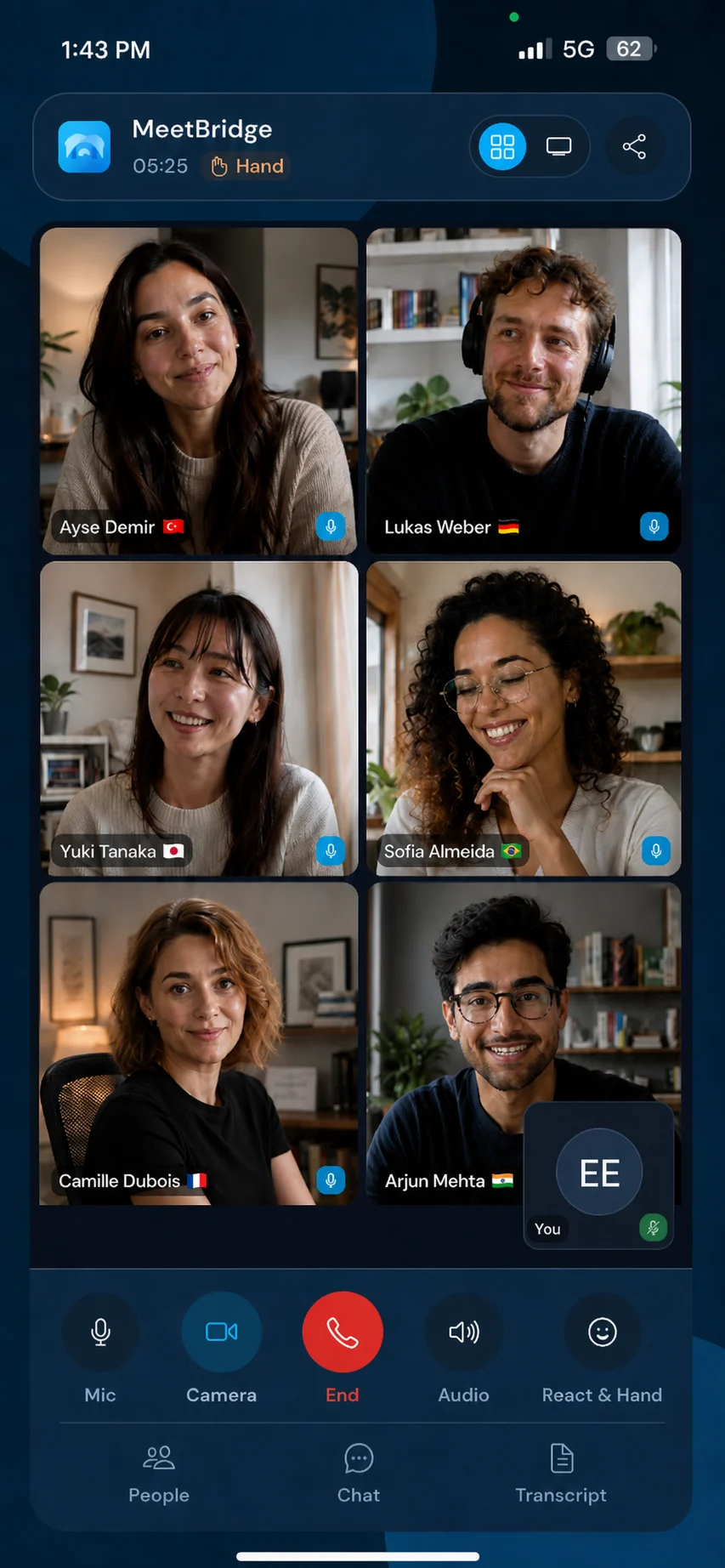
If the meeting must stay on its platform, compare native translation with the separate MeetBridge Voice audio room. Check languages, participant eligibility, devices and administrator settings for each workflow. Microsoft Teams Interpreter
Speech-to-speech interpretation with automated or simulated voice options, subject to administrator policy. [1]
Microsoft documents eligible Microsoft 365 and Teams licenses plus Microsoft Copilot. Confirm participant eligibility and organization settings with your administrator. [1]
Microsoft notes that recordings capture original audio, not interpreted audio; translated transcripts are live-only, with the original spoken language retained afterward. [2]
Test real language pairs and business terminology
Use a short representative meeting rather than a polished demo alone. Include names, dates, numbers, specialist vocabulary, and a moment when speakers interrupt each other. Listen to translated audio and review the transcript independently. We have not published a controlled head-to-head accuracy or latency benchmark, so this comparison does not claim that MeetBridge is faster or more accurate than either native feature. Live translation
Before you choose: a practical evaluation checklist
- Choose native translation, a shared Voice audio room, or a full MeetBridge meeting.
- Verify the exact spoken and listening languages, not the website locale count.
- Check participant identity, licenses, devices, and administrator settings.
- Run a realistic audio test with your business terminology.
- Review the transcript and follow-up outputs, then check consent and access policies.
Put this into practice with the guide:
Make consent and review part of the workflow
Tell participants about transcription and generated speech before starting. Check organizational policies, access permissions, and retention requirements for the selected product. Translation and summaries can contain errors; confirm contractual amounts, interview judgments, and sensitive decisions with the people involved. A healthcare, legal, or regulated discussion may require qualified human interpretation rather than relying on automated translation alone. Meeting voice processing
Keep policy, participation, and meeting memory in the same decision
Choose the mode before sending the invitation. For native translation, check platform eligibility. If video must remain on Zoom, Teams or Google Meet, Voice can carry audio in a separate shared room with every speaker connected and the original call audio disabled. If retained transcripts and summaries matter, evaluate a full MeetBridge meeting and the applicable plan.
The deciding question is not whether a translation demo sounds impressive. It is whether the chosen room supports a clear conversation and a reviewable handoff without creating access or policy confusion. Trial a representative meeting, confirm the important facts afterward, and choose based on that complete experience.
Questions before switching
Does MeetBridge translate an existing platform call in place?
MeetBridge Voice works alongside the video call through a separate shared audio room. Each speaker joins it; disable the video call microphone and incoming audio. It is not native integration, a bot, automatic call capture or a virtual microphone. A full MeetBridge meeting uses its own video room.
Are the 12 website languages the supported speech-language list?
No. Website localization and speech-language availability are different. Verify your actual speaking and listening language pair in the product before the meeting.
Which workflow should we pilot first?
Pilot a low-risk meeting with representative participants, devices, and terminology. Check translated audio, transcript context, and follow-up review before using the workflow for consequential decisions.