
Inside this comparison
01 / The practical decision
The difference starts with the meeting, not the language list.
An international discovery call, a customer training session and a multilingual conference all need translation. They also have different requirements. A small group needs to ask questions, exchange ideas and confirm next steps. An audience may mainly need access to a presenter’s speech.
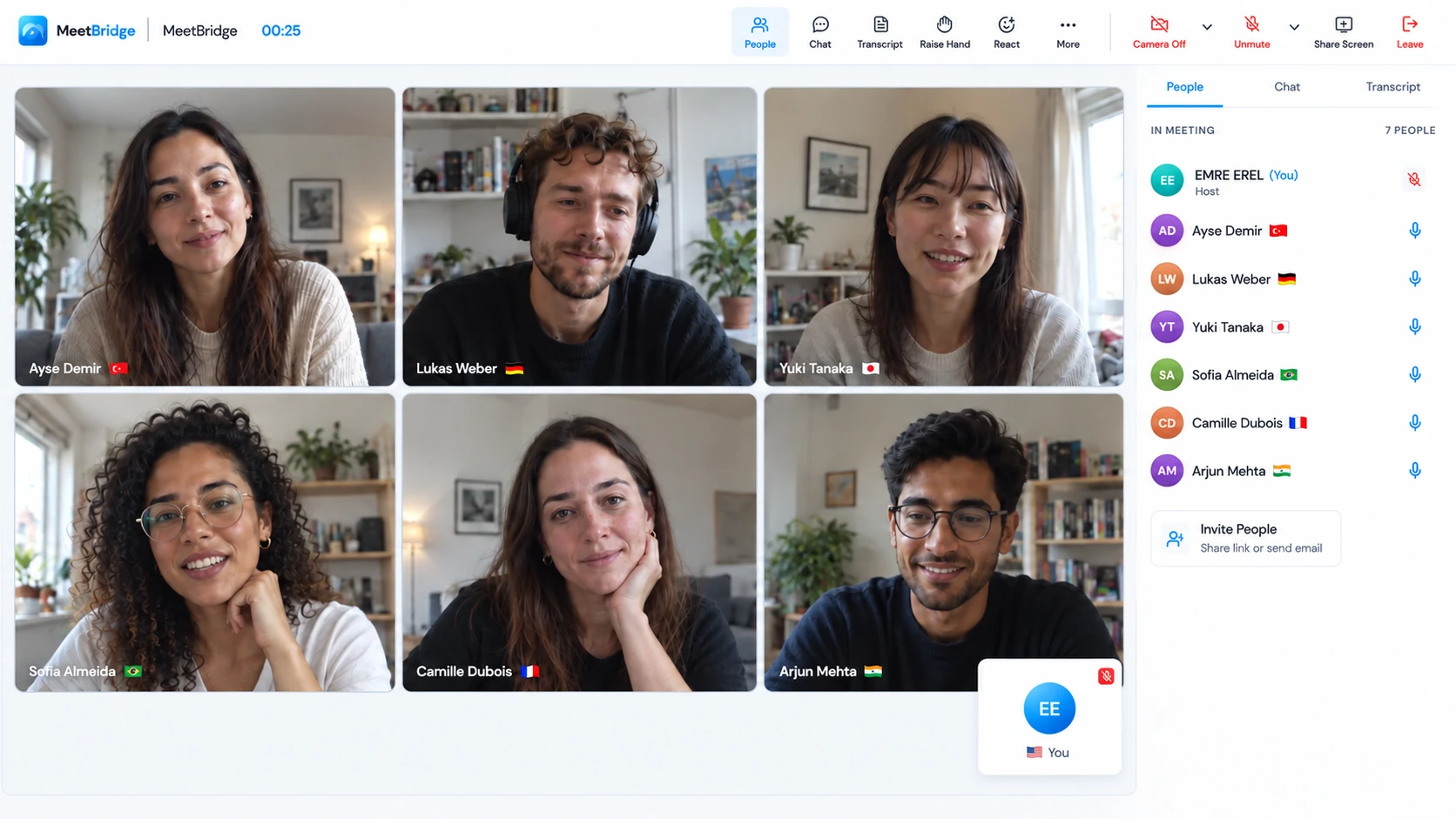
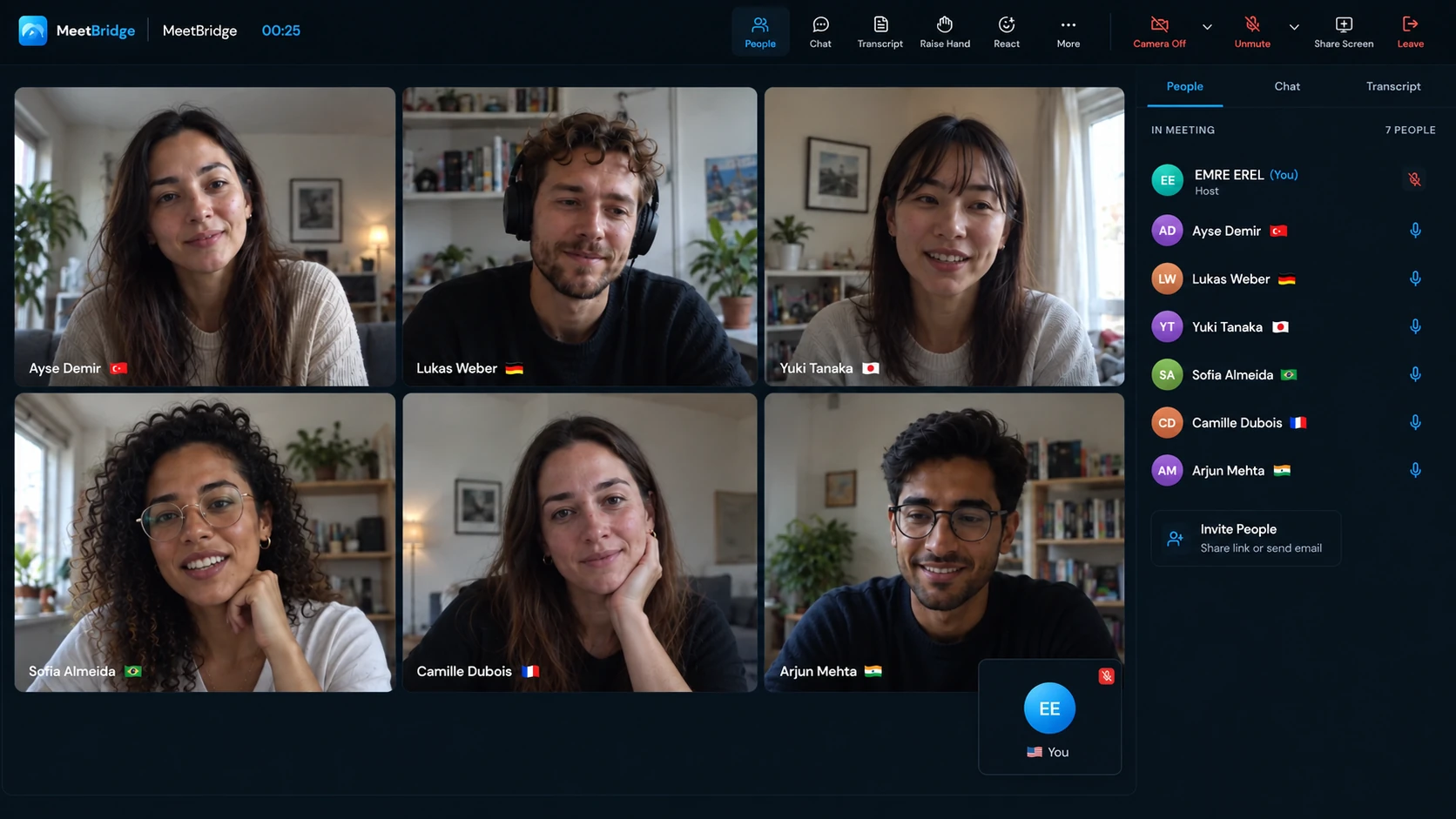
MeetBridge is a complete meeting platform. When you choose where to meet, invite the group into a MeetBridge video room. Run the camera, screen sharing and live translated conversation there, without opening another video service. Participants choose their own languages, and the available booking and full-meeting follow-up tools support the work around the call.
MeetBridge Voice works alongside the platform your customer already uses. Keep Teams, Zoom or Google Meet open for cameras and screen sharing, and open Voice for the spoken conversation. Every speaker joins the Voice room and turns off the original platform’s microphone and incoming audio. The two stay open together: the customer keeps their video platform while the group speaks and listens through MeetBridge Voice.
Wordly also supports virtual meetings. Its AI Translation Agent can join Teams, Zoom, Google Meet or Webex, capture the meeting audio and deliver translated audio and captions. It has additional integration routes, so compare the intended setup rather than treating Wordly as a captions-only or event-only tool. Wordly’s agent overview.
For example, a customer onboarding call may begin with a short walkthrough and quickly become a discussion of access, deadlines and responsibilities. Several people need to ask and answer questions, and the host needs to identify who will take the next step. Choose your live translation setup around that exchange, including late arrivals and new stakeholders, rather than the presentation alone.
Use one full meeting experience when you control the invitation. Use the compact Voice companion when the customer’s invitation is already settled. Voice requires the group to move its audio together; that requirement should be part of your decision.
02 / Side by side
Compare the route from invitation to follow-up.
The table compares documented workflows. It does not rank translation quality or claim that an integration requirement applies to every way of using a product.
| Your requirement | MeetBridge | Wordly |
|---|---|---|
| Choose the meeting platform | A full MeetBridge meeting brings video and live translation together. Voice is a separate option beside the customer’s platform. | Provides translation through an agent, integrations and audience access. Agent overview. |
| Use Microsoft Teams | Keep Teams video and screen sharing; all speakers use a shared Voice room with Teams microphone and incoming audio off. | The Teams companion route uses a generated join link and documents administrator consent. The bot is another route. Teams setup. |
| Use Zoom | Voice runs separately from Zoom audio. The host creates the room in the desktop app; guests can use a supported browser. | The Zoom app route documents a paid Zoom account, app approval and live-streaming setup. These are route-specific prerequisites. Zoom app setup. |
| Invite an external participant | Share a Voice invitation. A browser guest enters a name and requests host approval; the host’s plan covers room usage. | Attendees can access a session through browser links or QR codes. Browser attendance is not unique to MeetBridge. Attendee guide. |
| Return to the discussion | Saved transcripts, summaries and actions are available according to the full-meeting plan and enabled features. Do not assume Voice has the same saved record. | Offers session transcripts and AI summaries. Transcripts and summaries. |
| Budget ongoing usage | Choose a current plan around meeting needs and included usage. Voice guests draw from the room host’s plan. | Publishes purchased hour packages usable across sessions within a stated period. Check the current package and terms. Pricing. |
Your team’s preferred workflow may matter more than a long list of shared features. Ask who will create the session, who will explain the join instructions, and which room contains the conversation your customer needs to hear.
03 / When your team owns the invitation
A full meeting workspace supports the whole customer conversation.
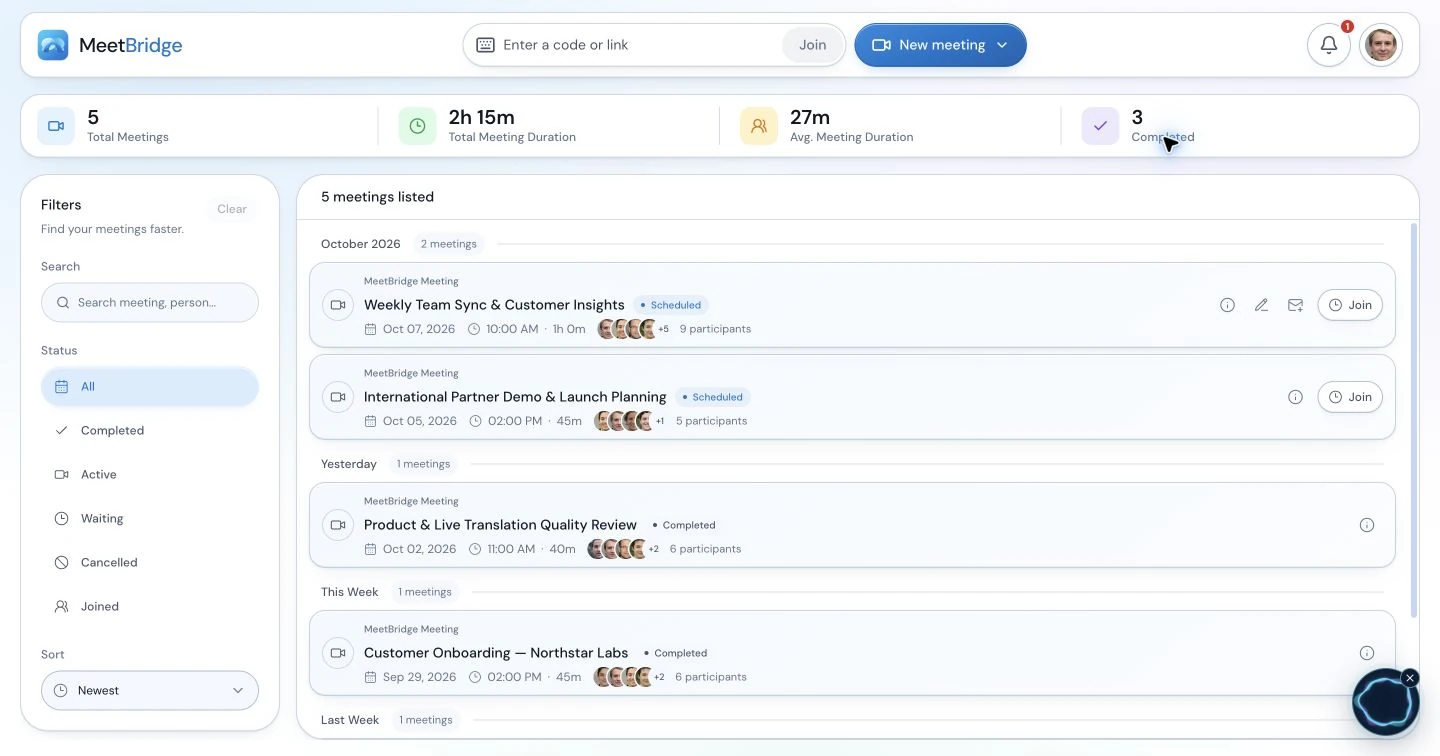
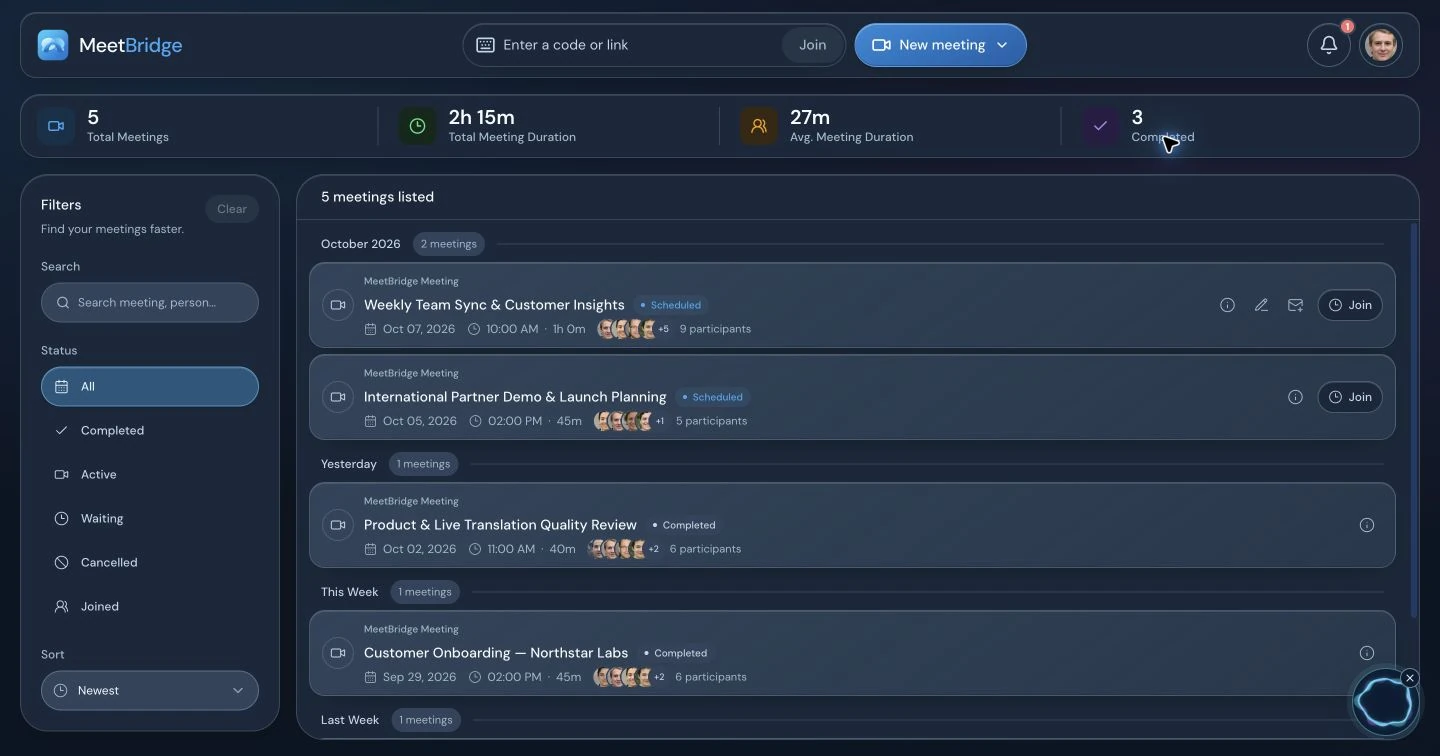
When you can choose where to meet, MeetBridge combines video and live translation in one meeting room. Participants choose their language and speak in it. Listeners using another language hear translated speech; same-language participants hear each other directly.
This is useful for a repeatable sequence: a prospect books a conversation, a representative asks discovery questions, and the team reviews confirmed details afterward. Keep the preparation connected to the meeting rather than explaining a new translation route every time.
A useful sales meeting might move from the buyer’s current process to a demonstration and then to questions about adoption. Let the customer describe the problem before presenting a solution, and ask them to confirm the requirement you heard. With video and translated conversation in one room, you can plan those stages as one hosted meeting.
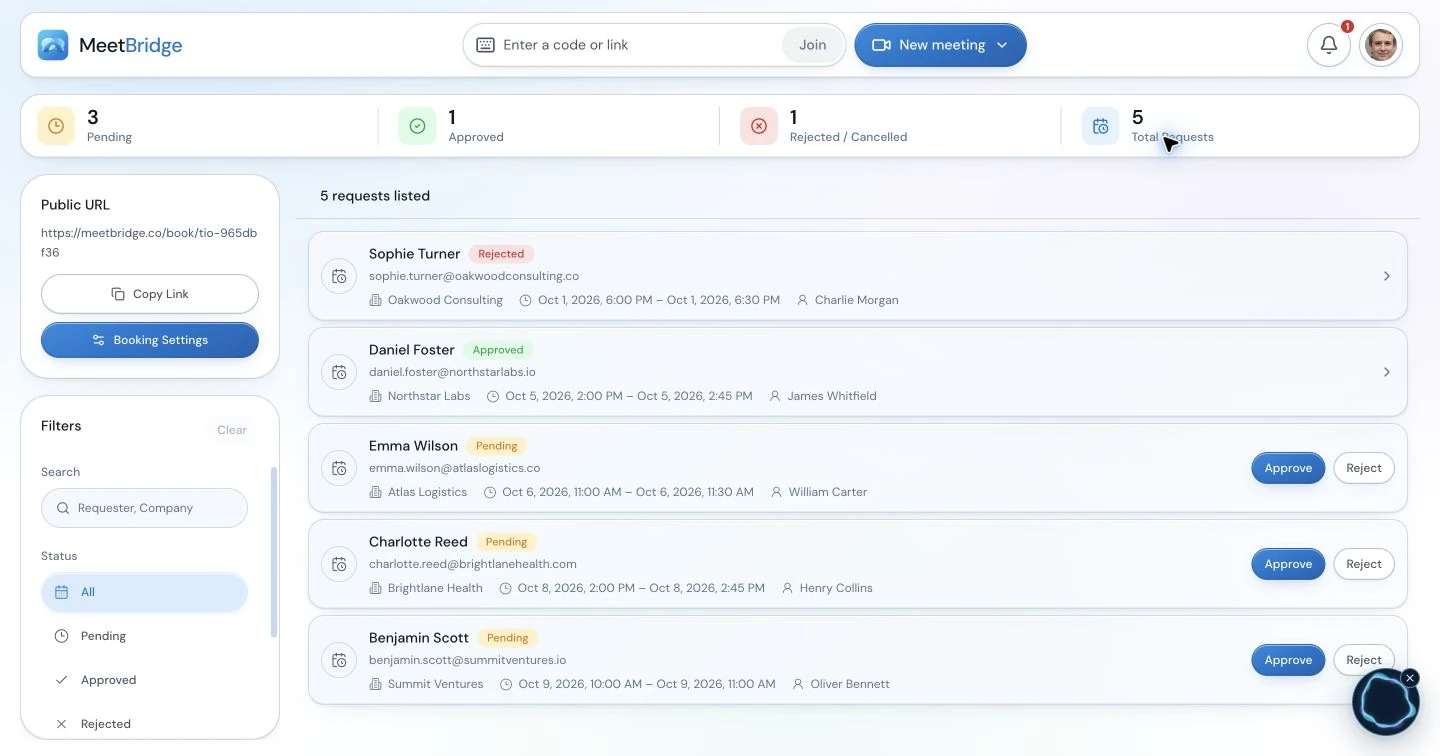
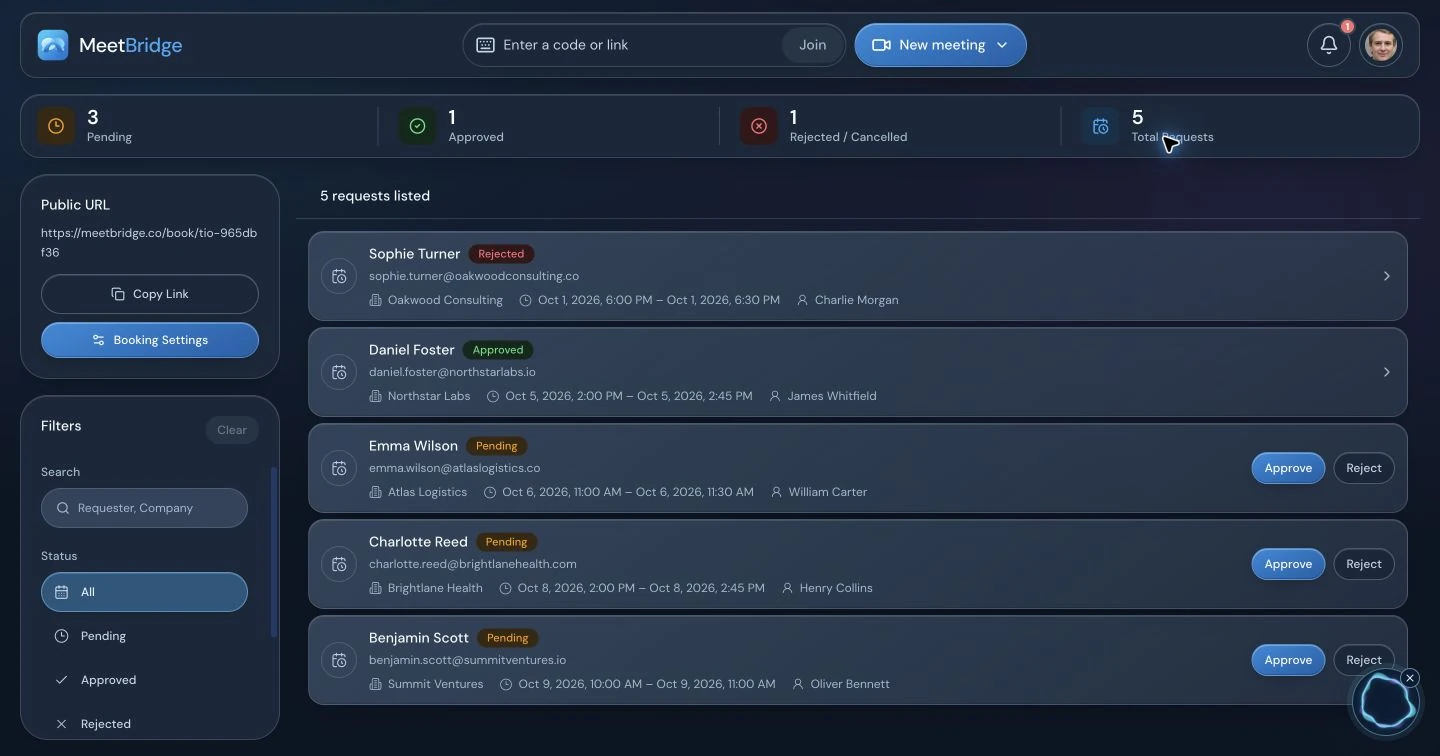
The meeting does not finish when everyone leaves. Where your plan and enabled full-meeting features support them, saved transcripts, summaries and actions help you return to the discussion. Review what the customer agreed to, separate a suggestion from a commitment, and give the next step an owner.
That is the reason to choose MeetBridge for this workflow: booking, the translated conversation and the available follow-up can sit in the same product. Wordly has its own post-session features; this comparison is about how the work is organized, not an assertion that another product cannot create a summary.
04 / When the customer brings the invitation
Keep their video platform. Give the conversation its own audio room.
A customer may already have sent a Teams, Meet or Zoom invitation. MeetBridge Voice lets you keep that platform for cameras, screen sharing and chat while running translated conversation in a shared Voice room. The compact desktop bar keeps microphone, translation and room controls close to the presentation.
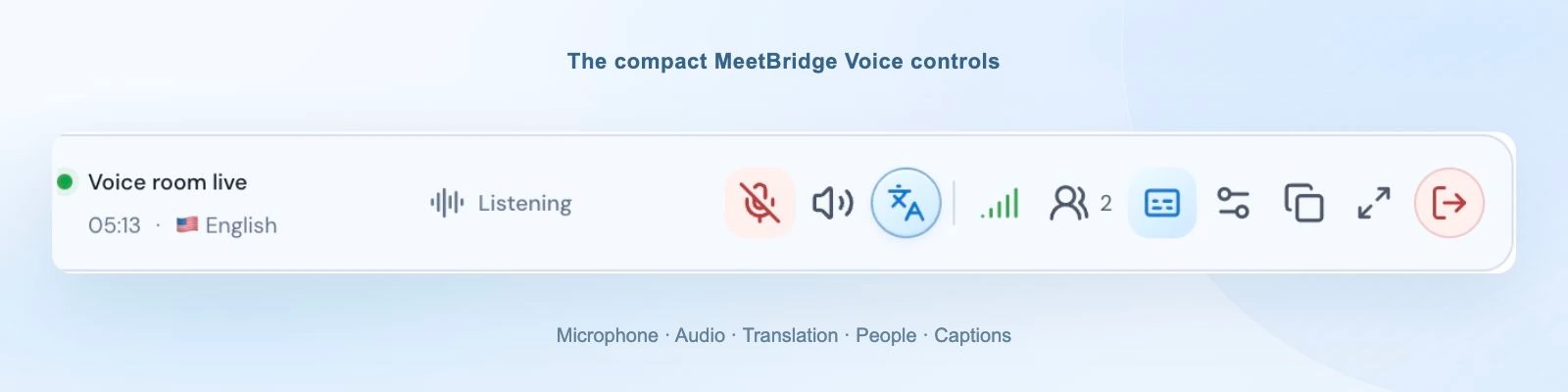
Create the Voice roomThe host signs in to the desktop app and shares the room invitation.
Bring every speaker into itInvited guests can continue in a supported browser and request admission.
Use one meeting audio pathTurn off the original platform’s microphone and incoming meeting audio.
Confirm everyone can hearChoose each person’s language and exchange a short question and answer.
Everyone who speaks needs to join the Voice room. Voice does not capture a participant who stays only in the original meeting, import its attendee list or inject translated audio into that platform. The host manages Voice admission separately from the video platform’s lobby.
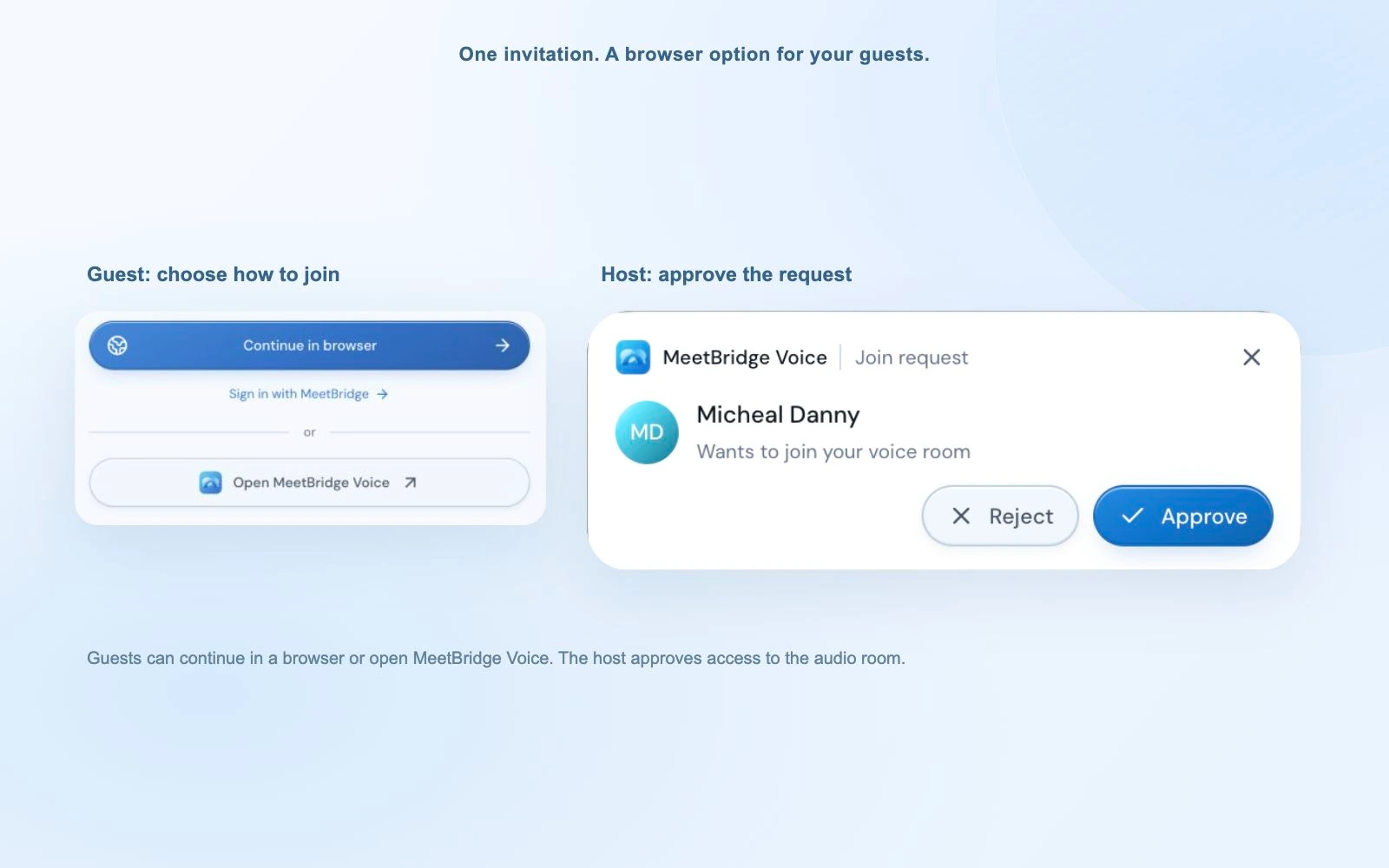
This setup gives you a consistent conversation interface across different customer invitations. The trade-off is coordination: two room links, two admission flows where relevant, and clear audio instructions. If that extra step does not suit the group, use a full MeetBridge meeting or evaluate another translation route.
This can suit a customer-success team working with accounts that use different video platforms. One customer keeps Teams, another uses Zoom, and a third sends a Meet link; your team can use the same Voice room workflow for the spoken discussion. Send the audio instructions ahead of time and make sure a newly invited stakeholder joins Voice before contributing.
05 / Match the tool to the session
Wordly deserves consideration when audience access is central.
If you run conferences, hybrid presentations or recurring events with audience translation requirements, evaluate Wordly’s event workflows. Its documentation describes audio and caption delivery to attendees using personal devices, as well as caption display options. Wordly’s translation software overview.
Terminology preparation is another relevant factor. Wordly documents glossaries for names, acronyms and specialized vocabulary. If that control is essential to your sessions, include it in your evaluation rather than assuming every live translator has an equivalent workflow. Wordly glossary documentation.
Consider MeetBridge first
You want to run the conversation and its next step.
Your team owns repeatable customer or colleague meetings, can choose the full room, or can guide speakers into a shared Voice room.
Evaluate Wordly closely
You need a translation route around an audience or existing platform.
Event delivery, a meeting agent or a specific documented integration is central to your requirements. Confirm the exact route with Wordly.
06 / Make a useful comparison
Use a real exchange, then review the whole workflow.
Bring one representative from your team and one speaker in the other language. Use a question from an actual discovery call, training session or project review. Ask a follow-up, mention a product name, and confirm a date or quantity. Take turns and leave room for translated speech.
Check understanding
Can both people answer in their own language and correct a misunderstood term?
Check the invitation
Can an external guest find the right link, grant microphone access and join the intended audio room?
Check the next meeting
Who creates it, pays for the usage and explains the setup when a different colleague hosts?
If a saved record matters, check the exact product mode and plan. Do not assume the original platform’s recording includes Voice audio. Decide how you will verify and share the recap before relying on a transcript or summary.
Compare current costs against your expected frequency, duration and required features. Wordly’s current packages and MeetBridge’s current plans are the starting points. This page does not claim a measured price, accuracy or delay advantage. Important figures and commitments should still be confirmed in writing.
07 / Questions before choosing
MeetBridge vs Wordly FAQ
Is MeetBridge a Wordly alternative for recurring customer meetings?
Yes, when you want a full meeting workspace with live translation, or a shared Voice room beside the customer’s video platform. MeetBridge is especially useful when the same team organizes discovery, onboarding and follow-up conversations. The fit depends on participants being willing to use the chosen meeting or Voice room.
Does Wordly provide translated audio or only captions?
Wordly provides translated audio and captions. It also documents transcripts and summaries. A useful comparison therefore looks at the meeting workflow, attendee route and available follow-up features rather than claiming that only MeetBridge translates speech.
Do both products let guests access translation in a browser?
Yes. Wordly documents attendee links and QR-code access through a browser. MeetBridge Voice invitees can continue in a supported browser, enter their name and request admission. The host creates the Voice room in the desktop app, and every speaker needs to join that shared room.
Can I use MeetBridge Voice alongside Teams, Zoom or Google Meet?
Yes. Keep the video platform for cameras, screen sharing and chat. Turn off its microphone and incoming meeting audio, then use MeetBridge Voice for the spoken conversation. Every speaker must join Voice; someone who remains only in the original video meeting will not be translated through it.
Does Wordly always require a paid Zoom account and app installation?
No. Those requirements are documented for the Wordly App for Zoom workflow. Wordly also offers an AI Translation Agent that joins an existing meeting, so evaluate the route you intend to use rather than applying one integration’s prerequisites to the whole product.
Will Voice translation appear in my Teams or Zoom recording?
Do not assume so. Voice audio runs separately from the original platform with its meeting audio disabled. A live Voice transcript is not a guarantee of a saved record. Choose a full MeetBridge meeting when its available saved transcript, summary and action features are part of your requirements, subject to the plan.
Is MeetBridge cheaper or more accurate than Wordly?
This page does not claim either result. Compare current plans against your actual meeting usage, and evaluate the languages, terminology and devices your participants use. Neither a feature list nor a general AI claim establishes the accuracy, delay or total cost of your particular workflow.
Who pays when an external customer joins MeetBridge Voice?
The Voice room’s translation usage comes from the host’s MeetBridge plan. Invited guests do not need to buy their own subscription to request admission. Check the current pricing page for included usage, limits and the features available to your organization.
08 / Sources and methodology
A comparison you can check.
Written by MeetBridge using its product workflows and Wordly’s public product and help documentation, reviewed October 3, 2026. This is a workflow comparison, not an independent performance benchmark. Availability, plans and integration requirements can change.
Competitor statements are based on the official Wordly documents listed below, reviewed October 3, 2026. MeetBridge screenshots show our application. Recommendations reflect workflow fit; no competitor account test or independent accuracy, latency or cost benchmark is represented here.
- Wordly AI Translation AgentMeeting-bot route, supported video platforms and translated audio access.Reviewed
- Using Wordly for Microsoft TeamsThe separate Teams companion workflow and its documented administrator prerequisites.Reviewed
- Setting up Wordly for hosting Zoom meetingsPrerequisites for the Wordly App for Zoom route, not for every Wordly workflow.Reviewed
- Attending a Wordly sessionAttendee browser, link and QR-code access.Reviewed
- Wordly AI transcriptionOfficial transcript capabilities.Reviewed
- Wordly AI summariesOfficial post-session summary capabilities.Reviewed
- Creating Wordly glossariesTerminology preparation for names, acronyms and specialized vocabulary.Reviewed
- Wordly translation softwareIn-person and virtual audience translation workflows.Reviewed
- Wordly pricingPublished hour-package structure; current terms should be confirmed before purchase.Reviewed