
 By MeetBridge Team
Best Real-Time Meeting Translation Software in 2026: 8 Options
Compare 8 meeting translation tools for Teams, Zoom, Meet, and dedicated rooms. Check voice, captions, summaries, guest access, and costs.
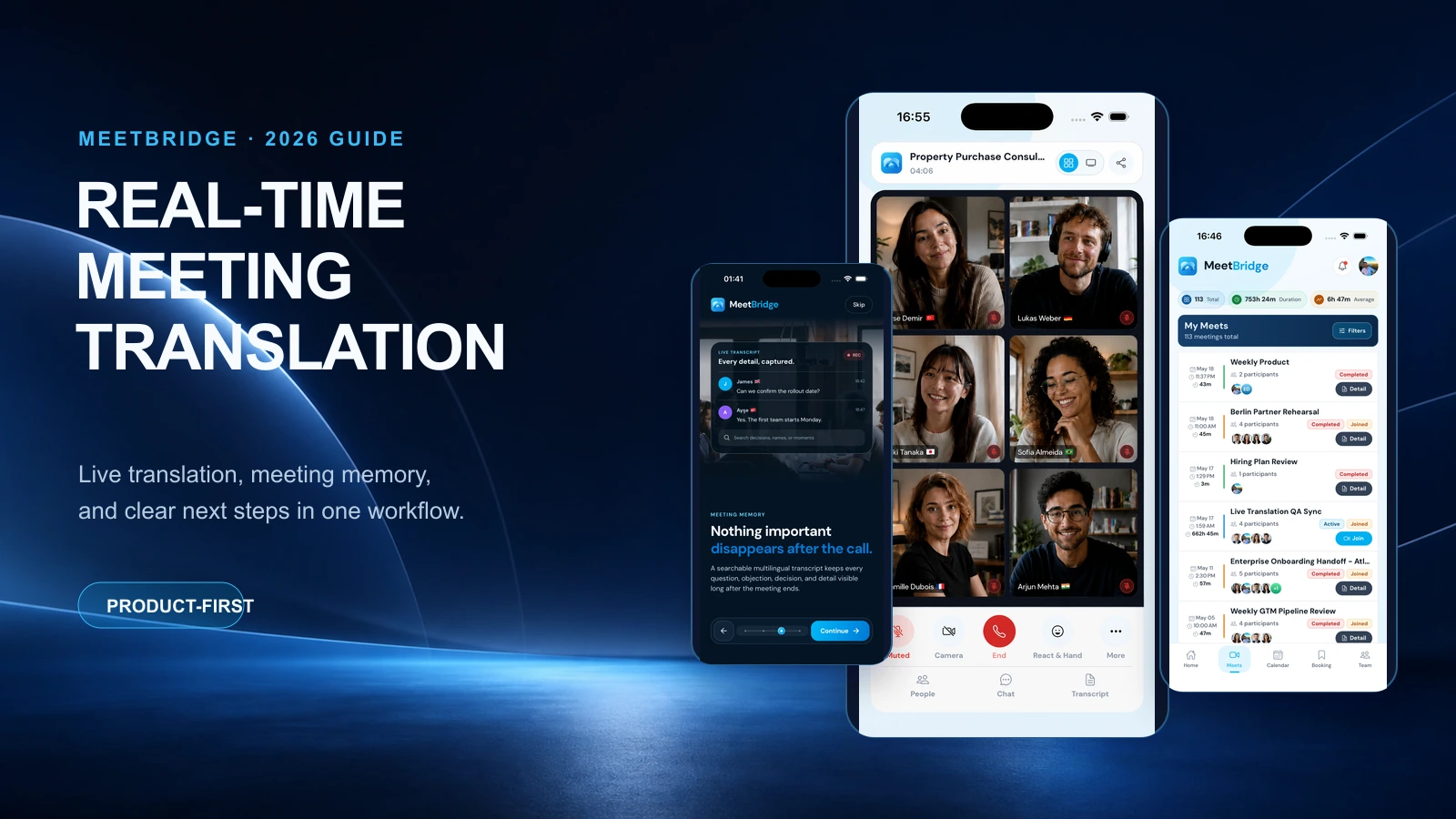
Best Real-Time Meeting Translation Software in 2026: 8 Options
The best real-time meeting translation software depends on where your meeting happens, who needs to hear a translation, and what you need to keep afterward. Start with a native feature if your call must stay in Teams, Zoom, or Google Meet. Consider a companion translation tool when the venue is fixed but native support does not fit. Consider MeetBridge when participants can join a dedicated multilingual room with a connected meeting record.
This guide compares eight software options by workflow, rather than awarding an untested overall winner. It also includes a reusable pilot scorecard for choosing a meeting translator with summaries, translated audio, or live captions.
Editorial method: MeetBridge publishes this guide and is one of the products discussed. Official product documentation was reviewed on September 16, 2026. We have not conducted a controlled head-to-head accuracy or latency benchmark. The recommendations below are judgments about workflow fit, not measured rankings. Verify languages, device support, and commercial terms for your account before purchasing.
Compare eight meeting translation options
| Software | Meeting workflow | Start here when… | Verify before choosing |
|---|---|---|---|
| MeetBridge | A separate multilingual meeting room | You can choose the venue and want translation connected to transcripts and follow-up | Actual speech-language pair, participant limits, and available apps |
| Microsoft Teams Interpreter | Native interpreted audio in Teams | Your organization already uses eligible Microsoft licensing | Each listener’s eligibility and external participant access |
| Zoom Voice Translator | Native translated audio in Zoom | The meeting must remain in Zoom | Eligible account, client version, and available languages |
| Google Meet Speech Translation | Native translated audio in Meet | Your Workspace or Google plan and language pair qualify | Account eligibility, supported devices, and session limits |
| DeepL Voice | Translation around Teams, Zoom, or Meet | You need a consistent translation workflow across meeting platforms | Voice license, desktop app, and participant setup |
| JotMe | A companion tool alongside an online meeting | You want live translated text and sharing options | Audio permissions, output mode, and participant access |
| Transync AI | A companion translation app | You want translated speech and notes alongside your call | Input capture and how others will hear translated audio |
| Wordly | Translation and captions for meetings and events | Attendees need language access on their own devices | Session setup, audio feed, and attendee delivery |
This is a shortlist by need, not a claim that all eight products provide equivalent features. Check the linked official documentation in each section for the relevant setup.
1. MeetBridge: a dedicated multilingual meeting workflow
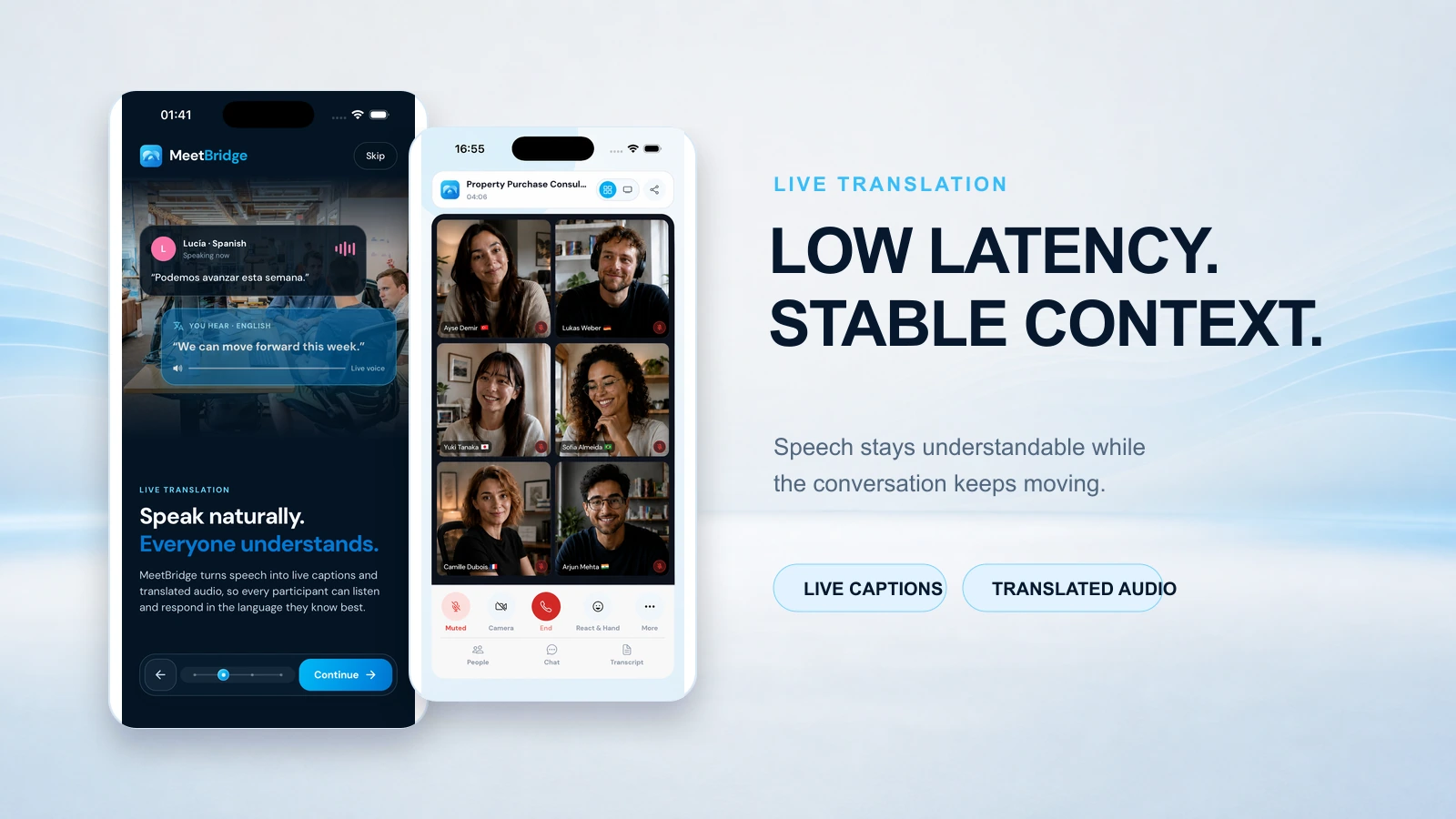
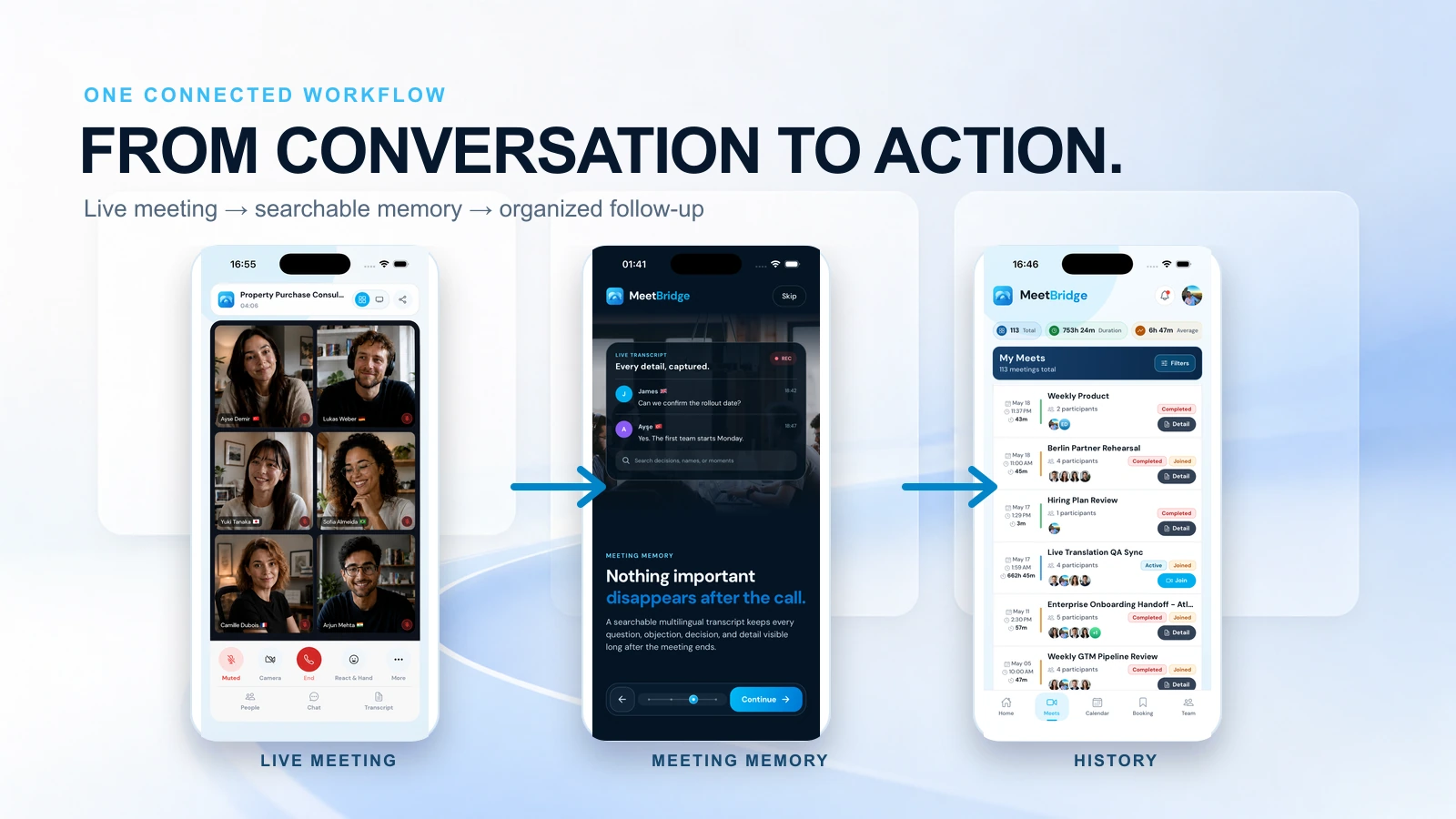
MeetBridge combines live translation, transcripts and meeting memory, and meeting summaries and actions in its own room. Booking links can help organize the conversation before it begins.
A good fit: recurring sales calls, interviews, customer conversations, and supplier discussions where the host can choose a multilingual meeting venue.
A reason to choose something else: your organization requires every conversation to stay inside an existing Teams, Zoom, or Google Meet call. MeetBridge is not a native plug-in, bot, or translation overlay for those calls. Participants need to join the MeetBridge room.
Check the current plans and available apps. Test the actual speaking and listening languages; website localization does not establish speech-language coverage. This guide does not claim a universal language count or a measured speed advantage for MeetBridge.
2. Microsoft Teams Interpreter: native speech inside Teams
Teams Interpreter provides translated speech within Microsoft’s meeting environment. Microsoft lists eligible Microsoft 365, Teams, and Copilot licensing, with 20 interpretation hours per licensed user per month and additional access subject to capacity. Microsoft administrator documentation
A good fit: a Microsoft-standardized team whose meeting participants satisfy those requirements. Check first: who can actually use the feature, especially outside your organization. See the detailed MeetBridge vs Teams Interpreter comparison for an access and cost checklist.
3. Zoom Voice Translator: translated audio without changing the Zoom venue
Zoom documents Voice Translator in its desktop meeting controls, with selectable speaking and listening languages and an audio balance setting. Its current help page lists English, Chinese, French, Japanese, and Spanish. Zoom Voice Translator documentation
A good fit: a supported Zoom meeting where translated listening is the main need. Check first: the exact account requirements, client version, and language direction. Treat translated captions, automated voice translation, and channels for human interpreters as different capabilities.
4. Google Meet Speech Translation: a native Workspace option
Google documents speech translation between English and French, German, Hindi, Italian, Portuguese, or Spanish for eligible plans. Its help page states a 90-minute limit per meeting and excludes translated speech from recordings and live streams. Google Meet Speech Translation requirements
A good fit: a supported language pair in an eligible Google meeting. Check first: host eligibility and participant devices. Do not infer support for every combination of the listed languages; “English and Spanish” is not evidence that another pair works directly.
5. DeepL Voice: translation across existing meeting platforms
DeepL’s current online-meeting workflow supports Teams, Zoom, and Google Meet. Its voice-to-voice help page requires an eligible Voice license and the DeepL Voice desktop app; the web application does not provide that voice mode. DeepL voice-to-voice requirements
A good fit: teams moving among different meeting platforms. Check first: the setup for every person who needs translated speech, rather than assuming that one license supplies the same listening experience to everyone. Native Teams or Zoom translation stays inside the platform’s own feature set; DeepL adds its own application and licensing workflow.
6. JotMe: a companion workflow for live translation
JotMe documents running its desktop app alongside Zoom, Teams, or Meet, with microphone and system-audio permissions and options for sharing captions or voice output. JotMe online-meeting setup
A good fit: users who want translation alongside their existing call. Check first: whether the desired output is only for the local user or must be shared with others. Have a second participant join during the pilot and confirm what they can actually read or hear.
7. Transync AI: companion translation with voice playback and notes
Transync AI presents real-time translation, voice playback, and meeting notes across supported devices. Its setup guidance covers audio capture for conferencing platforms. Transync AI product information and getting-started documentation
A good fit: a companion-app workflow where the audio route can be configured. Check first: headphones, speakers, microphone capture, and whether remote participants hear the intended output. A translated voice audible on your own computer is not automatically a translated voice delivered to the rest of the meeting.
8. Wordly: language access for meetings and events
Wordly offers translated audio and captions that participants can access on their devices, with transcripts and summaries described in its product offering. Wordly translation software
A good fit: planned multilingual sessions and events with an organizer responsible for the audio feed and participant instructions. Check first: how attendees enter the session and hear translated audio while following the presentation. Event delivery and small-group conversation have different operational requirements.
How to choose a meeting translator with summaries
Translated speech, captions, transcripts, and summaries answer different questions:
- Speech: can a participant listen in the required language?
- Captions: can they read the translation while the conversation continues?
- Transcript: can the team revisit the words and clarify uncertainty afterward?
- Summary: can reviewers identify decisions, open questions, owners, and next steps?
A product’s live translation mode does not prove that translated audio will be recorded or that a bilingual transcript will remain available. Ask for a real post-meeting sample in your intended plan. Read the summary against the conversation: a polished sentence can still contain an incorrect amount, date, or commitment.
For example, a sales pilot could include a price correction, a delivery date, and an unresolved objection. An interview pilot could include a technical term and a request to clarify the question. Use fictional information until the workflow is approved for actual customer or candidate data.
A reusable 20-minute evaluation scorecard
This is a proposed evaluation method, not a report of tests we have already run. Use the same script, devices, and language pair for each product. Ask a bilingual reviewer to assess meaning rather than judging only how natural the generated voice sounds.
| Test | What to record | A useful pass condition |
|---|---|---|
| Join and setup | Time until each participant can follow the call | Everyone can use the intended mode without an unresolved access problem |
| Names and numbers | Incorrect names, amounts, dates, or units | Important details can be confirmed and corrected |
| Turn-taking | Interruptions and missed or premature responses | Speakers know when the other side has finished listening |
| Specialist vocabulary | Terms that change the meaning of the answer | The result remains understandable to a subject expert |
| Meaningful delay | Time from a completed source thought to an understandable translation | Delay is acceptable for your actual discussion style |
| Meeting record | Transcript and summary mistakes or omissions | Decisions and uncertainties can be reviewed accurately |
| External access | What a customer or candidate must install, buy, or sign into | The join process fits your participants |
Do not turn one successful demonstration into a general accuracy claim. Repeat difficult examples in both translation directions. If you report latency, state the start and end events, number of samples, devices, and network conditions so another person can reproduce the test.
Compare the full cost of the workflow
Use current quotes and plan pages instead of comparing isolated promotional prices. A practical monthly estimate is: required licenses plus translation usage and overages plus any separate recording, summary, or interpreter service. Add the staff time needed to prepare and review meetings.
Account for guests, host requirements, concurrent sessions, minimum commitments, and additional languages. If you already pay for a platform’s eligible plan, its incremental cost may be different from a new customer’s cost. This guide does not claim that MeetBridge is always cheaper.
First decide what you mean by “meeting translation”
The phrase covers several different jobs. A buyer who searches for a real-time translator may expect everyone to hear another language. Another buyer may need only readable captions. A third needs a multilingual record after the call. Those are different buying decisions, and a polished product demo can make them look interchangeable.
| Required outcome | Ask during the demo | A failed test looks like |
|---|---|---|
| Understand the conversation live | Can every person who needs help hear or read their chosen language? | Only the host sees a translation, or a guest cannot activate it |
| Keep a usable record | Which original and translated words remain available afterward? | The live translation disappears and the saved transcript is in a different language |
| Explain decisions | Can a reviewer locate the source passage behind a summary? | A fluent recap states a decision nobody actually made |
| Send accurate follow-up | Can the owner confirm names, amounts, dates and responsibilities? | An automatically generated action is sent without human review |
| Run the meeting repeatedly | Can your team use the same setup with its normal guests and devices? | The pilot succeeds on one laptop but fails for a customer or candidate |
Start with a written one-sentence requirement: “In our [meeting type], [participants] need [translated audio or captions] in [direction of the language pair], and [reviewer] must be able to verify [post-meeting output].” Then ask each vendor to demonstrate that exact sentence. This prevents a caption feature from being purchased to solve an audio need, or a note-taking feature from being mistaken for live interpretation.
Translation direction is part of the requirement
“Supports French and English” may describe recognition, captions, or output, and may not mean both French-to-English and English-to-French speech. Test each direction. Ask one person to speak in each language while the other listens in the intended mode. Repeat with the accents, equipment and specialized words you expect in real calls. Website localization, a general language list and an account’s feature entitlement are separate facts.
Guest access is part of the product
The user who starts a meeting is not always the person who needs translation. A seller may have every required license while the buyer has none. A recruiter may be able to create a room while a candidate joins from a phone without a corporate account. Record what every role must install, buy, accept or sign into. The test passes only when the people who need the result can actually receive it.
What good live translation feels like in a real conversation
Translation quality is more than whether an isolated sentence reads naturally. Meetings involve interruptions, incomplete thoughts and corrections. A participant might say, “We can deliver on Thursday—sorry, next Thursday, after the inspection.” An early translation of “this Thursday” could change a purchasing decision even if the final transcript later looks correct.
Watch the full interaction. Does a listener know when to answer? Does the interface make a partial translation look final? When someone corrects a number, can both sides see the correction? Does the tool handle one speaker finishing while another begins? A system can optimize for the first translated word and still make the conversation slower if participants repeatedly ask for clarification.
Use a shared test script with five moments: a short greeting, a long explanation, a specialist term, a correction and a fast question-and-answer exchange. Ask two bilingual reviewers to record whether the meaning survived each moment. They should mark an error as material when it changes a decision, obligation, date, amount or person. Count material errors separately from awkward but harmless wording. The same script lets you compare tools without claiming a laboratory accuracy percentage.
Do not ask a single tool to infer everything from a sentence fragment. In languages with different word order, waiting for context may be necessary to preserve meaning. The useful outcome is a conversation in which participants understand enough to respond and can revisit uncertain passages. Ask vendors how corrections are displayed and whether the saved record reflects final speech rather than an abandoned partial output.
Four meeting situations that require different choices
An internal weekly meeting already inside Teams
If the entire group uses eligible Microsoft accounts and the meeting must stay in Teams, start by testing Teams Interpreter in the organization’s actual tenant. Ask a colleague with the least favorable eligible setup to join. Verify each listener’s access, the needed language direction, and the difference between interpreted audio and a saved transcript. Add Microsoft’s wider recap or notes workflow only if the team needs those outputs. Moving an established internal meeting to a separate room may add unnecessary coordination.
A customer call with a guest you do not control
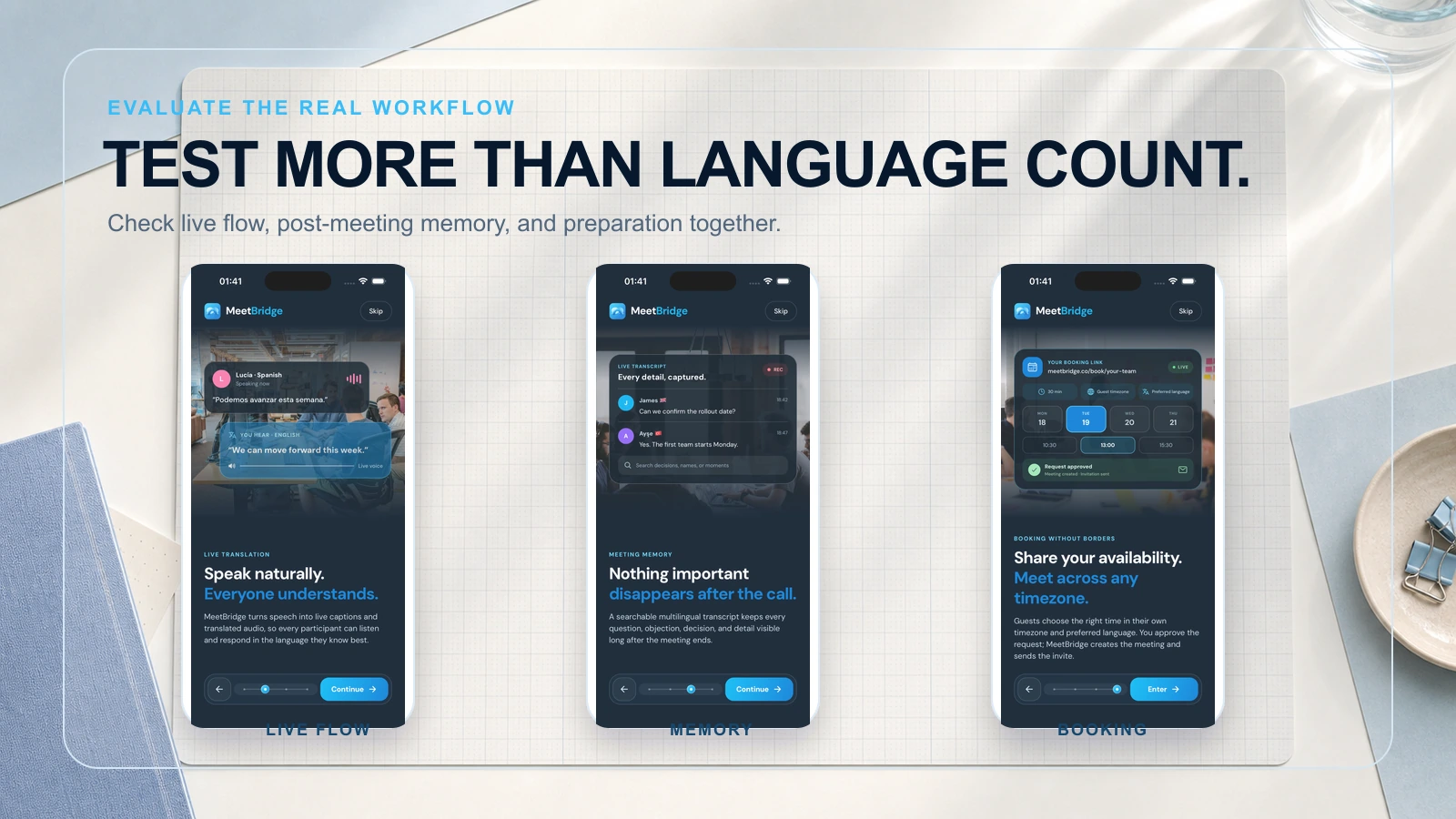
An external customer may have no relevant Microsoft or Google subscription. Test the guest journey before comparing speech quality. Send a trial invitation to someone outside the organization and ask them to complete the whole process without coaching: join, select a language, hear or read the translation, ask a question and receive the follow-up. A dedicated multilingual room such as MeetBridge can be appropriate when the organizer controls the venue and wants the discussion, transcript and next steps in one place. If the call must remain in the customer’s existing platform, investigate that platform’s native option or a compatible companion tool.
A candidate interview with a review panel
The candidate should know what is translated and what is recorded before joining. Let them state a language preference, test the exact pair and explain how they can pause or correct a translation. The panel should use the same job-related questions for comparable candidates and evaluate answers as people, using the transcript to resolve uncertainty. An automatically generated summary is a navigation aid, not a candidate score. For a detailed setup, use the international job interview guide.
A multilingual event or training session
Dozens of listeners choosing among languages create a different problem from a four-person sales call. Check session setup, concurrency, attendee instructions, device access and whether translated audio must reach individual phones. Event-oriented services such as Wordly may fit this distribution model. A platform-native feature may fit if the event is already in one supported meeting system. Run an attendee rehearsal, including the person responsible for presenting slides and the person handling late arrivals.
A buyer’s test sheet for eight tools
The table below is a set of questions, not a score or a claim that every vendor offers the same features. Put “not applicable” where a tool does not serve that job. The person who will run the meeting should complete it alongside an external or less-privileged participant.
| Tool | Most revealing test | Decision to document |
|---|---|---|
| MeetBridge | Run the whole meeting in a MeetBridge room and inspect the transcript and summary | Can the organization choose a separate room, and does the follow-up fit its process? |
| Teams Interpreter | Test a licensed internal listener and an actual external participant | Which people can use interpreted audio in this tenant and meeting type? |
| Zoom Voice Translator | Test the exact Zoom account, desktop client and language pair | Does the intended listener receive voice translation in the real deployment? |
| Google Meet Speech Translation | Test the eligible host, guest devices and supported direction | Do plan, session length and recording behavior satisfy the meeting? |
| DeepL Voice | Rehearse installation and listening on every participant’s required device | Who needs a Voice license and the desktop app for the desired mode? |
| JotMe | Compare what the local user sees with what another participant receives | Is translation shared in the way the team expects? |
| Transync AI | Test microphone/system audio routing with headphones and speakers | Does translated playback reach the intended listener? |
| Wordly | Rehearse attendee join, language selection and event audio | Can the organizer distribute language access at the planned scale? |
For every row, write the source of the answer: observed pilot result, current vendor document, contract or “unverified.” This is especially useful when a feature depends on a preview program or an administrator setting. An unanswered requirement is not a negative score, but it is a reason to delay a rollout decision.
How to run a fair 20-minute pilot
Prepare the test before opening a product. Write down the two spoken languages and both translation directions. Choose a meeting scenario that resembles a real customer, candidate or internal call. Give every product the same participant roles, devices, network, terminology and example sentences. Use fictional names and figures so you can test freely.
In minutes 0–3, record the setup. How many people needed an account, license, installation or permission? In minutes 3–8, test short exchanges and turn-taking. In minutes 8–13, test a long answer with names, dates, quantities and a deliberate correction. In minutes 13–17, test a second participant or guest and a change of language direction. In minutes 17–20, end the meeting and inspect what each role can open afterward. Allocate extra time if the real workflow requires an administrator or an event producer.
Ask reviewers to record four separate outcomes: comprehension during the call, factual integrity of critical details, ease of joining and usefulness of the post-meeting record. Do not average them into a single “accuracy” number unless you have a defined rubric and enough samples. A product that excels in live speech but cannot include your guests may fail the use case. A product with a polished summary but poor live comprehension also fails it.
Repeat difficult examples on another day or device. A single clean demo tells you that the configuration can work; it does not establish reliability across accents, networks and longer sessions. Keep the original utterance, translation and reviewer note together when recording a material error. That makes follow-up with the vendor concrete and lets the buyer distinguish a model issue from setup or audio capture.
Security, retention and consent questions for procurement
A translated meeting may create several artifacts: original audio, interpreted audio, captions, original-language transcript, translated transcript, generated summary and actions. Ask which of these is created, saved or accessible under the plan you will buy. A product may translate audio live while recording only the original speech. Another may save a transcript but not retain the live translation. These differences matter for review, privacy notices and follow-up.
Document who can start a meeting, invite a guest, view a transcript, export a record and delete it. Ask where administrator controls live and how long data remains. Verify the actual setting in your workspace; do not copy a vendor’s broad security statement into a candidate or customer notice without checking your configuration. For sensitive meetings, decide in advance when a qualified human interpreter or subject-matter reviewer is required.
Finally, price the complete job. Include organizer and listener licenses, translation usage, guest access, setup labor, transcription or recap plans and review time. If your team already pays for a supported platform, the incremental cost may differ sharply from the public list price. If a companion app needs every listener to install it, rollout time belongs in the calculation. Compare the cost of a successful, reviewable meeting rather than the lowest monthly sticker price.
Frequently asked questions
What is the best real-time meeting translation software?
There is no verified overall winner in this guide. Shortlist by meeting venue and output, then test the exact language pair. Native platform features suit eligible existing calls; companion tools add a separate translation workflow; MeetBridge provides its own multilingual meeting room.
Can MeetBridge translate my existing Teams, Zoom, or Google Meet call?
No. Invite participants to a separate MeetBridge room. If the call must stay on another platform, evaluate that platform’s native translation or a compatible companion service.
Which software supports live translation and meeting summaries?
Several products combine or connect these capabilities. Compare what is available in your plan and what remains after the meeting. MeetBridge connects translation with its transcript and summary workflow; other products may provide their own notes or depend on connected meeting features.
Are captions enough, or do we need translated audio?
Use the mode participants can comfortably follow. Captions preserve the original speaker’s audio but require reading; translated speech lets participants listen but introduces generated audio and turn-taking considerations. Try both during screen sharing and questions.
When should we use a human interpreter?
Consider a qualified interpreter when specialist judgment, sensitive decisions, accessibility requirements, or unresolved ambiguity make automated output insufficient. Choose based on the actual conversation and applicable requirements, not a vendor’s unsupported accuracy percentage.
Choose the next step for your team
For a dedicated room, explore MeetBridge live translation. For a hiring workflow, read the international job interview translation guide. For Microsoft-specific purchasing questions, use the Teams Interpreter comparison. Review security information and pricing before running your pilot.