
 By MeetBridge Team
Sales Call Translation Software: What Global Revenue Teams Should Look For
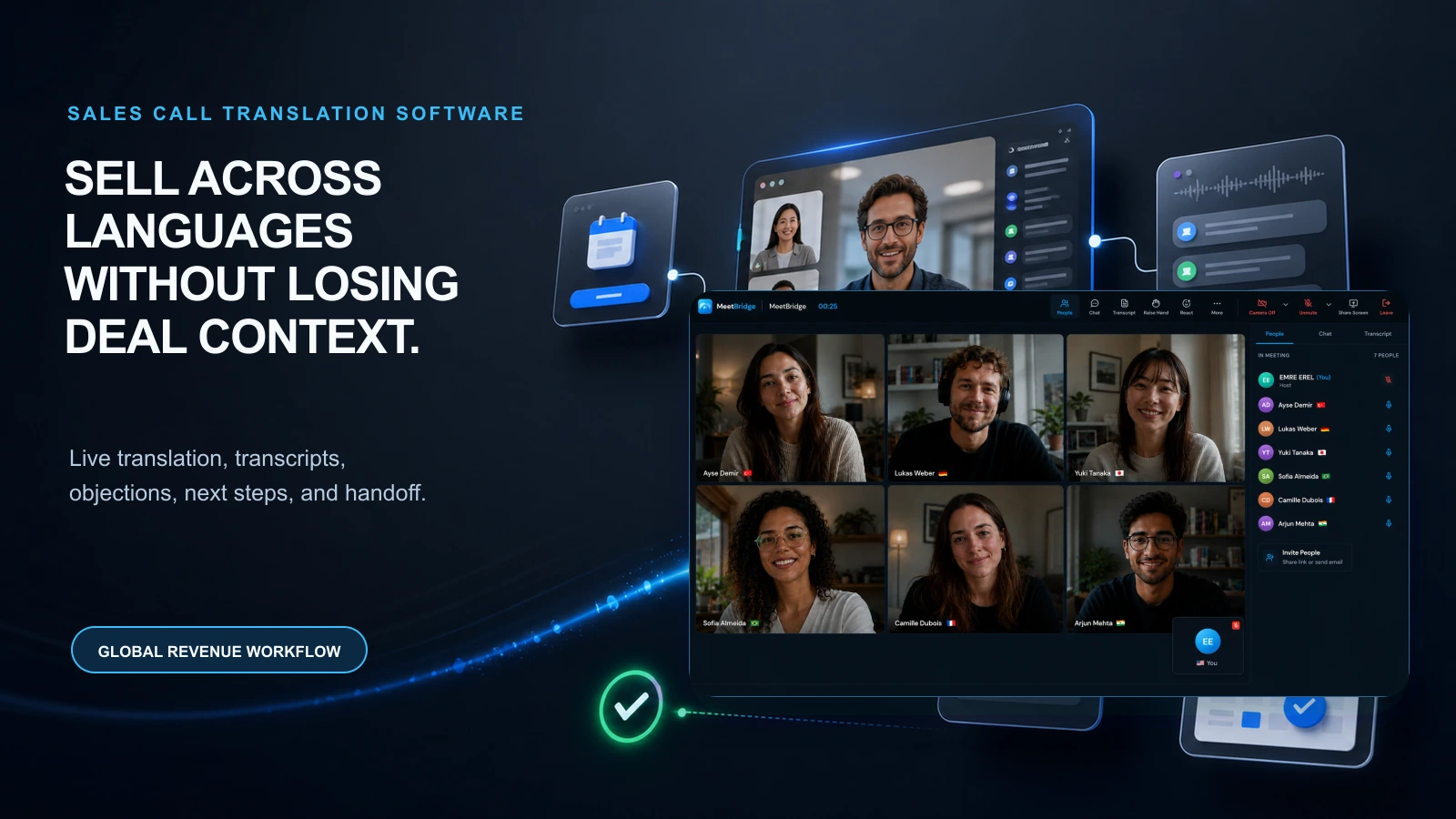
Sales call translation software should help global revenue teams sell across languages without losing buyer context, objections, next steps, or handoff quality.
Sales Call Translation Software: What Global Revenue Teams Should Look For
Sales call translation software should help revenue teams sell across languages without slowing the buyer down, losing deal context, or creating weak follow-up after the call.
For global revenue teams, that is the real problem.
A translated sentence is useful. But a sales call is not successful only because the buyer understood the words during the meeting. A sales call is successful when the team captures the buyer's pain, qualification details, objections, decision criteria, timeline, budget signals, technical requirements, next steps, and internal handoff context accurately enough to move the deal forward.
That is why sales call translation software should be evaluated as a revenue workflow tool, not only as a language tool.
The best tool should help your team do four things:
- Understand the buyer live.
- Keep the conversation natural.
- Capture the deal context accurately.
- Turn the call into follow-up that moves the opportunity forward.
MeetBridge is built around that full workflow. It connects live translation, transcripts and meeting memory, meeting summaries and actions, booking links, and sales workflows so global teams can move from multilingual discovery to clear next steps.
For sales teams specifically, the B2B sales and SaaS solution shows how MeetBridge supports discovery, demos, proposal reviews, renewals, onboarding, and partner sales calls across languages.
What is sales call translation software?
Sales call translation software helps sales teams communicate with buyers who speak different languages during live revenue conversations.
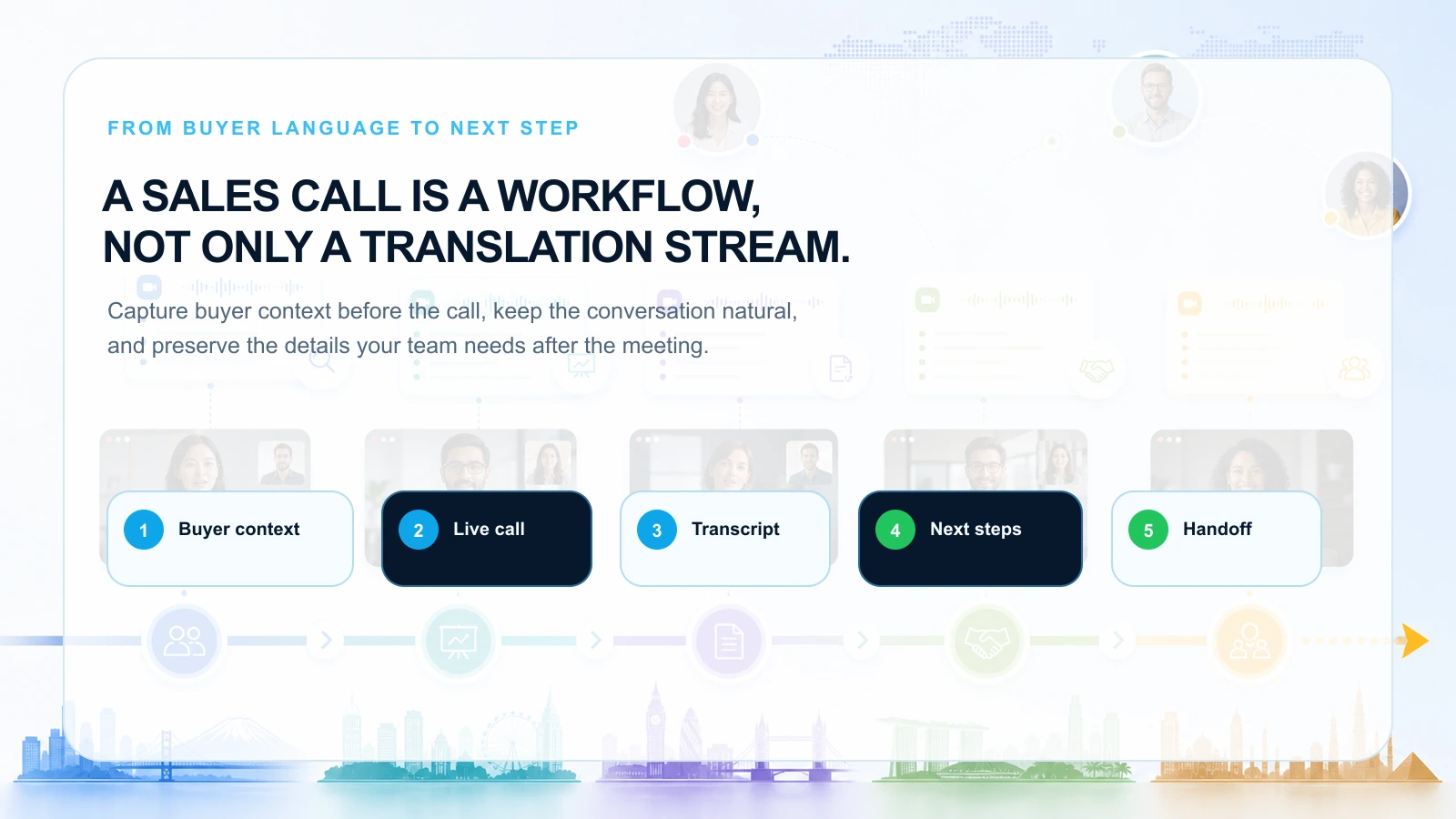
At a basic level, it may translate spoken language, captions, or transcripts. For business use, it should go further. A strong sales call translation platform should help revenue teams handle the full call lifecycle:
| Stage | What the team needs |
|---|---|
| Before the call | Buyer context, meeting goal, language preferences, qualification questions, and agenda |
| During the call | Real-time understanding, smooth back-and-forth conversation, speaker context, and clarification |
| After the call | Transcript, summary, decisions, objections, action items, owners, deadlines, and next-step context |
| Across the deal | Meeting memory, deal history, handoff context, and continuity across future calls |
A basic translation feature can help people understand the call. Sales call translation software should help the team advance the opportunity.
That distinction matters because sales conversations are high-context. Buyers do not only say, “yes” or “no.” They explain problems, compare alternatives, reveal urgency, ask technical questions, raise objections, describe internal politics, and test whether the vendor understands their world.
If that context is translated live but lost after the call, the revenue team still has a problem.
Why global revenue teams need more than translated captions
Translated captions are useful when someone needs to follow along. They are often helpful for presentations, webinars, internal updates, and low-interaction meetings.
Sales calls are different.
A discovery call depends on trust and momentum. A demo depends on the buyer asking questions at the right time. A proposal review depends on pricing, scope, procurement details, legal concerns, and decision timing. A renewal call depends on risks, outcomes, blockers, and promised next steps.
In those situations, the translation layer should not make the buyer feel like they are watching a delayed subtitle track. It should make the conversation feel direct.
That is why revenue teams should compare live translation and captions carefully. For a deeper breakdown, read Live Translation vs Translated Captions: What Is the Difference?.
For revenue work, the stronger question is not:
Can the buyer read a translation?
The stronger question is:
Can the buyer participate naturally, and can our team act on the outcome accurately?
The quick checklist: what should revenue teams look for?
Use this checklist when evaluating sales call translation software.
| Capability | Why it matters for revenue teams |
|---|---|
| Low-latency live translation | Keeps discovery, demo, and negotiation flow natural |
| Buyer-friendly guest experience | Reduces friction for prospects who should not need to learn a complex tool |
| Strong language-pair performance | Handles the actual languages, accents, and speaking styles your buyers use |
| Sales-context accuracy | Protects key details such as budget, pain, timeline, procurement, stakeholders, and objections |
| Transcript quality | Gives the team a reviewable record of what the buyer actually said |
| Objection capture | Helps AEs, managers, and sales engineers understand deal risk |
| meeting summaries and action items | Turns the call into follow-up, tasks, owners, and deadlines |
| Meeting memory | Keeps context across discovery, demo, proposal, security review, onboarding, and renewal |
| Pre-call qualification | Collects buyer context before the first live conversation |
| Handoff support | Makes it easier to pass context from SDR to AE, AE to SE, and sales to customer success |
| Security and access control | Protects sensitive customer conversations, pricing, and commercial details |
If a tool only handles the first two rows, it may be a translation feature. If it covers the full checklist, it is closer to a revenue-ready multilingual meeting platform.
1) Prioritize natural conversation speed
Latency changes the behavior of a sales call.
If translation is slow, the buyer waits. If the buyer waits, the conversation becomes less natural. They may shorten answers, avoid follow-up questions, or stop sharing nuance. The sales rep may interrupt too early or over-explain. The sales engineer may miss the exact moment to clarify a technical requirement.
That is dangerous in sales because good calls depend on timing.
The buyer says something important, and the rep needs to follow the thread:
- “We already tried a solution like this last year.”
- “The CFO is worried about implementation risk.”
- “Our legal team will ask about data retention.”
- “The current vendor is slow, but procurement prefers them.”
- “We need this live before the September launch.”
A slow translation experience can turn those signals into fragments. A strong live translation workflow should help the rep respond while the deal context is still fresh.
MeetBridge is built around live translation so multilingual buyers, sellers, sales engineers, and partners can follow the conversation as it happens.
For a broader meeting-speed framework, read How to Run Multilingual Meetings Without Slowing Them Down.
2) Make the buyer experience simple
Sales teams should never make the buyer work hard just to join a call.
The buyer may already be evaluating multiple vendors. They may be joining from a mobile device. They may not be technical. They may be a senior stakeholder who expects the meeting to be easy. If the translation setup feels confusing, the call starts with friction.
A good sales call translation workflow should make it easy for the buyer to:
- Join without unnecessary setup.
- Speak in the language they know best.
- Understand the seller's answer in real time.
- Ask questions without waiting for a separate translator.
- Leave the call with clear next steps.
This is especially important for global outbound, international SaaS demos, partner sales calls, real estate buyers, health tourism consultations, export customers, and enterprise accounts where decision-makers may not share one fluent business language.
The buyer should feel like they are having a direct conversation with the team, not being forced through a translation workaround.
3) Test the tool with real sales language, not generic scripts
Many translation demos sound good because the test is too clean.
Sales calls are not clean.
A real revenue conversation includes product names, acronyms, pricing terms, procurement language, competitor references, dates, numbers, integrations, compliance requirements, and buyer-specific vocabulary. The buyer may switch between languages. The sales rep may speak quickly. The sales engineer may explain a technical concept. The decision-maker may use local business idioms.
When evaluating sales call translation software, test the tool with your real deal language.
Include examples such as:
- Pricing and discount discussion.
- Contract length and renewal terms.
- Procurement and approval process.
- Implementation timeline.
- Integration requirements.
- Security and compliance questions.
- Competitor comparison.
- Objections and deal risks.
- Expansion or upsell context.
- Post-sale handoff details.
A generic phrase like “Thank you for joining the call” is easy. A real buyer sentence is harder:
“We can move forward only if your team can support SSO before the pilot, keep the first invoice under the regional budget threshold, and give procurement a local-language security summary by Friday.”
That is the type of sentence revenue teams need to protect.
4) Look for context capture, not just translation output
A sales call creates revenue context. If the software does not capture that context, the team will rebuild the call manually.
This is where many tools fall short.
They may translate the live conversation, but after the call the sales rep still needs to write notes from memory. The rep may remember the general topic but miss the exact objection. The sales engineer may understand the integration question but forget the buyer's deadline. The manager may review the deal but only see a shallow recap.
For global revenue teams, the transcript is not a nice-to-have. It is the source of truth.
A strong transcript helps the team review:
- What the buyer asked.
- What the seller promised.
- Which objections appeared.
- Which requirements were confirmed.
- Which stakeholders were mentioned.
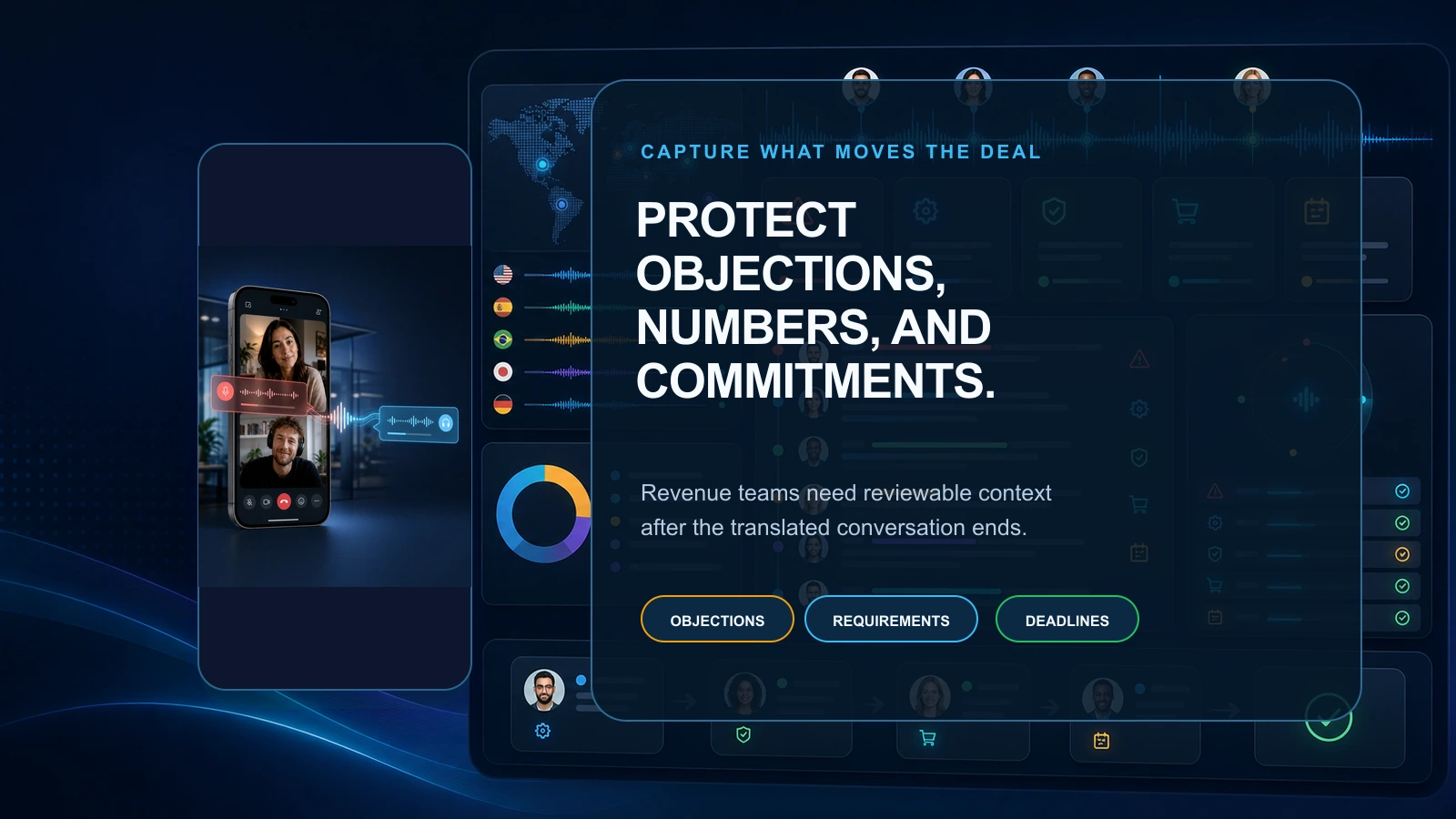
- Which dates, numbers, and commitments matter.
- Which next steps were accepted by both sides.
MeetBridge transcripts and meeting memory are designed to keep multilingual meeting records searchable, reviewable, and tied to follow-up context. For sales teams, that means the conversation does not disappear when the call ends.
5) Make objection capture a core requirement
Objections are often the most valuable part of a sales call.
They show what the buyer is worried about. They reveal the competitor. They identify the internal blocker. They expose the next proof point the team needs to provide.
In multilingual sales calls, objections are also easy to lose.
A buyer may soften an objection because they are speaking in a second language. A sales rep may miss nuance because they only understood the general meaning. A recap may reduce a detailed concern into a vague note such as “buyer had security questions.”
That is not enough.
A good sales call translation workflow should help the team capture objections with enough detail to act.
Weak note:
Buyer asked about integration.
Useful revenue note:
Buyer is concerned that the Salesforce integration will not sync custom opportunity fields before the pilot. They asked for documentation and a technical validation call with their CRM admin before Friday.
The second note changes the next step. It tells the AE, sales engineer, and manager what has to happen to keep the deal moving.
That is why meeting summaries and actions matter in a multilingual revenue workflow. The goal is not just a summary. The goal is decision clarity, action clarity, and pipeline momentum.
6) Evaluate how the software handles sales handoffs
Revenue work is a team sport.
A global deal may pass through multiple owners:
- SDR to AE after qualification.
- AE to sales engineer for technical discovery.
- AE to manager for deal review.
- Sales to legal or procurement support.
- Sales to customer success after close.
- Customer success to expansion or renewal owner later.
Each handoff creates risk. Multilingual context makes that risk bigger.
If the first call happened in Spanish, the demo happened in English, the security review included a German technical lead, and the buyer's procurement team prefers French, the team needs a reliable meeting record. Otherwise, every handoff becomes a new translation and memory exercise.
Sales call translation software should help teams preserve:
- Buyer goals.
- Qualification details.
- Stakeholder map.
- Objections.
- Technical requirements.
- Pricing expectations.
- Procurement constraints.
- Renewal or expansion signals.
- Promised follow-up.
MeetBridge's B2B sales and SaaS workflow is built around this reality: discovery, demos, proposals, onboarding, renewals, and follow-up all need connected context.
7) Use pre-call context to make translation easier
Better translation starts before the call.
If the host already knows the buyer's language preference, meeting goal, role, company context, and key questions, the live conversation becomes easier to guide. The sales rep can prepare terminology. The sales engineer can prepare examples. The team can avoid wasting the first ten minutes clarifying basics.
Pre-call context is especially useful for:
- Inbound demo requests.
- Partner sales calls.
- Enterprise discovery.
- Regional market expansion.
- Real estate buyer consultations.
- Health tourism consultations.
- Export customer meetings.
- Channel partner onboarding.
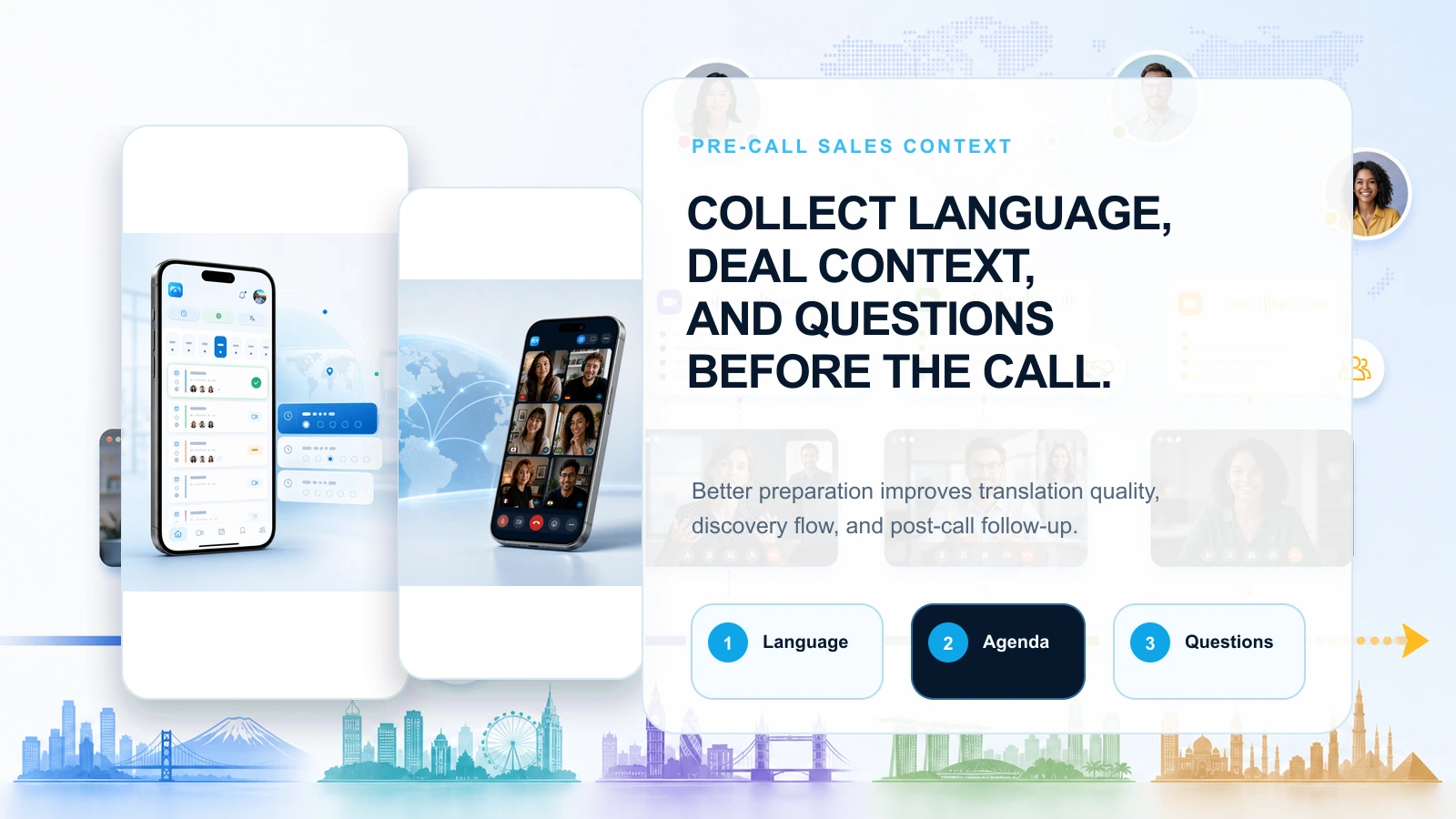
With MeetBridge booking links, teams can receive meeting requests, ask custom questions, and bring participant context into the meeting workflow.
For example, a sales booking form can ask:
- Which language would you prefer for the call?
- What are you hoping to solve?
- Which tools or systems do you currently use?
- Are you evaluating for one team or multiple regions?
- Is there a deadline or event driving the project?
- Who else should join the conversation?
Those answers help the sales team prepare before translation begins.
For customer-facing prep tactics, read How to Prepare for a Multilingual Customer Meeting.
8) Make follow-up speed part of the buying decision
Speed matters after the call too.
A global buyer may be comparing several vendors. The team that follows up clearly and quickly has an advantage. But multilingual calls often create slower follow-up because the rep needs to translate notes, check details, confirm commitments, rewrite context for internal teams, and prepare a recap that both sides trust.
That delay hurts momentum.
A strong sales call translation workflow should reduce the time from call to follow-up email.
After a call, the team should be able to answer:
- What did the buyer care about most?
- What objections or risks were raised?
- Which feature, integration, or service detail needs proof?
- What did we promise to send?
- Who owns the next action?
- What is the deadline?
- What should the next meeting cover?
- What needs to be handed to sales engineering, customer success, legal, or leadership?
MeetBridge meeting summaries and actions help teams turn meeting records into summaries, decisions, action items, and follow-up context that people can act on.
In sales, that can be the difference between a call that feels good and a deal that actually moves.
9) Protect dates, numbers, pricing, and commitments
Sales translation risk is not always emotional or cultural. Often, it is operational.
The dangerous details are small:
- A date.
- A price.
- A quantity.
- A contract term.
- A renewal window.
- An implementation deadline.
- A security requirement.
- A compliance document.
- A support commitment.
If one of those details is misunderstood, the deal can slow down or become risky.
Revenue teams should choose sales call translation software that makes critical details easier to review. That means transcripts, summaries, action items, and meeting history should stay connected.
The team should also build a simple confirmation habit into multilingual calls:
“Before we close, let me confirm the three next steps: we will send the security questionnaire by Wednesday, you will invite procurement to the next call, and the pilot decision is targeted for July 18.”
This habit works better when the platform supports a clear meeting record. The team can review what was confirmed and align follow-up accordingly.
10) Evaluate meeting memory across the full sales cycle
Sales cycles are not single-call events.
A multilingual opportunity may include:
- Inbound qualification.
- Discovery.
- Product demo.
- Technical validation.
- Security review.
- Proposal review.
- Procurement discussion.
- Contract negotiation.
- Onboarding handoff.
- Renewal or expansion conversation.
If each meeting starts from zero, the team loses time and context. Meeting memory helps the team keep the deal narrative intact.
Across the cycle, revenue teams should preserve:
- Original pain points.
- Desired outcomes.
- Decision criteria.
- Stakeholder roles.
- Objections and responses.
- Technical requirements.
- Pricing and procurement constraints.
- Renewal or expansion signals.
- Action item history.
This is why MeetBridge product overview positions the workflow from booking to live meeting to records, summaries, actions, and follow-up. For revenue teams, that connected workflow helps prevent context loss between conversations.
For a wider look at this workflow shift, read Why Global Teams Need More Than Translated Captions.
Sales call translation software scorecard
Use this scorecard when comparing tools.
| Evaluation area | What to ask | Strong signal |
|---|---|---|
| Live speed | Can buyers and sellers respond naturally? | The call feels like a conversation, not a delayed relay |
| Buyer experience | Is the meeting easy for external guests? | Buyers can join, speak, and understand without extra friction |
| Language performance | Does it work with your real regions and accents? | Tests include actual buyer language, not only clean demos |
| Sales vocabulary | Does it handle your product, pricing, and process terms? | Important terms remain understandable and reviewable |
| Discovery capture | Does it preserve buyer pain, need, urgency, and context? | The transcript and summary help the team qualify accurately |
| Objection capture | Are risks and blockers visible after the call? | Objections become actionable follow-up, not vague notes |
| Next steps | Are owners and deadlines clear? | The recap turns into tasks and commitments |
| Handoff quality | Can another teammate understand the deal? | SDR, AE, SE, manager, and CS can review the same record |
| Meeting memory | Does context stay connected across calls? | Future meetings start with history instead of guesswork |
| Security | Can the team handle customer data responsibly? | Access, retention, and privacy expectations are clear |
The best tool is not the one with the longest feature list. It is the one that improves the revenue workflow.
How different revenue roles should evaluate the tool
Different members of the revenue organization care about different outcomes.
Sales leaders
Sales leaders should ask whether the tool helps the team enter new markets, improve buyer trust, shorten follow-up time, and reduce deal risk across international opportunities.
Important questions:
- Can managers review multilingual calls without relying only on rep memory?
- Can the team standardize discovery and follow-up across regions?
- Can revenue leadership see why global deals are stuck?
- Can the tool support both new business and expansion?
Account executives
AEs should focus on live conversation quality and follow-up speed.
Important questions:
- Can I ask discovery questions naturally?
- Can I understand buyer objections as they happen?
- Can I send a better recap faster?
- Can I review exact buyer language before a proposal or negotiation?
SDRs and BDRs
SDRs and BDRs should look for qualification clarity.
Important questions:
- Can prospects explain their need in their preferred language?
- Can I capture qualification details accurately?
- Can I hand the call to an AE with enough context?
- Can I avoid losing strong prospects because of language friction?
Sales engineers
Sales engineers should evaluate technical precision.
Important questions:
- Are integrations, architecture, data, security, and implementation details captured accurately?
- Can I review the transcript before sending technical documentation?
- Can I identify what needs a follow-up demo or validation session?
Revenue operations
RevOps should evaluate consistency and process fit.
Important questions:
- Does the workflow reduce manual note cleanup?
- Does it create consistent post-call outputs?
- Does it help standardize international sales motions?
- Does it reduce context loss between teams?
Customer success and account management
Customer success teams should care about the handoff.
Important questions:
- Can we understand what was promised during sales?
- Can onboarding start with the buyer's original goals and concerns?
- Can we preserve renewal and expansion context across languages?
Common mistakes when choosing sales call translation software
Mistake 1: Choosing by language count only
Language coverage matters, but it does not prove that the tool can support a real revenue conversation. Your team needs quality in the languages, accents, and sales scenarios you actually use.
Mistake 2: Treating translation as separate from the sales process
If translation is disconnected from transcripts, summaries, actions, and handoffs, the team still has to rebuild the sales call manually.
Mistake 3: Ignoring the buyer experience
A tool that works for internal users but confuses prospects can hurt the meeting before it starts.
Mistake 4: Testing with simple phrases
Run tests with real discovery, demo, pricing, procurement, and objection scenarios.
Mistake 5: Forgetting sales engineering and customer success
The AE is not the only person who needs the record. Technical teams, managers, onboarding teams, and success teams often depend on what happened in the call.
Mistake 6: Letting follow-up become one-language biased
If the official recap is written only from the seller's language perspective, the buyer's nuance can disappear. Reviewable transcripts and structured summaries reduce that risk.
Mistake 7: Not confirming commitments live
Even with good translation, teams should confirm dates, prices, deliverables, owners, and next steps before the call ends.
For more general pitfalls, read Common Mistakes That Break Multilingual Meetings.
Practical sales scenarios where MeetBridge helps
Scenario 1: Cross-border discovery call
A prospect prefers Spanish. The AE speaks English. The buyer's technical lead joins from another region.
The team needs more than a translated conversation. It needs discovery notes, stakeholder context, business pain, technical requirements, timeline, and next steps.
With MeetBridge, the team can use live translation during the conversation, then review the transcript and use meeting summaries and actions to create follow-up.
Recommended path: B2B sales and SaaS.
Scenario 2: Multilingual product demo
A sales engineer runs a demo for a buying committee across three countries. Some participants understand English, while others prefer their local language.
The risk is not only that someone misses a feature. The risk is that the buying committee leaves with different interpretations of the value, implementation work, and next step.
MeetBridge helps keep the live conversation understandable while preserving the questions, objections, and commitments after the demo.
Recommended path: Live translation plus transcripts and meeting memory.
Scenario 3: Proposal review with procurement
A buyer wants to discuss pricing, contract duration, payment terms, and approval process in their local language.
This is where details matter. Misunderstanding one commercial term can create rework or mistrust.
The team should use live translation for the call and then review the transcript, decisions, and action items before sending the recap.
Recommended path: meeting summaries and actions.
Scenario 4: Sales-to-success handoff
A global customer signs the deal after multiple multilingual calls. Customer success now needs to understand the buyer's original goals, promised timeline, implementation risks, and key stakeholders.
Without meeting memory, the handoff depends on rep notes. With a connected meeting record, the success team can review the history and start onboarding with better context.
Recommended path: Transcripts and meeting memory plus customer success workflows.
Scenario 5: Partner sales call
A company is expanding through regional channel partners. The partner knows the market, but not every stakeholder shares one working language.
MeetBridge helps partner teams align on buyer requirements, pricing questions, territory concerns, implementation support, and follow-up responsibilities.
Recommended path: Product overview plus B2B sales and SaaS.
How to roll out sales call translation software across a revenue team
A good rollout should be practical. Do not start with every call. Start with the calls where language friction affects revenue the most.
Step 1: Identify the highest-value multilingual sales motions
Examples:
- International inbound demos.
- Regional enterprise discovery.
- Cross-border product demos.
- Partner sales calls.
- Procurement and proposal reviews.
- Technical validation calls.
- Renewal and expansion calls.
Step 2: Build a sales-specific test script
Use real language from your pipeline. Include pricing, dates, objections, product terms, and decision criteria.
Step 3: Define the required post-call output
Decide what every translated sales call should produce:
- Summary.
- Buyer pain.
- Qualification details.
- Objections.
- Technical requirements.
- Decision criteria.
- Action items.
- Owners.
- Deadline.
- Next meeting plan.
Step 4: Train reps to confirm critical details
Create a habit of confirming important details before ending the call. This reduces ambiguity and improves follow-up.
Step 5: Review outcomes, not only translation quality
After each test, ask:
- Did the buyer participate naturally?
- Did the rep capture useful context?
- Did the follow-up improve?
- Did the handoff become easier?
- Did the tool reduce repeated clarification messages?
A good rollout measures revenue workflow quality, not only language output.
When a basic translation tool may be enough
A basic translation or caption tool may be enough when:
- The conversation is informal.
- The buyer only needs general understanding.
- There are no important commercial commitments.
- The call does not require a transcript or structured recap.
- The follow-up is simple.
- The cost of misunderstanding is low.
In those cases, a lightweight translation experience may solve the immediate problem.
When revenue teams need MeetBridge
MeetBridge is the stronger fit when:
- The call is tied to pipeline, revenue, renewal, expansion, or customer trust.
- The buyer needs to speak in the language they trust.
- The team needs to capture objections and requirements accurately.
- The sales process includes multiple stakeholders or handoffs.
- Follow-up speed matters.
- The team needs transcripts, meeting memory, summaries, decisions, and action items.
- The opportunity spans discovery, demo, proposal, onboarding, renewal, or expansion.
- Language friction creates deal risk or slows global growth.
If your team measures success by pipeline advanced, deals qualified, demos completed, buyers aligned, renewals protected, or handoffs improved, choose a workflow built for the whole revenue process.
How MeetBridge fits the sales call translation checklist
MeetBridge is designed for global teams that need multilingual sales calls to create clear business outcomes.
The workflow connects:
- Booking links to collect buyer context before the call.
- Live translation to keep the conversation understandable while people speak.
- Transcripts and meeting memory to preserve buyer questions, objections, requirements, and commitments.
- meeting summaries and actions to turn the call into decisions, next steps, owners, and deadlines.
- B2B sales and SaaS workflows for discovery, demos, proposal reviews, onboarding, renewals, and partner sales calls.
This is the difference between translating a sales conversation and running a multilingual revenue workflow.
Start with the MeetBridge product overview to see how the full workflow connects.
The takeaway
Sales call translation software should not be judged only by whether it translates speech.
Global revenue teams need software that helps buyers participate naturally, preserves the details that move deals, captures objections and next steps, and keeps the sales process moving after the call ends.
The best sales call translation software connects live translation with transcripts, meeting memory, meeting summaries, action items, booking context, and follow-up.
That is how multilingual sales calls become easier to understand and easier to convert into revenue progress.
See MeetBridge in action
If your revenue team sells across languages, explore how MeetBridge supports the full sales call workflow:
- B2B sales and SaaS: run global discovery, demos, proposal reviews, renewals, onboarding, and partner sales calls.
- Live translation: keep multilingual sales conversations understandable in real time.
- Transcripts and meeting memory: preserve objections, requirements, decisions, and next steps.
- meeting summaries and actions: turn sales calls into follow-up your team can act on.
- Booking links: collect buyer context before the meeting starts.
- Product overview: see the complete multilingual meeting workflow.
- Security overview: review how meeting data and workflows are handled.
To evaluate MeetBridge for your revenue team, contact sales or review pricing.
FAQ
What is sales call translation software?
Sales call translation software helps sales teams communicate with buyers who speak different languages during live sales conversations. For business use, it should also support transcripts, summaries, objections, action items, and follow-up so the team can move the deal forward after the call.
What should global revenue teams look for in sales call translation software?
Global revenue teams should look for live translation, low latency, buyer-friendly meeting access, strong language-pair performance, transcript quality, objection capture, meeting summaries, action items, meeting memory, pre-call context, and secure handling of customer conversations.
Is sales call translation software different from general meeting translation software?
Yes. General meeting translation software focuses on multilingual understanding. Sales call translation software should also support revenue-specific needs such as discovery notes, objections, buyer requirements, pricing details, stakeholder context, next steps, and sales-to-success handoffs.
Are translated captions enough for sales calls?
Translated captions can help buyers follow a call, but they are often not enough for interactive revenue conversations. Sales calls usually require natural back-and-forth discussion, fast clarification, transcript review, objection capture, and structured follow-up.
How does MeetBridge help sales teams after a translated call ends?
MeetBridge keeps the conversation connected to transcripts, meeting memory, meeting summaries, decisions, action items, and follow-up context. That helps sales teams review buyer needs, capture objections, assign owners, and move quickly to the next step.
Can sales call translation software help with international demos?
Yes. Sales call translation software can help international buyers understand demos in their preferred language while helping sellers capture questions, requirements, objections, and next steps. This is especially useful when AEs, sales engineers, partners, and buyers are spread across countries.
Should sales teams still confirm important details live?
Yes. Even with strong AI translation, teams should confirm important details such as dates, pricing, contract terms, implementation timelines, owners, and next steps before the call ends. A clear transcript and summary make that confirmation easier to review later.
Does MeetBridge replace human interpreters for sales calls?
Not always. MeetBridge is useful for scalable, recurring multilingual sales meetings. Human interpreters may still be appropriate for highly sensitive, legal, regulated, or complex negotiations where certified interpretation or cultural mediation is required.
Which revenue teams benefit most from sales call translation software?
B2B sales, SaaS sales, SDR teams, account executives, sales engineers, RevOps, partner sales teams, customer success, account management, real estate sales, health tourism teams, export teams, and global operations teams can benefit when language affects buyer trust, speed, or follow-up quality.
Related posts
Continue reading:
- Live Translation App for Meetings: What Business Teams Should Look For in 2026
- Best Live Translation App for Business Meetings: Transcript, and Summary in One Workflow
- Best Real-Time Meeting Translation Software in 2026
- MeetBridge vs Gemini 3.5 Live Translate for Business Meetings
- Live Translation vs Translated Captions: What Is the Difference?
- How to Prepare for a Multilingual Customer Meeting
- How to Run Multilingual Meetings Without Slowing Them Down
- Common Mistakes That Break Multilingual Meetings
- Why Global Teams Need More Than Translated Captions
- What to Look for in Multilingual Meeting Software