Product overview QR & listeners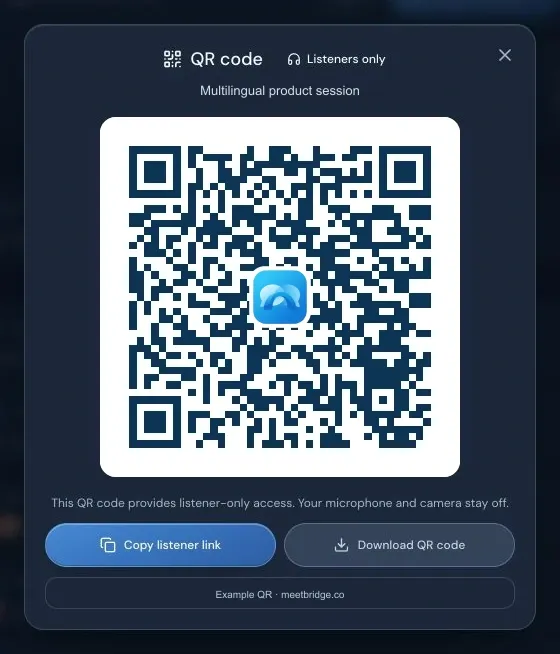 For listeners onlyShare the link or download a PNG
Demo meeting · The example QR opens this guide.
MEETBRIDGE · QR LISTENER ACCESS
Let your audience listen in their language.
Share a QR code. Guests choose their language and join as listeners.
- Host approval
- Listener access
- PNG download
For listeners onlyShare the link or download a PNGYour name. Your listening language.
Scan the QR, choose a language and request to listen. The host approves entry.
The host stays in control.
Clearly marked. Easy to find.
The Listener badge makes the role clear. Listeners appear after speakers in the room and participant list.